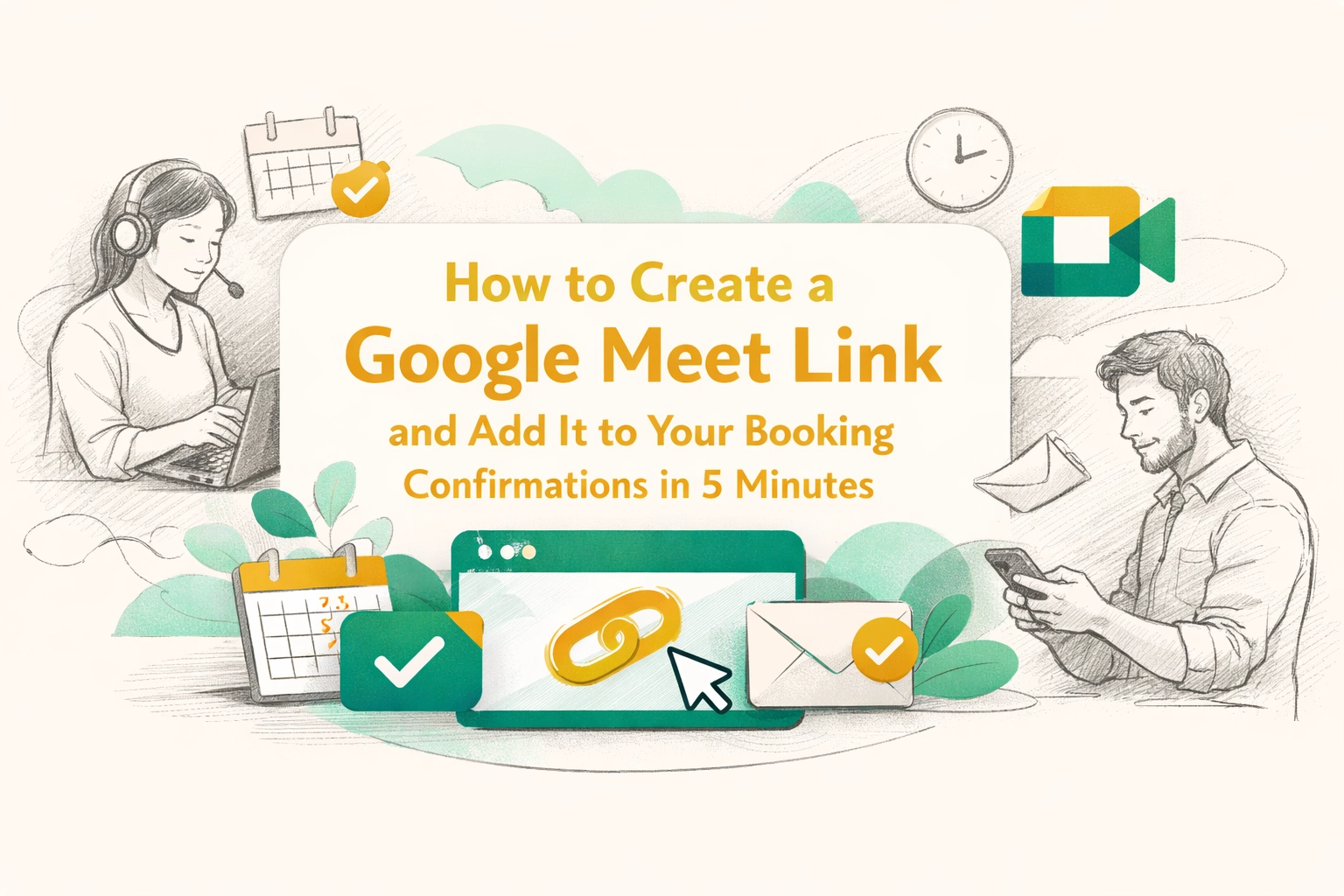
How to Create a Google Meet Link and Add It to Your Booking Confirmations in 5 Minutes
Learn how to generate a Google Meet link in seconds and automatically add it to your booking confirmations. Perfect for service businesses offering virtual consultations, estimates, or client meetings.
Penny · Feb 9, 2026 · 6 min read
- google meet
- virtual consultations
- booking automation
- service business
- video conferencing
Let's be honest, if you're running a service business in 2026 and you're not offering virtual options, you're leaving money on the table. 💰
Whether you're a consultant doing discovery calls, a contractor offering virtual estimates, or a coach scheduling sessions, Google Meet is one of the simplest ways to connect with clients without the back-and-forth chaos. And the best part? You can create a meeting link in under a minute and automatically send it with every booking confirmation.
No more copying and pasting links. No more "Oops, forgot to send the Zoom info" emails at the last minute. Just clean, automated virtual meetings that make you look like the professional you are.
Here's exactly how to do it.
How to Create a Google Meet Link (The Fast Way) 🚀
Creating a Google Meet link isn't rocket science, but there's a right way to do it, especially if you want to reuse the same link for multiple meetings or schedule them in advance.
Step 1: Go to Google Meet
Head to meet.google.com or click the Google apps icon (the nine dots in the top right of any Google page) and select Meet.
Step 2: Click "New meeting"
You'll see a big button that says "New meeting", click it.
Step 3: Choose "Create a meeting for later"
This is the important part. Instead of starting a meeting right now, select "Create a meeting for later." This generates a permanent meeting link you can share with clients, add to emails, or, here's where it gets good, automatically include in booking confirmations.
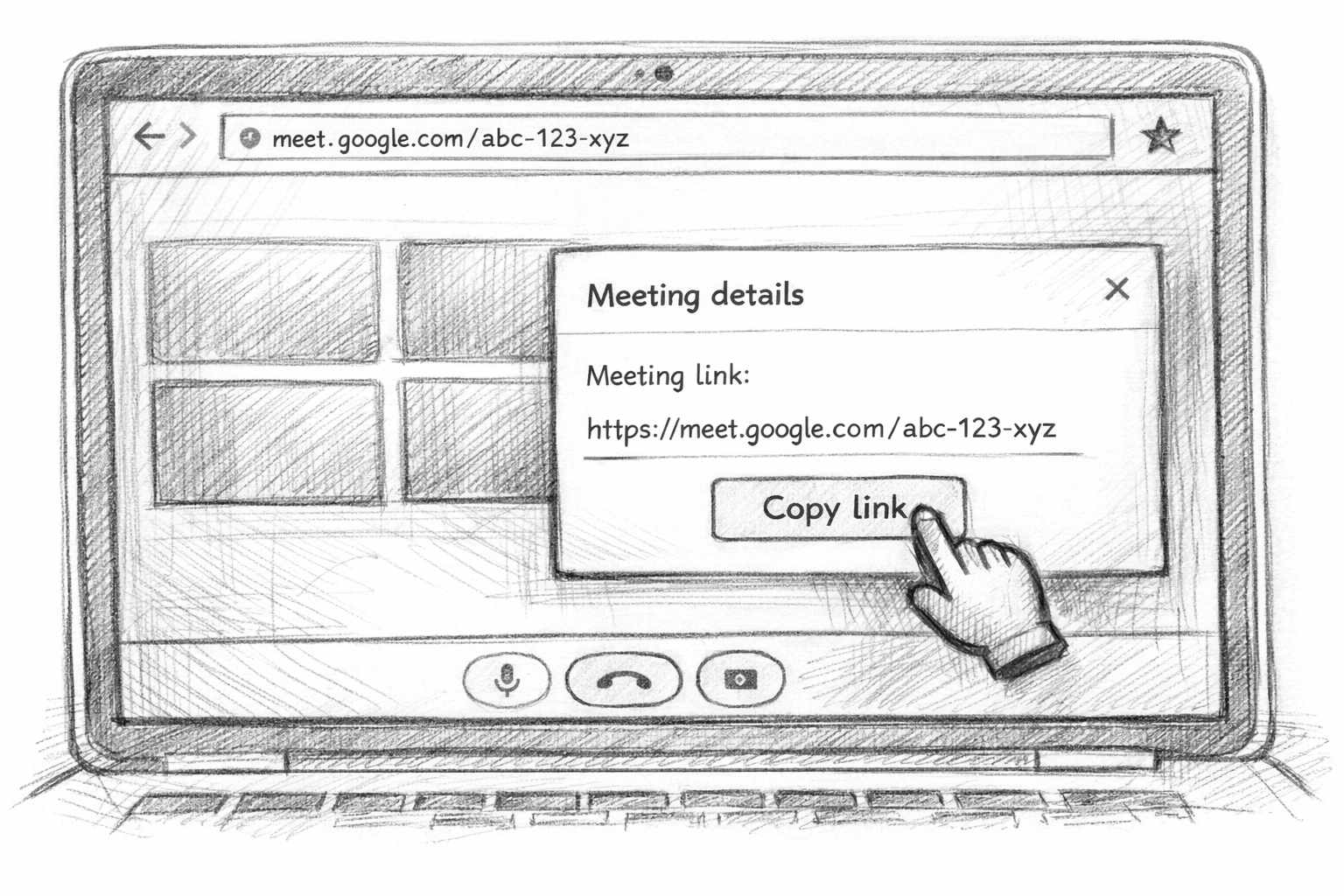
Step 4: Copy the link
Google Meet will give you a link that looks something like this: meet.google.com/abc-defg-hij. Click the copy icon next to the link, and you're done.
That's it. You now have a reusable Google Meet link ready to go. 🎉
Why This Matters for Service Businesses 📞
If you're a small business owner, you already know that time is your most valuable asset. Every minute spent on admin tasks is a minute you're not spending with clients or actually doing the work you love.
Virtual consultations solve a ton of problems:
- No travel time for you or your clients
- Lower barrier to entry for potential customers (it's easier to hop on a 15-minute call than drive across town)
- More bookings because you can fit more appointments into your day
- Better first impressions when everything feels smooth and professional
But here's the catch: if clients have to manually request a meeting link or you forget to send it, you're creating friction. And friction kills conversions.
The solution? Automate the entire process so every booking confirmation automatically includes the Google Meet link. No extra steps. No room for error.
Adding Google Meet Links to Your Booking Confirmations ✉️
This is where most service businesses drop the ball. They create the link... then manually copy-paste it into every confirmation email. That works for a few bookings, but it's not scalable and it's definitely not sustainable.
You need a system that does this automatically. Here's what that looks like:
Option 1: Manual Integration (The DIY Route)
If you're using basic email confirmations through Gmail or another email provider, you can:
- Create your Google Meet link (using the steps above)
- Save it as a template in your email drafts
- Copy and paste it into every booking confirmation you send
The problem? This is still manual work. You'll forget. You'll make mistakes. And it doesn't scale when you start getting more bookings.
Option 2: Smart Automation (The Right Way)
This is where a platform like Kejoola makes your life dramatically easier.
With Kejoola, you can:
- Automatically generate unique Google Meet links for each appointment
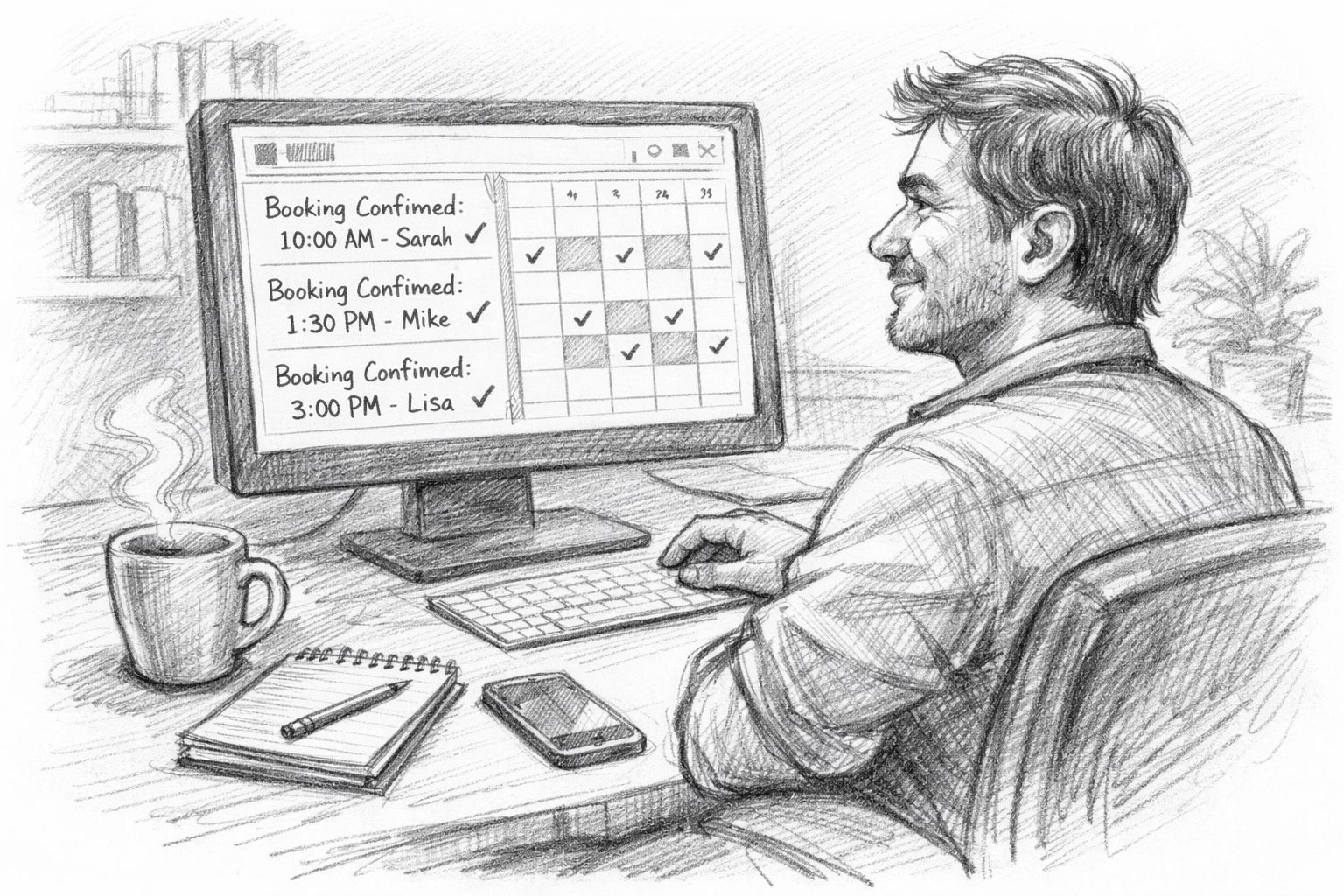
- Include them in booking confirmations without lifting a finger
- Send reminder emails with the meeting link 24 hours before the appointment
- Manage your entire booking workflow in one place
Instead of duct-taping together a Google Calendar, a booking form, and manual emails, you get everything in one system. Clients book. They get an instant confirmation with the Google Meet link. They show up. Done.
Real-World Use Cases: Who Actually Needs This? 🤔
You might be thinking, "Okay, but is this really necessary for my business?" Let me show you who's already using this setup:
Consultants and Coaches
Discovery calls, strategy sessions, and one-on-ones all happen virtually. Automating Google Meet links means clients get instant access and you don't waste time on coordination.
Home Service Businesses Offering Virtual Estimates
Plumbers, electricians, HVAC techs, and contractors are increasingly offering virtual estimates for simple jobs. A quick 10-minute Google Meet call can save everyone a trip and help you qualify leads faster.
Therapists and Healthcare Practitioners
Telehealth is here to stay. Automating meeting links ensures patients have everything they need and reduces no-shows by including the link in reminder emails.
Tutors and Teachers
Whether you're teaching music lessons, language courses, or test prep, virtual sessions are the norm. Automating the Google Meet link makes scheduling frictionless for parents and students.
Pet Groomers and Mobile Services
Even mobile businesses benefit from virtual consultations. A quick call before the first appointment helps set expectations and builds trust.
The pattern is clear: if you schedule appointments, you need virtual options. And if you have virtual options, you need automation.
Pro Tips for Using Google Meet Links Like a Pro 💡
Here are a few things I always recommend to service business owners who are setting this up:
Use a consistent meeting link for regular clients
If you have recurring appointments with the same client, you can reuse the same Google Meet link. It's easier for them to remember and bookmark.
Include the link in multiple places
Don't just send it once. Include the Google Meet link in:
- The initial booking confirmation
- A reminder email 24 hours before
- An SMS reminder (if you're using text notifications)
Test the link before sending it out
It sounds obvious, but make sure your Google Meet settings are correct. Check your camera, microphone, and privacy settings so you're not scrambling when the client joins.
Set expectations in your confirmation email
Let clients know what to expect: "This will be a 30-minute virtual consultation via Google Meet. No software download required: just click the link at your appointment time."
Why Kejoola Makes This Stupidly Simple 🛠️
Look, you can absolutely set this up manually. You can create Google Meet links, write confirmation emails, and manage your calendar by hand.
But here's the thing: your time is worth more than that.
Kejoola is built specifically for small service businesses who want to stop losing money to scheduling conflicts and administrative headaches. It's not a bloated enterprise tool with a million features you'll never use. It's focused on what actually matters:
- Instant booking confirmations with Google Meet links included
- Automated reminders so clients don't forget (and you don't have to chase them)
- Calendar syncing so you never get double-booked
- Simple setup that doesn't require a tech degree
You can start with a free trial and have your entire booking system running: complete with automated Google Meet links: in less time than it takes to answer a handful of "Are you available?" texts.
The Bottom Line: Automate or Fall Behind ⏰
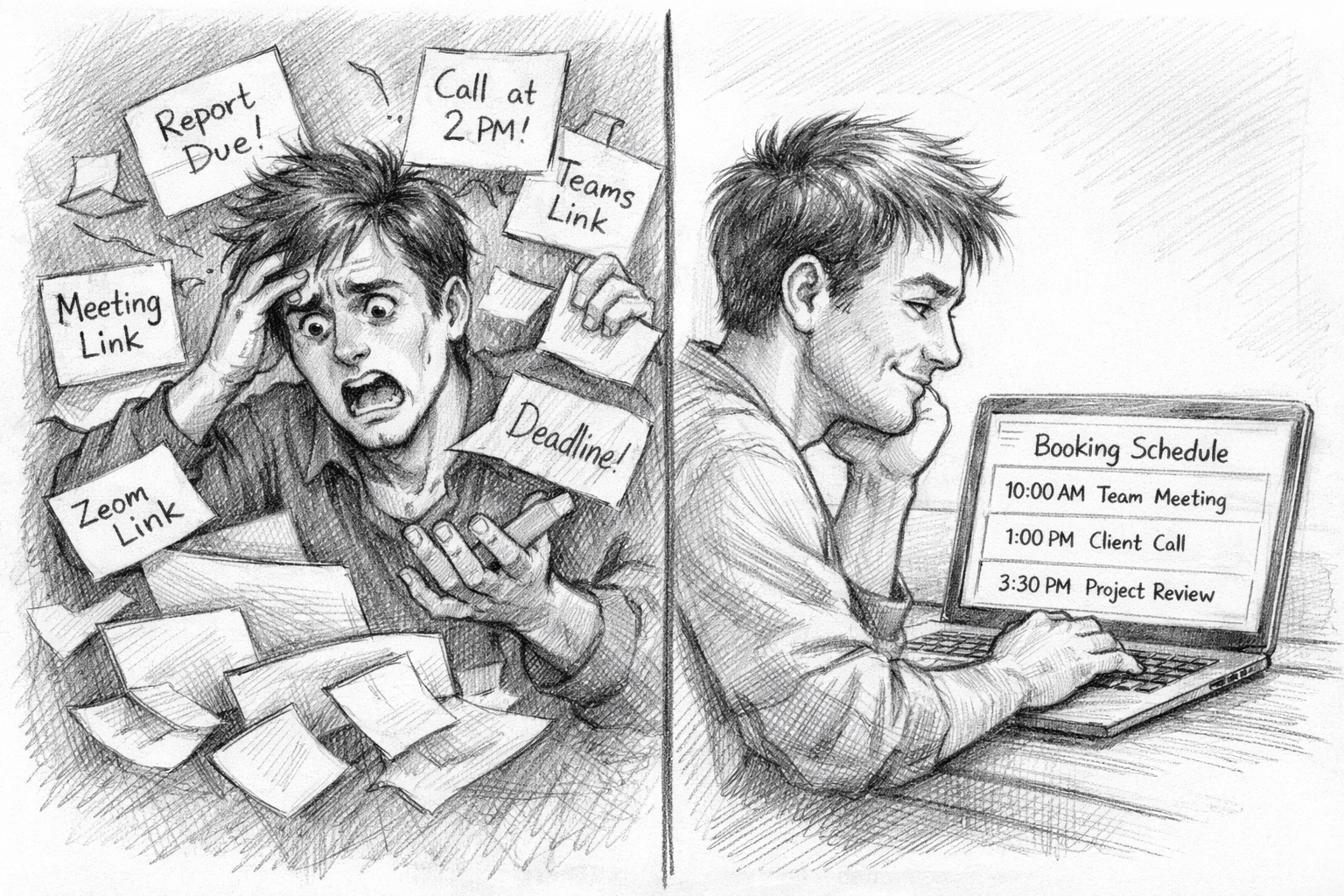
Creating a Google Meet link takes 60 seconds. Adding it to your booking confirmations manually takes another 30 seconds per booking. That doesn't sound like much until you're handling 20, 50, or 100 bookings a month.
Suddenly, you're spending hours on admin work that should take zero time.
The businesses that win in 2026 are the ones that automate the boring stuff so they can focus on the work that actually matters. Virtual consultations are table stakes now. The question isn't whether you should offer them: it's whether you're making them as easy as possible for clients to book and access.
Set up your Google Meet link. Automate your confirmations. Watch your no-show rate drop and your professional reputation climb.
And if you want to skip the manual headache entirely, Kejoola has your back. Simple booking. Automated confirmations. Google Meet links included. That's it.
Now go reclaim those hours you've been wasting on scheduling. ✨