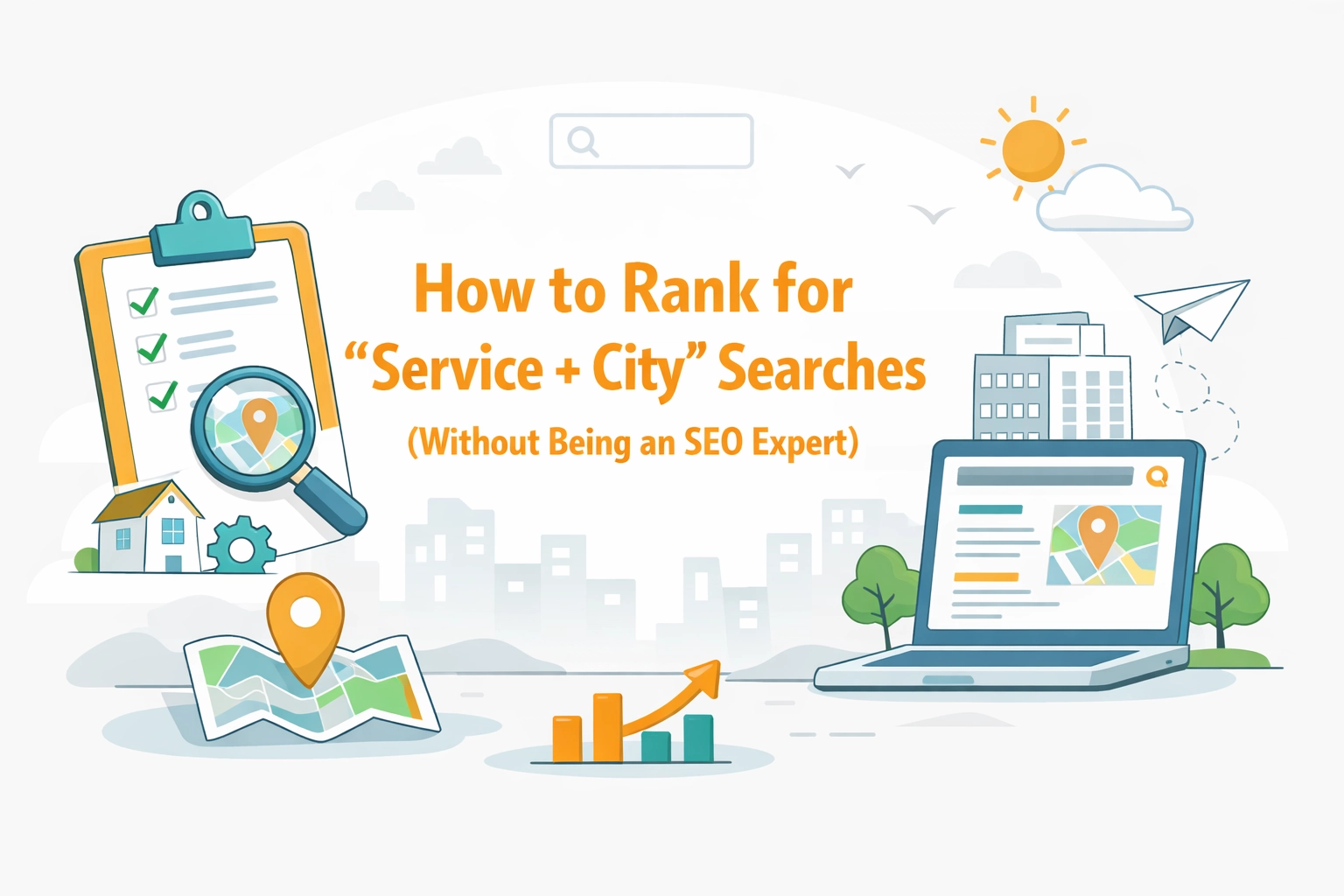
How to Rank for 'Service + City' Searches (Without Being an SEO Expert)
The proven strategy to get your service business showing up when locals search for what you do: no technical degree required.
Penny · Feb 13, 2026 · 7 min read
- local SEO
- service business
- city pages
- Google rankings
- small business
Let's be honest: you didn't start your cleaning business, HVAC company, or junk removal service to become an SEO wizard. You just want people in your area to actually find you when they're searching for what you do.
The problem? When someone types "house cleaning Austin" or "junk removal Denver" into Google, you're buried on page three: or worse, you don't show up at all. Meanwhile, your competitor with the dated website somehow lands at the top.
Here's the good news: ranking for "service + city" searches isn't rocket science. You don't need to understand algorithms or hire an expensive agency. You just need to understand one core strategy that works predictably: and ideally, have the right tools handling the technical stuff in the background.
What Are "Service + City" Searches? 🔍
A "service + city" search is exactly what it sounds like: someone looking for a specific service in a specific location. Think:
- "Plumber in Phoenix"
- "Cleaning service Seattle"
- "HVAC repair Dallas"
- "Junk removal Portland"
These searches represent high-intent customers: people ready to hire someone right now. They're not browsing. They're not doing research for fun. They need a service, and they need it in their city.
This is the big one: 43% of all Google searches have local intent. If you're a service business and you're not optimizing for these searches, you're leaving money on the table every single day.

Why This Actually Matters for Your Bottom Line 💰
Here's what happens when you start ranking for "service + city" searches:
- More qualified leads – People searching for "cleaning service + [their city]" are ready to book, not just browsing
- Less competition – You're competing locally, not against every business in the country
- Higher conversion rates – Local searchers convert at a 29% higher rate than generic searches
- Phone calls and bookings – This is where your phone actually rings with people saying "Are you available this week?"
The difference between ranking on page one versus page three? It's the difference between a full schedule and wondering where your next client will come from.
The Mistakes Most Service Businesses Make 🚫
Before we get to what works, let's talk about what doesn't. I see these same mistakes from service businesses over and over:
Mistake #1: One generic "services" page You have a single page listing everything you do, maybe with a passing mention that you "serve the greater metro area." Google has no idea which specific cities you cover.
Mistake #2: Ignoring local keywords completely Your website talks about your "commitment to excellence" but never actually mentions the cities, neighborhoods, or areas you serve. Zero local signals for Google to work with.
Mistake #3: Slow, bloated websites Your site takes 8 seconds to load on mobile because it's running 47 plugins and unoptimized images. Google prioritizes fast sites: especially for local searches where people are often on their phones.
Mistake #4: Duplicate content You create pages for different cities but just swap out the city name. "Welcome to our Denver services!" versus "Welcome to our Phoenix services!" Google sees right through this and often won't rank either page.
Mistake #5: Never updating your content You launched your site three years ago and haven't touched it since. Google wants to see that your business is active and relevant.
The Strategy That Actually Works: City Landing Pages 📍
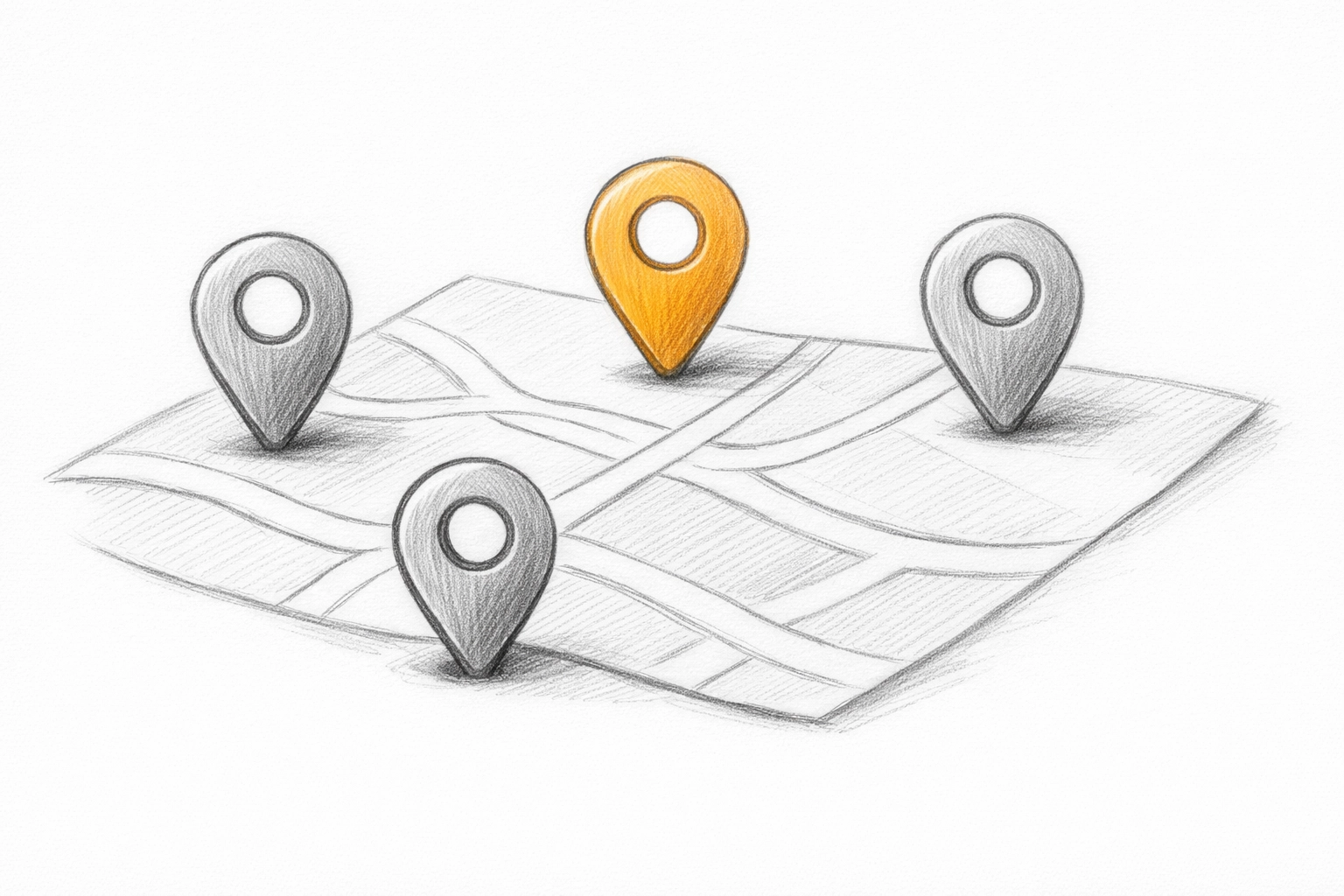
Here's the most predictable, proven strategy for ranking in "service + city" searches: dedicated city pages.
Instead of one vague service page, you create separate pages for each city or area you serve. Each page is optimized specifically for that location.
For example, if you're a cleaning service covering three cities, you'd have:
- yoursite.com/cleaning-services-austin
- yoursite.com/cleaning-services-round-rock
- yoursite.com/cleaning-services-pflugerville
But here's the critical part: these pages can't be copy-paste jobs with city names swapped out. Each one needs to be genuinely unique.
What Goes On a Proper City Page
Each city page should include:
- Your core services – What you actually offer in that specific location
- Local proof – Photos of projects you've completed in that area, testimonials from customers in that city
- Neighborhood mentions – Reference actual neighborhoods, landmarks, or areas within the city
- City-specific FAQs – "Do you charge travel fees to North Austin?" "Can you do same-day service in Round Rock?"
- Clear contact options – Phone number, booking form, service area map
Check out how real Kejoola sites handle this. Take a look at JG Junk Removal or E&C Cleaning Services: each site is specific to their actual service area with real local context.
The Timeline: When Do You See Results?
The good news: city pages can start ranking fast. We're talking 4–8 weeks if they're done right. Many businesses see their keywords jump from page 3 or 4 straight into the top 3 results.
Why so fast? Because you're not competing against national brands or huge companies. You're competing against other local service providers, and most of them aren't doing this strategy.
How Kejoola Handles the Heavy Lifting 🛠️
Now, here's where it gets easier. The strategy makes sense, but actually implementing it? That's where most service business owners get stuck.
You'd need to:
- Set up proper schema markup (those code snippets that tell Google what your business is)
- Structure your site correctly so search engines can crawl it
- Optimize page speed
- Make sure everything works on mobile
- Handle all the technical SEO stuff that makes your brain hurt
Kejoola sidesteps all of this. When you build your site on Kejoola, you get:
✅ Built-in schema and structured data – The technical code that tells Google "this is a service business in this location offering these services" is already baked in. You don't touch a line of code.
✅ Optimized, fast-loading themes – Your site loads quickly on mobile right out of the box. No bloated plugins. No mystery why your site takes 10 seconds to load.
✅ Clean site structure – Your pages are organized in a way that makes sense to both humans and search engines. Service pages, city pages, booking pages: all interconnected properly.
✅ Mobile-first design – Since most local searches happen on phones, your site looks and works great on every device.
You can literally set up a professional, SEO-friendly service website in an afternoon instead of spending weeks trying to figure out WordPress plugins and technical settings.

The Secret Weapon: Keeping Your Site Fresh 🌱
Here's something most people miss: Google loves fresh content.
A static website that never changes sends a signal: "This business might not be active." But regularly updated content signals that you're current, relevant, and actively serving customers.
The problem? You're busy running your actual business. You don't have time to sit down every week and write blog posts about cleaning tips or HVAC maintenance.
This is where Kejoola's AI content feature comes in. You can quickly generate fresh blog posts and service updates without staring at a blank page for hours. The AI helps you create content that:
- Targets relevant local keywords
- Answers common customer questions
- Shows Google your site is active and maintained
- Gives potential customers helpful information that builds trust
It's not about gaming the system. It's about actually having useful content on your site that serves both search engines and real customers: without the content creation being a second full-time job.
Want proof this works? Check out our blog to see how consistent content keeps a site ranking.
Getting Started: Your Action Plan 📋
Ready to actually do this? Here's your step-by-step:
Step 1: Pick 1–3 cities to start with Don't try to target 20 cities at once. Start with the areas where you do the most business or where you want to do more business.
Step 2: Create genuinely unique city pages Include real photos, real testimonials, actual neighborhood references. Make each page about that specific location.
Step 3: Make your pages easy to find Add a "Service Areas" or "Areas We Serve" section to your main navigation. Don't hide these pages.
Step 4: Keep your site updated Aim for at least one new piece of content per month. It doesn't have to be long: even a short FAQ post or customer success story counts.
Step 5: Monitor what's working Watch which pages are getting views and which searches are bringing people to your site. Double down on what works.
Pro Tip: If you're starting from scratch or rebuilding your site, use a platform designed for service businesses from the ground up. You'll avoid 90% of the technical headaches and launch faster. Get started with Kejoola and have your site live in hours, not weeks.
The Takeaway 🎯
Ranking for "service + city" searches isn't mysterious. It's about showing Google: clearly and repeatedly: that you serve specific locations with specific services.
The winning formula:
- City-specific pages with unique, local content
- Technical SEO handled properly (schema, speed, mobile optimization)
- Fresh content that keeps your site active in Google's eyes
- Proof of local work through photos, testimonials, and neighborhood mentions
You don't need to become an SEO expert. You just need the right strategy and the right tools handling the technical stuff in the background. Focus on running your business and serving your customers. Let the platform handle the rest.
When someone in your city searches for what you do, you should be the one they find. That's not luck( it's just the right approach executed consistently.)