The Simple Guide to Automating Your Business (No WordPress Experience Required)
Tired of wrestling with WordPress plugins just to take bookings? Here's how to automate your service business the easy way.
Penny · Jan 16, 2026 · 5 min read
- automation
- booking system
- wordpress alternatives
- service business
- scheduling
Let's be honest, if you've ever tried to set up online booking on a WordPress site, you know the pain. 😩
You install a plugin. Then another plugin to make the first one work. Then a third to handle payments. Suddenly you're spending your Saturday watching YouTube tutorials instead of actually running your business.
Here's the thing: you don't need WordPress experience to automate your bookings. In fact, you don't need WordPress at all.
If you run a cleaning business, HVAC shop, landscaping crew, or another service business, this guide helps you get bookings working without becoming a part-time web developer.
Why WordPress Becomes a Headache for Service Businesses 🤯
WordPress powers about 43% of websites on the internet. It's popular for a reason. But here's what nobody tells you upfront: WordPress is a content management system first. Everything else, booking, scheduling, payments, gets bolted on afterward.
That means you're dealing with:
- Plugin overload: Need bookings? That's a plugin. Need email reminders? Another plugin. Payment processing? You guessed it.
- Constant updates: WordPress core updates, theme updates, plugin updates. Miss one, and things start breaking.
- Compatibility nightmares: Plugin A doesn't play nice with Plugin B. Suddenly your booking form disappears and you have no idea why.
- Security vulnerabilities: More plugins = more potential entry points for hackers.
For a blogger or a marketing agency, WordPress makes sense. For a one-person landscaping business that just wants to take bookings while you're out mowing lawns? It's overkill.

The Simpler Path: All-in-One Platforms ✨
Here's what I hear from service business owners all the time: "I just want something that works."
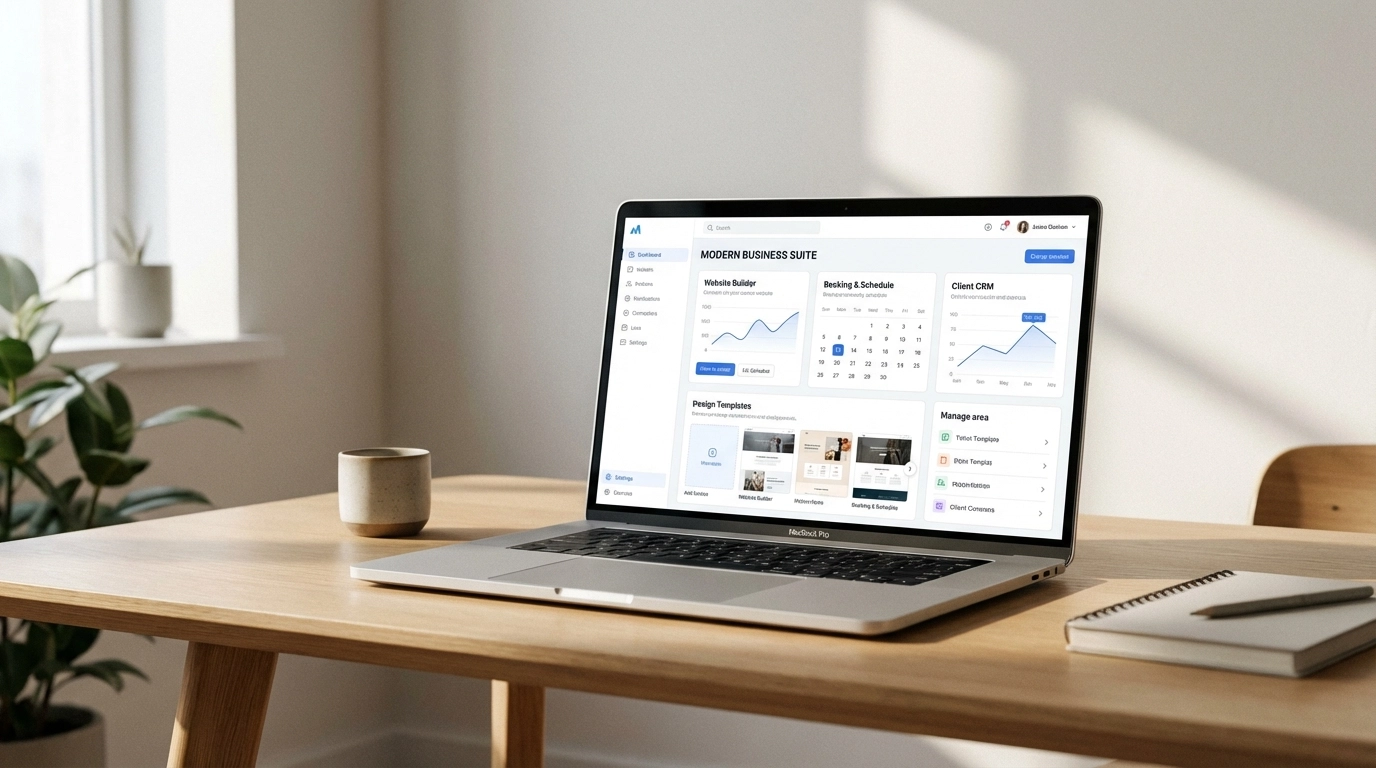
That's where all-in-one platforms come in. Instead of duct-taping multiple plugins together, you get a single system that handles:
- Your website (no coding required)
- Online booking (built right in)
- Automated reminders (bye-bye no-shows)
- Client management (all your info in one place)
- Payment processing (optional but seamless)
The key difference? These tools are built specifically for service businesses. They're not trying to be everything for everyone. They're designed for people like you.
WordPress vs. All-in-One: The Real Comparison 📊
Let's break this down so you can see the difference at a glance:
| Feature | WordPress + Plugins | All-in-One Solution (like Kejoola) |
|---|---|---|
| Setup time | Hours to days | Minutes |
| Technical skill needed | Moderate to high | None |
| Booking system | Requires plugin | Built-in |
| Automated reminders | Requires additional plugin | Built-in |
| Updates & maintenance | You handle everything | Handled for you |
| Plugin compatibility issues | Common | Not applicable |
| Security patches | Your responsibility | Automatic |
| Cost | Hosting + theme + multiple plugins | One simple price |
| Support | Varies by plugin | Unified support |
The takeaway is clear: if your goal is to automate service bookings without the tech headache, WordPress alternatives win every time.
How to Automate Your Bookings in 4 Simple Steps 🚀
Ready to ditch the complexity? Here's exactly how to get your booking automation up and running, no WordPress experience required.
Step 1: Identify What You Actually Need
Before you pick a tool, get clear on your requirements. Ask yourself:
- Do clients need to book specific time slots or just request appointments?
- Do you need automated email or SMS reminders?
- Will you accept payments online or at the time of service?
- Do you need a full website or just a booking page?
For most service businesses, the answer is: simple time-slot booking with reminders. You don't need enterprise features. You need something that works while you're on the job.
Step 2: Choose a Platform Built for Service Businesses
Skip the generic website builders. Look for platforms designed with your workflow in mind.
Kejoola, for example, combines website building with service management in one place. No plugins to install. No compatibility issues. Just a clean system that lets clients book you online while you focus on your actual work.
Pro Tip: Look for platforms that include automated reminder emails. Studies show reminders can reduce no-shows by up to 29%, that's real money saved.
Step 3: Set Up Your Booking Flow
With the right platform, this takes minutes, not hours. Here's what you're setting up:
- Your available hours: When can clients book you?
- Service types: What do you offer and how long does each take?
- Buffer time: Need 30 minutes between jobs to travel? Build it in.
- Confirmation messages: What should clients receive after booking?
Most all-in-one platforms use a visual interface. You're clicking and dragging, not writing code.
Here's a quick look at how simple booking automation can be:
Step 4: Turn On Automated Reminders
This is the big one. 🎯
Manual reminder calls eat up your time. And let's be honest, sometimes you forget. Automated reminders solve both problems.
Set up reminders to go out:
- 24 hours before the appointment (standard)
- 2 hours before for same-day bookings (optional but helpful)
Most platforms let you customize the message. Keep it simple: appointment time, your business name, and how to reschedule if needed.
Need help crafting effective reminders? Check out our guide on how to reduce no-shows.
What About the Learning Curve? 📚
Here's a fair question: "Won't I have to learn a new system anyway?"
Yes, but there's a massive difference.
Learning WordPress + plugins means understanding:
- How WordPress works
- How your theme works
- How each plugin works
- How they all interact
Learning an all-in-one platform means understanding:
- One system
- That's it
The learning curve is dramatically shorter because everything is designed to work together from the start.

Real Talk: When WordPress Might Still Make Sense 🤔
I'm not here to tell you WordPress is always wrong. If you:
- Already have a WordPress site you love
- Have a developer on retainer
- Need highly custom functionality
- Run a business that isn't appointment-based
...then WordPress might still be your best bet.
But if you're a service business owner who's tired of the technical overhead and just wants bookings to work? There are better options now.
The Bottom Line 💡
You got into your business to do the work you love: cleaning homes, fixing HVAC systems, transforming yards. Not to troubleshoot plugin conflicts at 10 PM.
The question isn't whether you can automate bookings on WordPress. You can. The question is whether that's the best use of your time and energy.
For most service businesses, the answer is no.
All-in-one platforms like Kejoola exist specifically to solve this problem. Website, booking, reminders, client management: all in one place. No plugins. No updates to manage. No compatibility headaches.
Your next step: Take 10 minutes to explore what's possible when you don't have to fight your tools. Your future self (and your weekends) will thank you.