How to Create a Booking-Ready Website in 5 Minutes (Easy Guide for Service Pros)
Think building a website takes weeks? Think again. Here's how service pros can launch a booking-ready website in just 5 minutes, no coding, no stress, no excuses.
Penny · Jan 22, 2025 · 7 min read
- booking-ready websites
- service pros
- small service business website
- easy booking system
- website builder
Let's be honest: you didn't start your service business to become a web developer. 🛠️
You started it to clean houses, detail cars, fix pipes, or mow lawns. The last thing you want is to spend weeks wrestling with code, watching tutorials, and pulling your hair out over something called "CSS."
Here's the good news: you don't have to.
Building a small service business website with an easy booking system isn't the months-long project it used to be. In fact, with the right tool, you can have a fully functional, booking-ready website live and accepting clients in about 5 minutes.
Yes, five. The same amount of time it takes to brew a decent cup of coffee. ☕
This guide is going to walk you through the exact steps, no fluff, no jargon, no "let me explain what a server is" nonsense. Just a fast, simple path from "I need a website" to "I have a website that books clients while I sleep."
Ready? Let's go.
Why "Booking-Ready" Is the Only Kind of Website That Matters 📅
Before we dive in, let's get one thing straight: a website without a booking system is just a digital business card.
It's nice. It's pretty. But it doesn't work for you.
Think about it. A potential client lands on your site at 11 PM. They want to book your services. But all they see is a phone number and "Contact Us" form. What do they do?
They leave. They find someone else who lets them book right then and there.
The stats don't lie:
- Businesses with online booking see up to 29% fewer no-shows
- Customers are far more likely to book when they can do it instantly
- You stop playing endless phone tag with people who "just want to check your availability"
A booking-ready website turns visitors into paying clients, automatically. That's the goal. That's what we're building today.
Step 1: Choose Your Business Name and Niche (30 Seconds) 🏷️
This is the easiest step, because you've probably already done it.
When you sign up for a website builder like Kejoola, the first thing it asks is: What's your business called, and what do you do?
That's it. Type in your business name, "Sparkling Clean Co." or "Mike's Mobile Detailing" or whatever you've got, and select your niche from the dropdown.
Why does the niche matter?
Because the platform uses it to pre-populate your site with relevant content, images, and booking options. A residential cleaning business has different needs than a personal trainer. The system knows this and adjusts accordingly.
Pro Tip: If you're still deciding on a business name, keep it simple and descriptive. "Dave's Lawn Care" beats "GreenScape Eco-Solutions Unlimited" every single time. People need to know what you do in two seconds or less.
If you're in the residential cleaning space, I actually wrote a whole guide on building the best website for cleaning services, it's worth a read after you finish this one.
Step 2: Pick a Template (60 Seconds) 🎨
Here's where most people overthink things.
They browse templates for hours. Days. Weeks. They compare fonts, agonize over color palettes, and eventually give up because "none of them feel right."
Don't be that person.
Here's the truth: Your clients don't care about your font choice. They care about three things:
- Can they see what services you offer?
- Can they book easily?
- Do you look professional enough to trust?
That's the bar. And almost any modern template clears it.
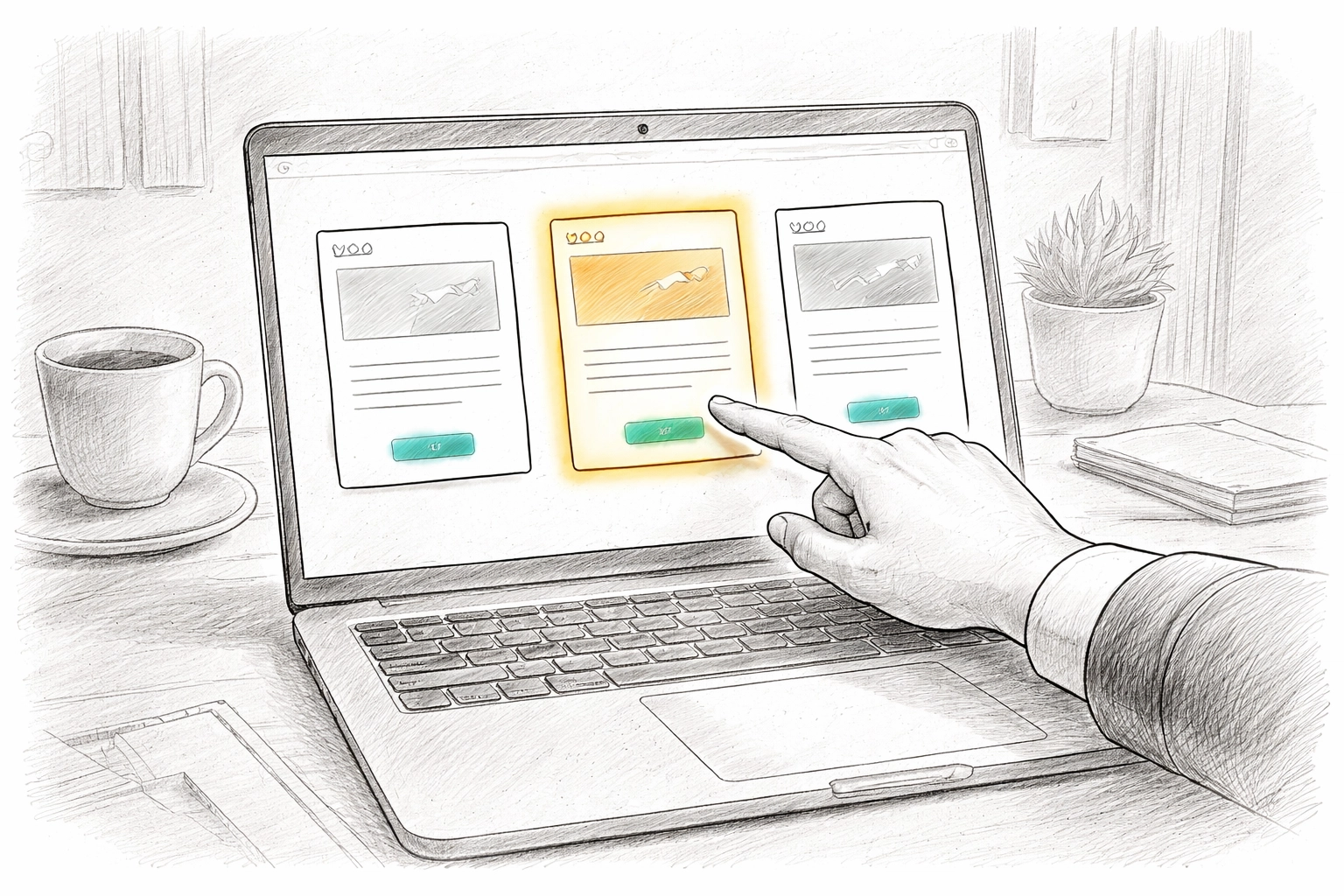
When you're selecting a template, look for:
- Clean, uncluttered design (white space is your friend)
- Mobile-responsive layout (most clients will find you on their phones)
- A prominent "Book Now" button (this is non-negotiable)
Pick one that feels "close enough" and move on. You can always swap images and pick a palette and your brand color later. The goal right now is to get live, not to win a design award.
Step 3: Set Up Your Services and Booking Calendar (2 Minutes) ⏰
This is the heart of your booking-ready website. This is where the magic happens.
In this step, you're going to tell the system:
- What services you offer (house cleaning, oil change, gutter cleaning, etc.)
- How long each service takes (1 hour, 2 hours, half a day)
- When you're available (Monday–Friday, 9 AM–5 PM, or whatever works for you)
Most platforms let you do this through a simple setup wizard. No spreadsheets. No complex configurations. Just fill in the blanks.
Here's a quick video that shows you how simple setting up a service business can be:
https://www.youtube.com/watch?v=qgInM6FH8Lk
The key settings to nail:
| Setting | Why It Matters |
|---|---|
| Service Duration | Prevents back-to-back bookings with no travel time |
| Buffer Time | Gives you breathing room between appointments |
| Availability Windows | Stops clients from booking you at 3 AM on a Sunday |
| Booking Lead Time | Requires 24-hour notice so you're not scrambling |
If you've ever dealt with scheduling conflicts, you know how painful double bookings can be. Setting these parameters upfront saves you from that nightmare entirely.
Key Insight: Don't offer too many service options at first. Start with your 2–3 core offerings. You can always add more later. Too many choices = decision paralysis for your clients.
Step 4: Add Your Contact Info and Payment (30 Seconds) 💳
Almost there.
This step is straightforward:
- Add your phone number (so clients can call if they really want to)
- Add your email address (for booking confirmations)
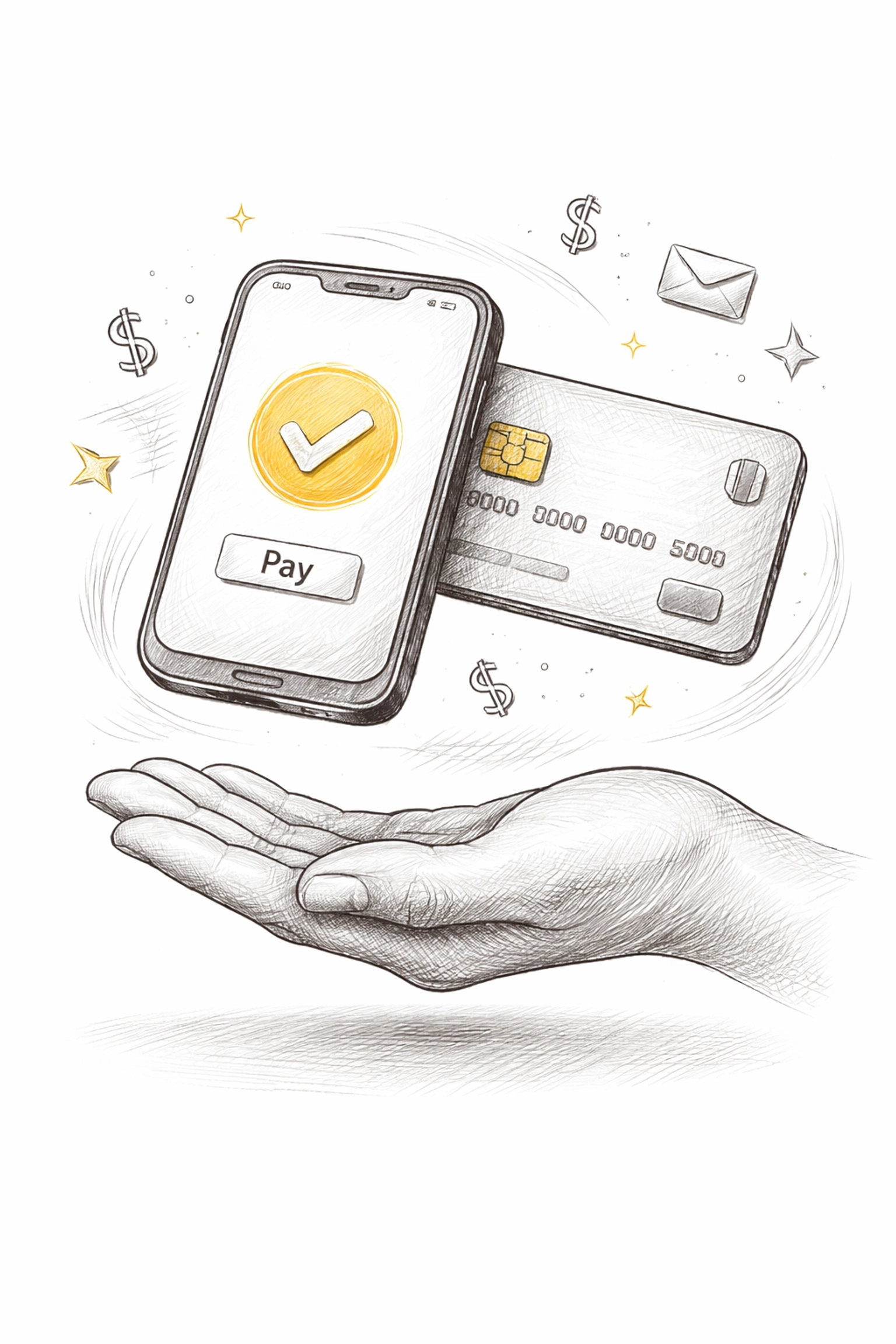
- Connect a payment processor if you want deposits upfront
Taking deposits is a game-changer for service pros. It dramatically reduces no-shows, because people who've already paid are people who actually show up.
Most easy booking systems integrate with Stripe or PayPal, so setup is just a matter of logging into your account and clicking "connect."
Step 5: Hit "Publish" and Go Live (10 Seconds) 🚀
This is the moment.
You've picked your name. You've chosen a template. You've set up your services, availability, and payment options.
Now you click the big, beautiful "Publish" button.
And just like that, you have a booking-ready website.
No coding. No waiting for a developer to "get back to you." No spending thousands of dollars on something that takes months to build.
It's live. It's real. It's working for you right now.
What Happens Next? (The Fun Part) 🎉
Once your site is live, a few things start happening automatically:
-
Clients can book you 24/7 – Even when you're asleep, on a job, or taking a well-deserved break.
-
You get instant notifications – Every time someone books, you'll know about it immediately.
-
Confirmation emails go out automatically – No more "just confirming our appointment" texts you have to send manually.
-
You can send reminder emails – If you want to reduce no-shows even further, check out our guide on how to send reminder emails.
The system handles the admin work. You handle the actual service. That's how it should be.
"But Wait, Is 5 Minutes Really Realistic?" 🤔
Fair question. Let me be straight with you.
Yes, 5 minutes is realistic: if you come prepared.
That means knowing your business name, your services, your availability, and your pricing before you start. If you have to stop and think about whether you offer Saturday appointments or how much to charge for a deep clean, it's going to take longer.
But if you've got that stuff figured out? Five minutes. Maybe less.
The research backs this up. Platforms like Microsoft Bookings and specialized website builders have streamlined the process to the point where the technology is no longer the bottleneck. You are. So come prepared, and you'll be live before your coffee gets cold.
The Bottom Line: Stop Overthinking, Start Launching 💪
Here's what I see all the time with service pros: They wait. They research. They compare 47 different platforms. They read reviews. They ask friends. They wait some more.
And while they're waiting, clients are booking with competitors who actually have websites.
Don't let that be you.
A small service business website with an easy booking system is no longer optional: it's the baseline expectation. And building one has never been easier.
So take 5 minutes. Just five. Pick a platform, follow the steps, and get something live.
You can perfect it later. Right now, you just need to exist online.
Your future clients are searching for you. Make sure they can find you: and book you: when they do.
Ready to build your booking-ready website? Get started with Kejoola and see how simple it really is. No credit card required. No tech skills needed. Just you, your business, and 5 minutes. ⏱️