HVAC Marketing: What Actually Books Jobs for Contractors
HVAC marketing that books jobs is a bookable shopfront, Google Website + Booking links, seasonal honesty, and genuine reviews — not an agency funnel pitch or a website-design checklist clone.
Josh · Sep 22, 2026 · 7 min read
- hvac marketing
- hvac marketing ideas
- heating and cooling marketing
- google business profile
- online booking
- ac repair
HVAC Marketing: What Actually Books Jobs for Contractors
If you run a US heating and cooling shop, “hvac marketing” should mean more finished appointments on the calendar — AC not cooling, furnace won’t fire, heat pump install, filter and coil clean, seasonal tune-up — not impressions or a social feed that never collects a job address.
This guide owns what books jobs for HVAC. It is not a website-design checklist (HVAC website design) and not the cross-trade overview in home services marketing. Soft product notes appear where they help; third-party facts use named Google Help links.
What HVAC marketing should mean for contractors
Agency language often sells awareness and “brand presence.” HVAC owners need a shorter definition:
- A homeowner can find you on Google Search or Maps for the HVAC job they need.
- They can open a real shopfront that lists heating and cooling services in plain nouns.
- They can leave a time and a job address without another round of “are you free Thursday?”
- Your Google Business Profile name, categories, Website, and Booking fields match that destination.
- Reviews reflect genuine jobs — not incentives Google prohibits.
- Peak cooling and no-heat season stay honest on the calendar instead of overpromising every hour.
A Facebook Page with a Messenger inbox, a flyer PDF, or an agency retainer that never produces a bookable URL fails this brief even when someone eventually calls.
Two HVAC jobs, one bookable destination
Emergency repair (“AC not cooling,” “no heat”) wants a fast path to a tech. Replacement and install (“new heat pump,” “furnace replacement”) takes longer. Marketing that books both still needs the same finish line: pick the service, see real open times, leave the house address.
List services the way people search: “AC repair,” “furnace tune-up,” “heat pump install,” “duct cleaning,” “smart thermostat install,” “seasonal maintenance,” “filter + coil clean.” Avoid only “HVAC” or “free estimate” as the sole bookable option.
Soft product shape: Kejoola publishes a fixed 4-page site — Home, Services, Blog, and Contact — with online booking for HVAC and other home service businesses. Theme-first (no GrapesJS). Use that shape as a checklist of what has to exist:
| Piece | Job for the homeowner | Job for the van |
|---|---|---|
| Home | Prove you are a real local HVAC shop | Match name, phone, and area to Google |
| Services | Pick AC repair, furnace tune-up, heat pump, etc. | Map each service to duration and price rules |
| Blog | Optional trust and “service + city” support | Not required to finish a booking |
| Contact | Phone, license notes, after-hours path | Backup when booking is closed |
| Booking flow | Pick service + time + leave address | Calendar, buffers, confirmations |
Without that destination, every other HVAC marketing channel is just another way to start phone tag. Page-level design: HVAC website design.
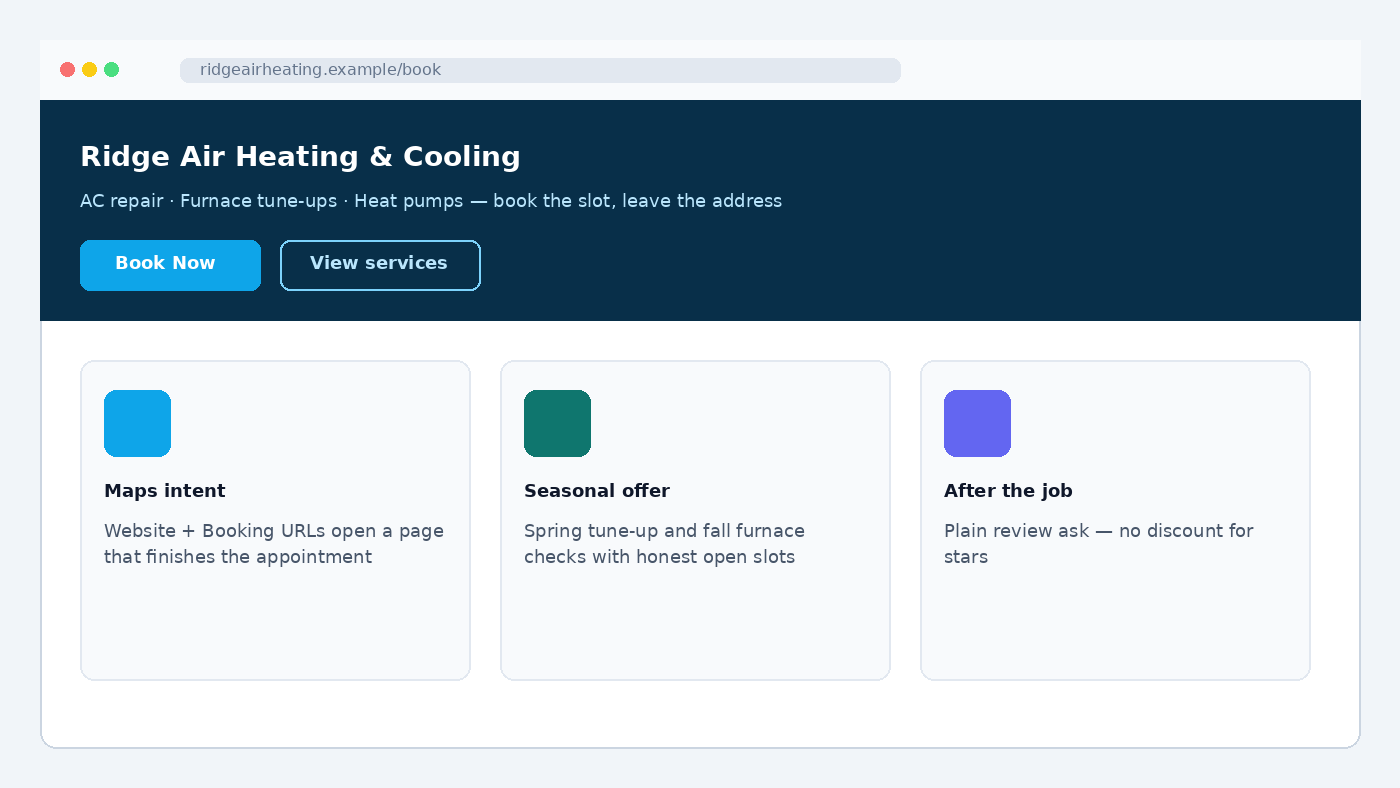
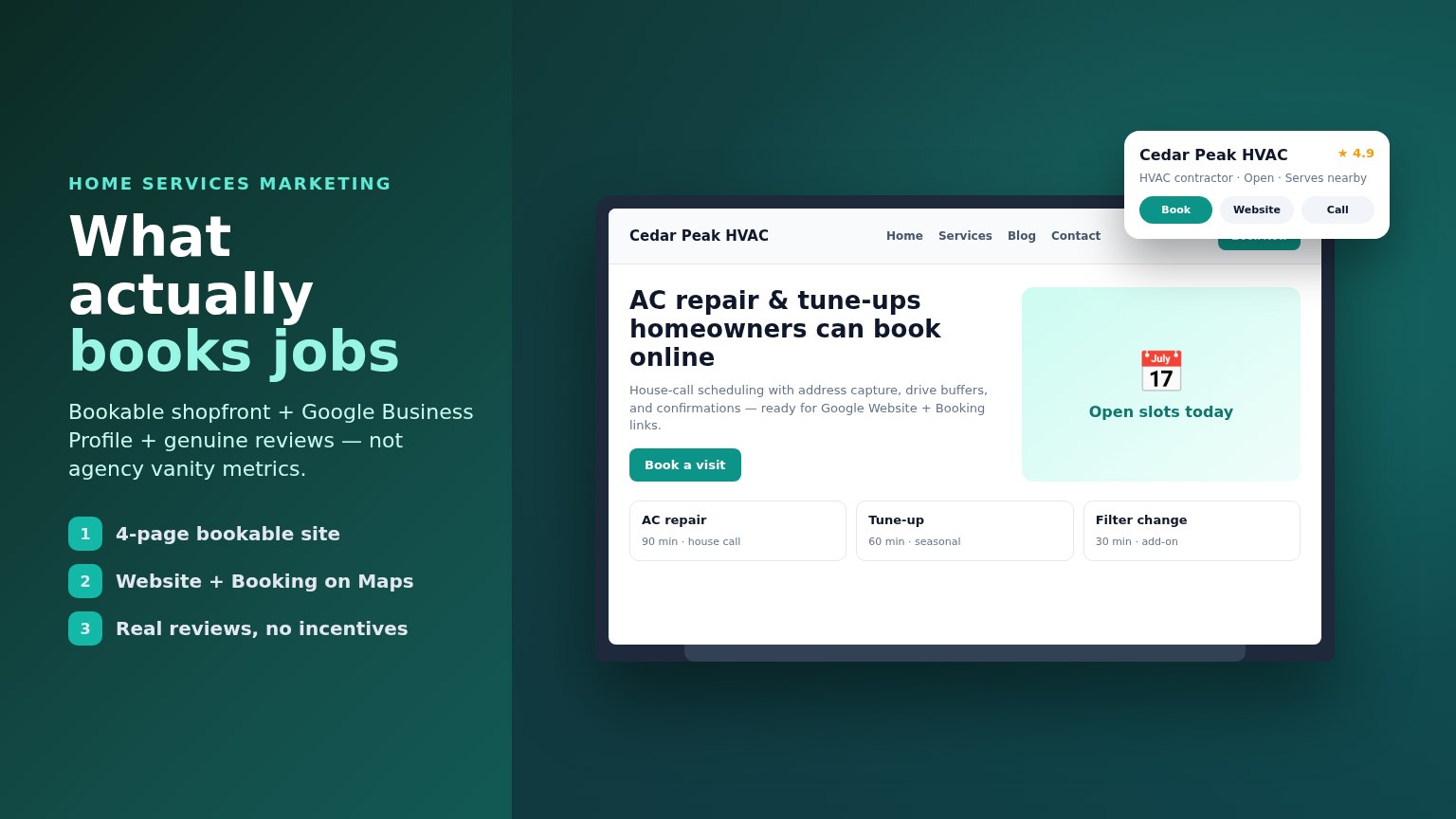
Sample bookable HVAC marketing destination (fictional Ridge Air Heating & Cooling — illustrative mock, not a live booking site).
Google Business Profile: where HVAC “near me” starts
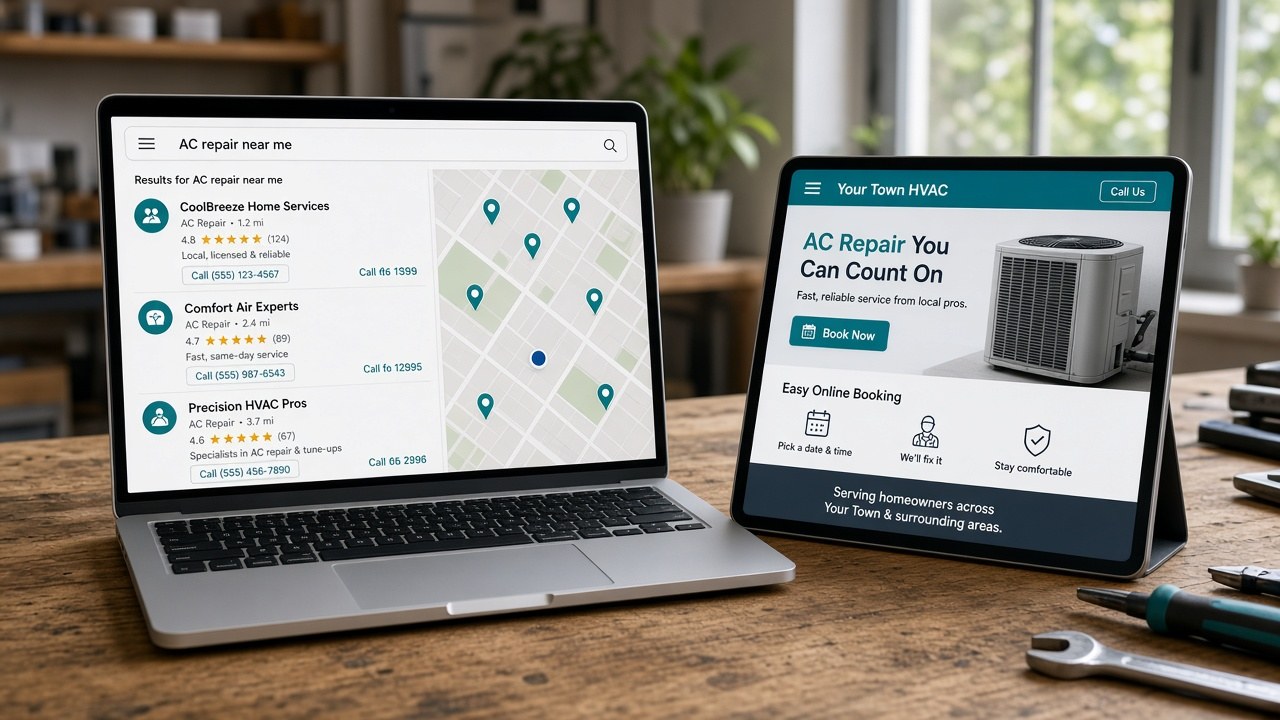
Maps and Search are where many “AC repair near me” taps start. Listings that win show Website and Booking actions — not only a phone number.
Google says a Business Profile can include links that help customers learn more, and action links that help them book from Search or Maps. (Manage your local business links)
- Website — your HVAC shopfront.
- Booking — a dedicated URL where they finish the appointment.
Add Website and Booking (Search and Maps)
From Google’s Help (Manage your local business links): on Search, open your Business Profile → Booking → Add link → paste the bookable URL → Save. On Maps, open the profile → Edit profile → transaction type Booking → Add link → paste → Save. You can set a preferred link when more than one is present. Local business links are not available via the Business Profile API or spreadsheet upload. (Manage your local business links; Business links policies)
Name and categories that match the real HVAC shop
HVAC marketing fails early when the profile name is stuffed with cities and keywords. Google’s guidelines say your name should reflect the real-world name on signage, website, and stationery — unnecessary information in the name is not permitted. Choose the fewest categories that describe your core business, as specific as possible, and do not use categories solely as keywords. (Guidelines for representing your business on Google)
Put “AC repair” and city language on the website and in posts — not inside a gimmicky profile name.
Links that fail as Booking destinations
Google requires a dedicated landing page and a link that completes the designated action. Local business links cannot be social media sites, messaging links, app store links, or link shorteners. The profile must be verified. Google may remove non-compliant or uncrawlable links. (Business links policies & guidelines)
Messenger (m.me/...), Facebook/Instagram profiles, bit.ly shorteners, and a homepage with no way to finish a booking fail even when the tap “works.” Social is fine for proof — wrong URL for Google’s Booking field.
Wiring steps: Add a booking link to Google Business Profile. Messenger anti-pattern: Stop booking jobs in Facebook Messenger.
Seasonal HVAC calendars without overpromising
Peak cooling and no-heat weeks fill trucks differently than a quiet mid-spring Tuesday. Keep the calendar honest: close slots you cannot staff, leave drive buffers, and do not leave every hour open just because ads are running.
The booking page must collect the service address — street, city, ZIP, access notes — before the slot is confirmed. Phone and name alone are not enough to route a truck. A heat pump install is not a 45-minute thermostat swap; map durations so the confirmation matches the route you can keep.
Reviews that are allowed (and ones that are not)
Reviews sit next to your profile in Maps and Search and help homeowners decide who gets the AC call. Google’s tips say you can remind customers to leave reviews (Google link or QR code), reply, and value honest, balanced feedback. (Tips to get more reviews)
Do not offer incentives. Google states that offering incentives — free or discounted goods or services — for posting, changing, or removing negative reviews is fake and misleading content and is strictly prohibited. Merchants may not pay or discount for any review or for revising/removing a negative one, and may not selectively solicit only positives. You may solicit genuine experiences without incentives or attempts to influence rating or content. (Tips to get more reviews; Prohibited & restricted content)
After a completed job, send a plain ask with your Google review link — no discount for a five-star. Reply professionally to negatives; do not bargain for deletion with free work.
Channels that feed the HVAC calendar
Usually feed jobs when the destination is bookable
- Google Search and Maps with Website + Booking pointed at a page that finishes the appointment.
- Direct “Book Now” CTAs on Home and Services for AC repair, tune-ups, and installs.
- Review links that return people to a profile that already has Booking set.
- Past-customer reactivation (spring cool / fall heat) that lands on the same bookable URL.
Fail as Google Booking destinations
Social profiles, messaging links, app stores, and shorteners — see Google’s link policies above. Ads that dump into voicemail or Messenger without a bookable finish line waste spend even when taps look healthy.
Track booked jobs with an address on the calendar, not vanity clicks. Soft HVAC path: kejoola.com/for/hvac. Need a shareable booking URL first? Free booking-link generator — then point Google’s Booking field at a real dedicated page.
Soft product path (optional)
For a booking-first 4-page HVAC website: start at kejoola.com/sign-up for a 14-day free trial with no credit card. Soft list prices (monthly USD): Lite $24 website-only, Starter $39, Professional $89, Business $159. Theme-first — pick a theme, customize services and photos — not GrapesJS. Or import a listing at kejoola.com/start/google-business. One option in the category — not a ranked agency roundup or Google partner claim.
Put it together: HVAC marketing that books jobs
- Bookable shopfront — HVAC nouns, house-call address capture, honest calendar.
- Google profile accuracy — real-world name, fewest accurate categories, honest service areas. (Guidelines for representing your business on Google)
- Website + Booking URLs — shopfront on Website; dedicated bookable page on Booking. (Manage your local business links)
- Compliant links only — no Messenger, social profiles, app stores, or shorteners in Booking. (Business links policies)
- Genuine reviews — ask after the job; never pay or discount for stars. (Tips to get more reviews; Prohibited & restricted content)
- Seasonal honesty — close unstaffed slots; leave drive buffers; map durations to real visit types.
- Channels — discovery that meets a bookable destination; social as proof, not as the Google action link.
Build the bookable destination first. Wire Search and Maps so Website and Booking finish the appointment. Ask for real reviews. Keep peak-season calendars honest. Then the next AC repair, furnace tune-up, or heat pump visit lands on your calendar instead of in another unread thread.
Sources
- https://kejoola.com
- https://kejoola.com/for/hvac
- https://kejoola.com/sign-up
- https://kejoola.com/start/google-business
- https://kejoola.com/tools/booking-link-generator
- https://support.google.com/business/answer/6218037
- https://support.google.com/business/answer/13769188
- https://support.google.com/business/answer/3038177
- https://support.google.com/business/answer/3474122
- https://support.google.com/business/answer/2622994