Schedule Conflict Synonym: 15 Professional Ways to Reschedule Without Losing Clients
Stop saying 'due to a schedule conflict' on repeat. Here are 15 professional phrases and templates to reschedule appointments without losing clients.
Penny · Jan 17, 2026 · 6 min read
- scheduling
- client communication
- rescheduling
- small business tips
Let's be honest: saying "due to a schedule conflict" for the fifth time this month makes you sound like a broken record. And your clients notice.
Whether you're a cleaner juggling back-to-back homes, an HVAC tech dealing with emergency calls, or a landscaper battling weather delays, rescheduling is part of the job. The problem isn't that you need to reschedule. It's how you communicate it.
The right words can keep a client on your books. The wrong ones? They're Googling your competitor before you finish typing "sorry for the inconvenience."
What Does "Schedule Conflict" Actually Mean? 📅
Before we dive into alternatives, let's get clear on the conflicting schedules meaning in a business context.
A schedule conflict happens when two or more appointments, tasks, or commitments overlap: making it impossible to honor them all. It's also called:
- Double booking
- Overlapping commitment
- Time clash
- Scheduling overlap
For service businesses, this usually means one of two things:
- You accidentally booked two clients at the same time (oops)
- An emergency or delay forced you to bump someone
Either way, you need to handle it professionally. Because here's the thing most business owners miss: how you reschedule directly impacts whether that client ever books again.
💡 Key Insight: Research shows that transparent communication and respect for client time are the two biggest factors in maintaining relationships during rescheduling.
10 Schedule Conflict Synonyms to Sound More Professional ✨
Tired of the same old "due to conflict of schedule" line? Here are better ways to phrase it:
| Instead of... | Try This |
|---|---|
| Schedule conflict | Prior commitment |
| Schedule conflict | Timing overlap |
| Schedule conflict | Booking conflict |
| Schedule conflict | Calendar clash |
| Schedule conflict | Unavoidable overlap |
| Schedule conflict | Time constraint |
| Schedule conflict | Scheduling issue |
| Schedule conflict | Appointment conflict |
| Schedule conflict | Competing obligation |
| Schedule conflict | Diary clash |
Using varied language shows you actually put thought into your communication: not just copy-pasting the same template every time.
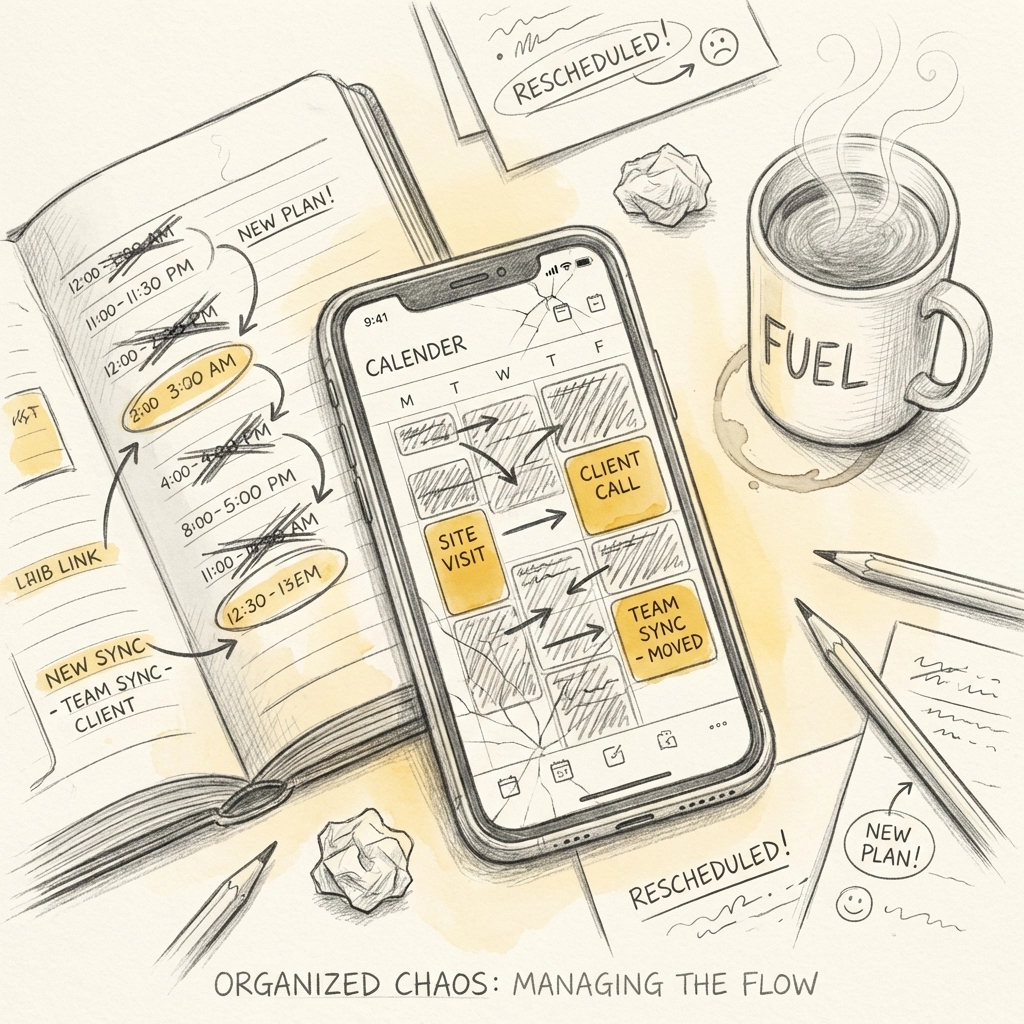
15 Professional Templates for Rescheduling (Without Losing Clients) 📝
Here's where it gets practical. These templates work for texts, emails, or even quick phone scripts. Adapt them to your voice.
Apologetic but Professional
1. The Direct Approach
"Hi [Name], I need to move our [date] appointment due to an unavoidable overlap. Can we reschedule to [new date/time]? I'll prioritize you."
2. The Emergency Pivot
"Hey [Name], an urgent situation came up and I can't make our [time] slot. I'm really sorry: can I offer you [alternative date] instead?"
3. The Honest One
"Hi [Name], I double-booked myself (totally my fault). Can we shift to [new time]? I'll throw in [small bonus/discount] for the trouble."
Proactive and Solution-Focused
4. The Options Approach
"Hi [Name], I have a timing conflict on [date]. Would [Option A] or [Option B] work better for you?"
5. The Self-Service Nudge
"Hey [Name], I need to reschedule our [date] appointment. You can grab a new time that works for you here: [booking link]"
6. The Priority Promise
"Hi [Name], due to a prior commitment, I need to move our session. You're first on my list for [new date]: does that work?"
Weather/External Factors (Perfect for Landscapers & Outdoor Services)
7. The Weather Delay
"Hi [Name], looks like [weather condition] is going to interfere with our [date] appointment. Let's push to [new date] so I can do the job right."
8. The Safety Card
"Hey [Name], for safety reasons, I need to reschedule our [service] from [date]. How's [alternative]?"
Emergency Situations
9. The Personal Emergency
"Hi [Name], something personal came up and I can't make [date]. I'm so sorry for the short notice: can we look at next week?"
10. The Team Coverage Option
"Hi [Name], I have a conflict on [date], but my colleague [Name] can cover. Would that work, or prefer to wait for me?"
Maintaining the Relationship
11. The Value Add
"Hi [Name], I need to reschedule [date] due to a calendar clash. To make it up, I'll [add bonus service/discount] at your next appointment."
12. The Check-In Combo
"Hey [Name], moving our [date] appointment to [new date]. While I have you: anything you want me to focus on this time?"
13. The Early Warning
"Hi [Name], heads up: I might need to adjust our [date] appointment. I'll confirm by [deadline]. Is [backup date] available just in case?"
For Repeat/VIP Clients
14. The VIP Treatment
"Hi [Name], I hate doing this to you, but I have a timing overlap on [date]. I've blocked off [premium time slot] just for you: does that work?"
15. The Long-Term Client Appreciation
"Hey [Name], you've been with me for [time period], so I wanted to personally let you know I need to reschedule [date]. Here are my first available slots: [options]."
What Conflicting Schedules Really Cost Your Business 💸
Here's something most service business owners underestimate: the true cost of poor rescheduling communication.
It's not just about one lost appointment. It's:
- Lost lifetime value – A client who feels disrespected won't come back
- Negative word-of-mouth – They'll tell friends (and leave reviews)
- Wasted marketing spend – You paid to acquire that client
- Team morale – Constant schedule chaos stresses everyone out
📊 The data is clear: Businesses that communicate schedule changes promptly and professionally see significantly higher client retention rates than those who don't.
The real problem? Most small service businesses are still managing schedules manually: spreadsheets, text threads, maybe a shared Google Calendar if they're fancy.
And manual systems break. A lot.
For a deeper dive into the business impact, check out our guide on schedule conflict meaning.
Manual Scheduling vs. Automated Booking: The Real Comparison 📊
Let's look at what you're actually dealing with:
| Challenge | Manual/WordPress Plugins | Kejoola |
|---|---|---|
| Double bookings | Common (human error) | Automatically prevented |
| Rescheduling notifications | Manual texts/emails | Automatic client notifications |
| Client self-service | Requires multiple plugins | Built-in booking portal |
| Calendar sync | Complicated setup | One-click Google Calendar sync |
| Reminder emails | Separate tool needed | Automated reminders included |
| Setup time | Hours (or days) | Minutes |
| Plugin conflicts | Frequent headaches | None: it's all-in-one |
If you're still duct-taping WordPress plugins together or managing everything through text messages, you're creating more schedule conflicts: not preventing them.
How to Actually Prevent Schedule Conflicts 🛠️
The best reschedule message is the one you never have to send.
Here's how to cut conflicts by 80% or more:
1. Use real-time availability When clients book from your actual calendar, double-bookings become nearly impossible.
2. Build in buffer time Add 15-30 minute gaps between appointments. This gives you breathing room for delays.
3. Set booking rules Limit how far in advance (and how last-minute) clients can book. This prevents chaos.
4. Automate reminders Most no-shows happen because clients simply forgot. Automated reminder emails solve this.
5. Let clients reschedule themselves Give them a link. They pick a new time. You don't play phone tag.
This is exactly what Kejoola is built for. It's a website builder and service management tool designed specifically for small service businesses: cleaners, HVAC techs, landscapers, consultants, you name it.
No plugin nightmares. No coding. Just a simple system that keeps your schedule organized and your clients happy.
The Takeaway 🎯
Rescheduling isn't a sign of unprofessionalism: it's a reality of running a service business. What is unprofessional is handling it poorly.
Use the templates above. Vary your language. And seriously consider upgrading from whatever manual system is causing half your conflicts in the first place.
Your clients will thank you. Your sanity will thank you.
Ready to stop the scheduling chaos? Check out Kejoola and see how simple booking management can actually be.