Calendly vs a Booking Website for House Calls
Calendly is a meeting scheduler you can share or embed. For US plumbers, electricians, cleaners, and landscapers who need house-call bookings plus a real shopfront, a booking-first 4-page trade website is a different product.
Josh · Sep 3, 2026 · 6 min read
- calendly
- booking website
- house calls
- local trades
- plumbers
- electricians
Calendly vs a Booking Website for House Calls
A Dallas plumber does not need another “discovery call” link. He needs a homeowner to pick drain clearing or water heater service, leave the job address in a booking note, and lock a time while he is still on the previous stop. An Atlanta electrician, a Denver cleaner, and a Phoenix landscaper have the same job: look real online, take house calls without more texting, and put a bookable URL on Google Business Profile and Instagram.
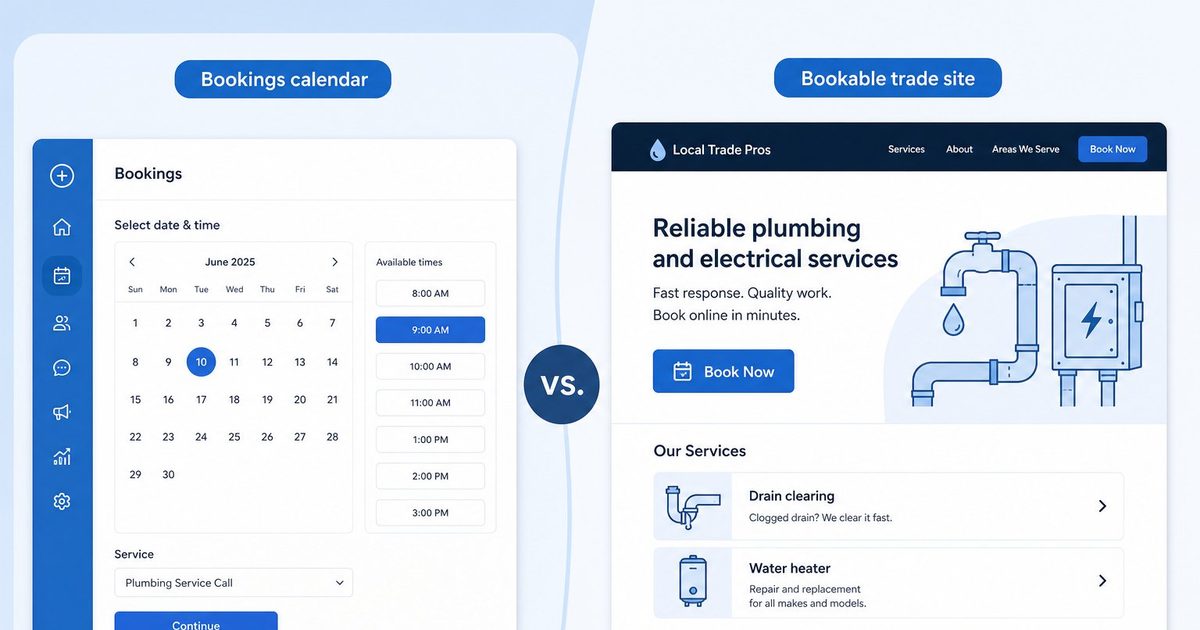
Calendly can schedule that visit. So can a booking-first trade website. They are not the same product. One is a meeting scheduler you share or embed. The other is a short bookable presence — Home, Services, Blog, Contact — with booking as the shopfront. This comparison is for US house-call trades, not for sales teams comparing Calendly to another meeting tool.
What Calendly actually is
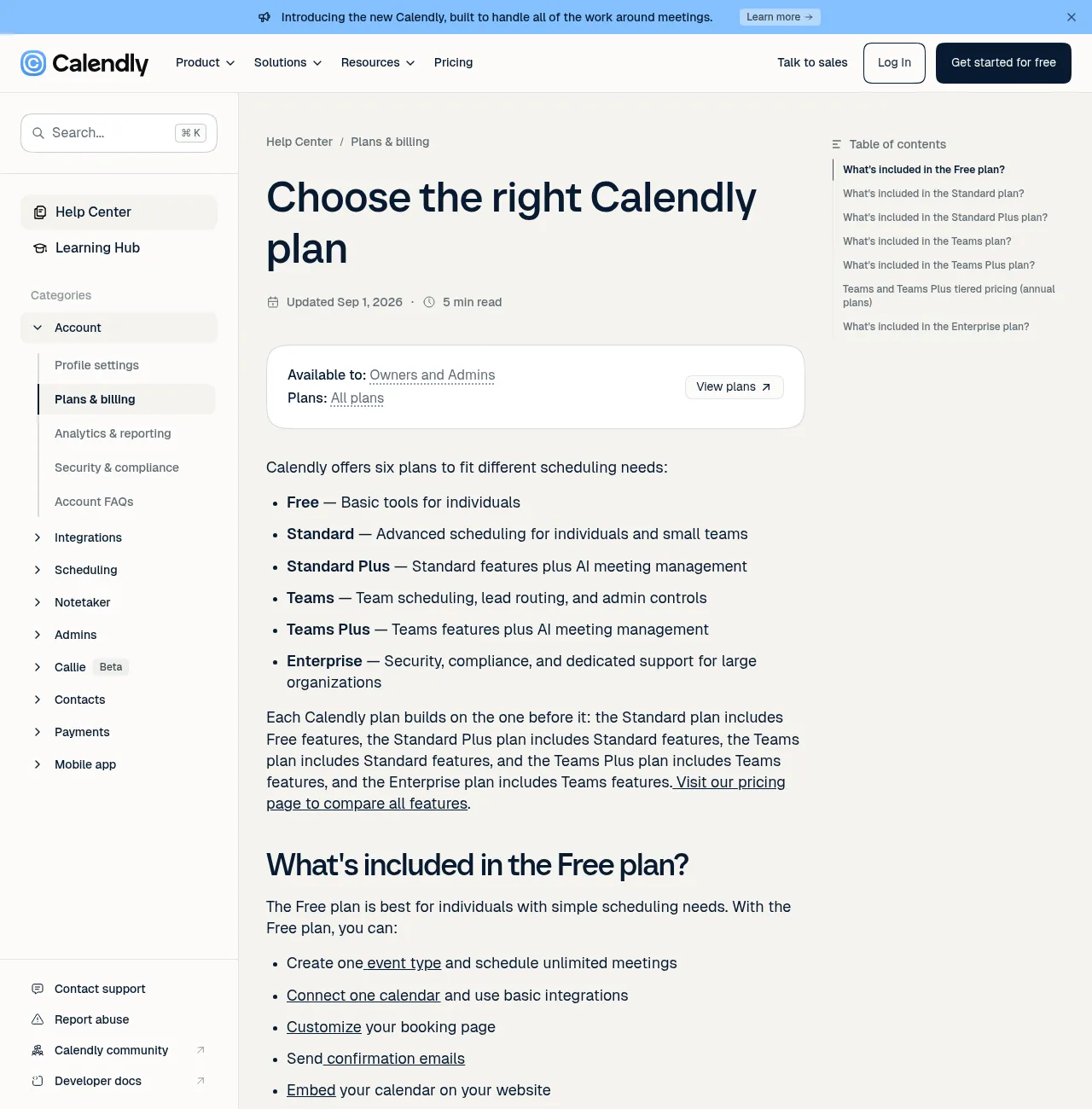
Calendly’s plan guide frames the product as scheduling plans for individuals and teams: Free for basic tools, Standard for advanced scheduling, Teams for lead routing and admin controls, and Enterprise for large organizations. Free includes one event type, unlimited meetings, one calendar connection, a customizable booking page, confirmation emails, website embed, and the mobile app. Standard adds unlimited event types, up to six calendars, HubSpot/PayPal/Stripe integrations, group and collective events, Automations and reminders, deeper customization, and 24/7 live chat. Teams adds round robin, lead routing, Salesforce sync, and admin tools. (Choose the right Calendly plan, Calendly Help)
That shape fits consults, Zoom estimates, and office appointments. A solo plumber booking van stops is narrower. Calendly still works for in-person jobs when location is set correctly — but you still need somewhere for the scheduler to live if you want more than a bare calendly.com link.
What a booking-first trade website is
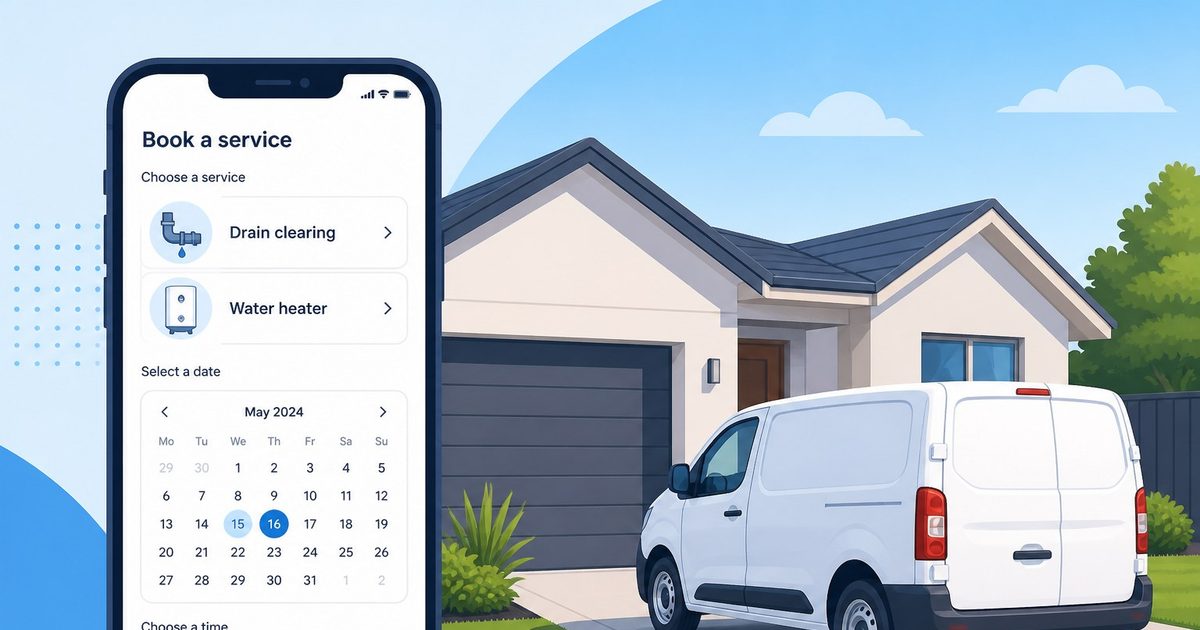
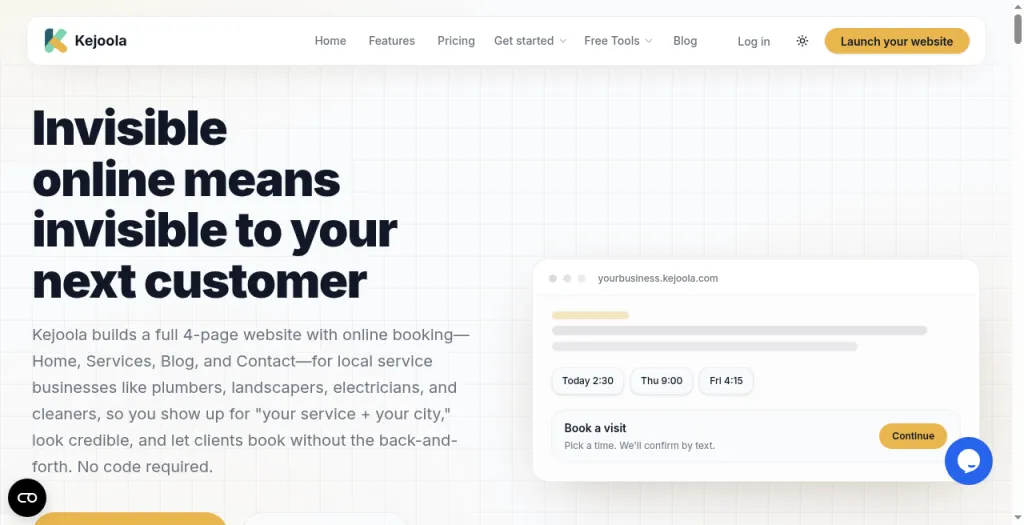
A booking-first trade site starts from the opposite direction. Kejoola, for example, publishes a fixed 4-page site — Home, Services, Blog, and Contact — with online booking for local service businesses, so owners can show up for “their service + their city,” look credible, and let clients book without back-and-forth.
The point is not that Calendly cannot book a house call. It is that Calendly assumes you already have a reason for people to open the link. A booking-first product assumes the shopfront is four pages and a calendar.
House calls: location options that matter on the driveway
Mobile trades live at the client’s address. Calendly’s location help lets you set Video (Zoom, Google Meet, MS Teams, Webex, or GoTo Meeting), Phone call, In-person (enter a meeting address), Custom, or Ask invitee — where the invitee provides the location on the booking page. One-on-one event types can offer multiple location options. You cannot assign different days or times to different locations inside a single event type; that needs separate event types. (How to set the location for your event type, Calendly Help)
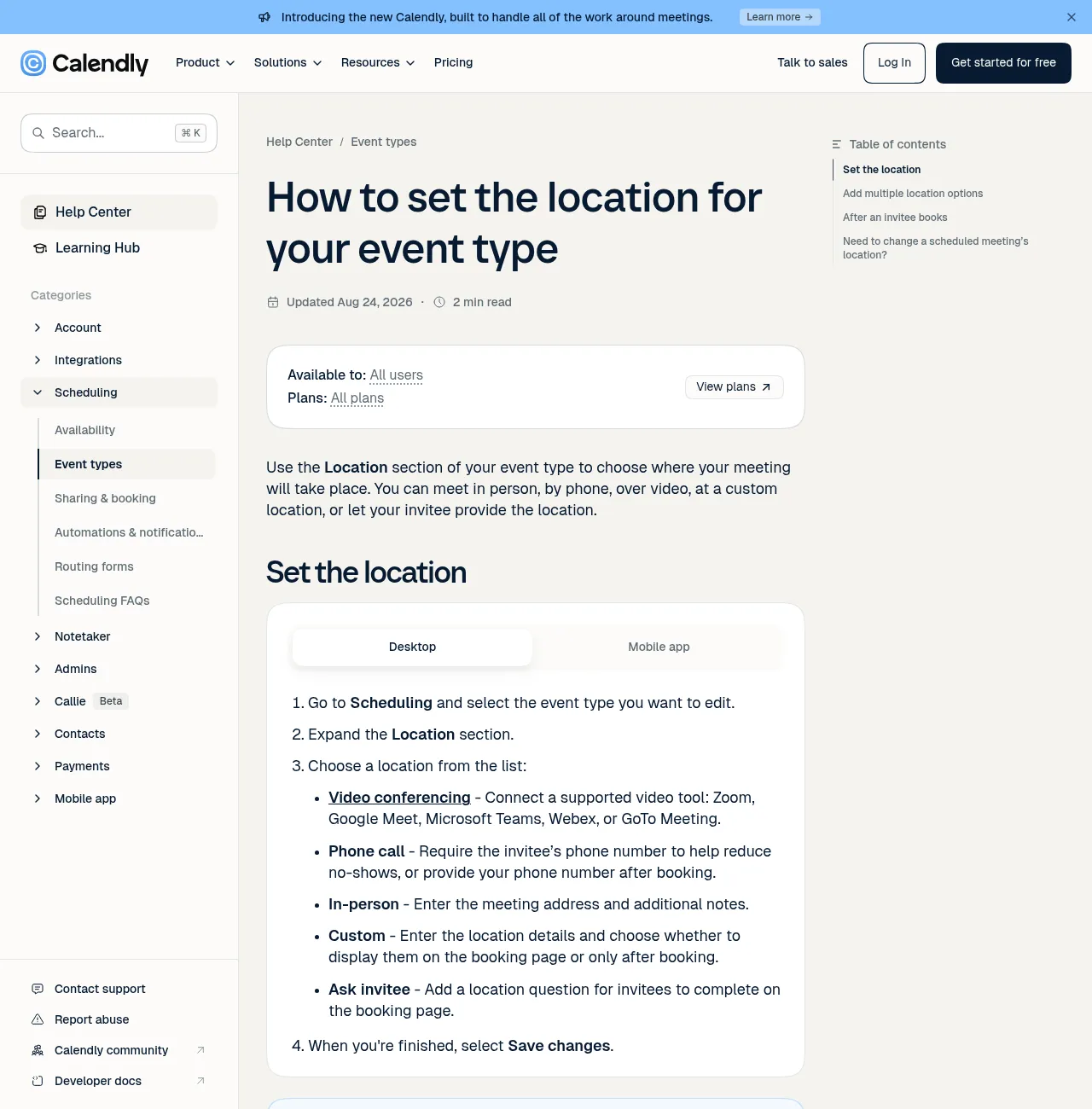
For a cleaner or landscaper, Ask invitee is the house-call pattern: the customer types the job address when they book. In-person fits if you always meet at a fixed shop address — less common for van trades. Video and phone are useful for free estimates, not for the actual panel upgrade or mow.
A booking-first trade site treats house-call services as the default content model: service names a homeowner understands, availability, and a booking flow meant to be shared from Maps and texts — not a meeting type you rename into “drain clearing.”
Embeds need a website; a link does not
Calendly documents three embed options: inline embed (scheduler on the page), pop-up text (link opens a pop-up), and pop-up widget (floating button). You choose a landing-page or booking-page embed, then copy code into your site. (Choose the right Calendly plan; Embed options overview; How to add Calendly to your website, Calendly Help)
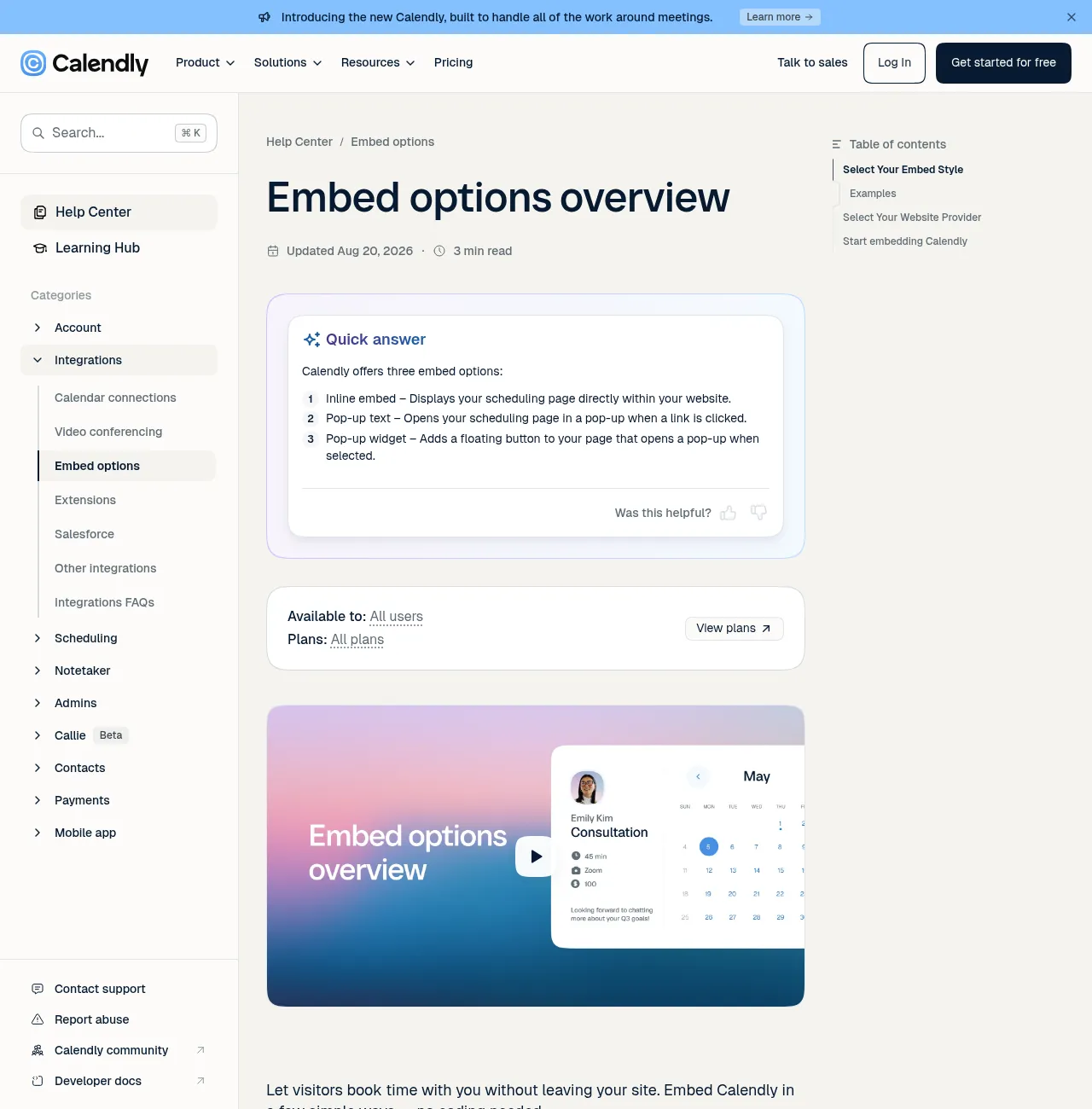
That is the quiet gap for many trades. Free already includes “embed your calendar on your website” — which presupposes a website. A standalone Calendly booking page link works without a site, and plenty of owners start there. The problem is credibility and discovery: a homeowner comparing two electricians often wants services, reviews context, and a real domain before they trust a scheduler. Embed solves UX on a page you already own. It does not build the page.
Drive time: buffers and meeting limits
House calls are not back-to-back Zoom slots. Calendly’s help covers buffer time before and/or after meetings, and meeting limits per day, week, or month on an event type — under Limits and buffers on the event. (Choose the right Calendly plan, Calendly Help — buffers and meeting limits sections)
Those controls matter for a plumber who needs buffer between metro stops. They do not replace a Services page that explains “same-day drain” versus “panel upgrade,” or a Contact page that matches your Google listing.
Price to get scheduling live
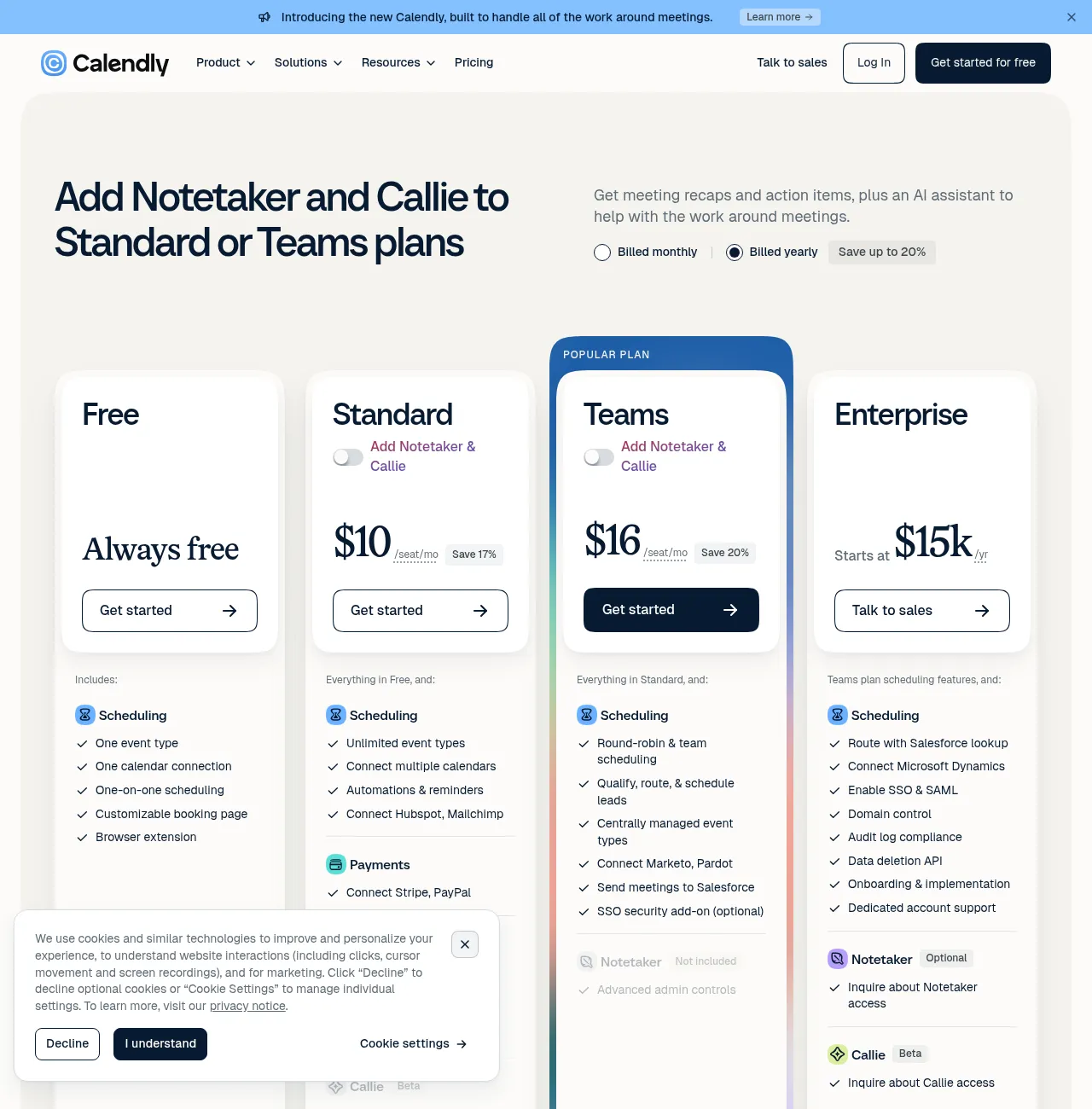
Calendly’s pricing page (billed yearly toggle) shows Standard at $10/seat/mo, Teams at $16/seat/mo, and Enterprise starting at $15k/yr. Free is always free. Help also lists Teams tiered annual pricing: the first 30 seats at $16/seat/mo billed annually, with lower per-seat rates as seats grow. Standard Plus / Teams Plus add AI Notetaker and Callie; useful for meeting-heavy teams, not the focus for most van trades. (Calendly Pricing; Choose the right Calendly plan)
| Goal | Calendly path (opened pages) | Booking-first path Kejoola |
|---|---|---|
| Share a booking link only | Free: one event type, unlimited meetings, embed + link | Lite $24/mo website-only, or Starter+ with booking |
| Multiple service types + payments | Standard ~$10/seat/mo billed yearly; Stripe/PayPal | Starter $39/mo and above (booking on paid tiers) |
| Team routing / round robin | Teams ~$16/seat/mo billed yearly (first 30 seats) | Multi-seat trade ops if you need them later |
| Trial | Free forever for basic use | 14-day free trial, no credit card |
Kejoola lists monthly USD plans (annual also available): Lite $24 (website only), Starter $39, Professional $89, Business $159. Trial is 14 days with no credit card.
These are list prices from the pages above, not a claim that one stack is always cheaper after payment fees, domains, or the cost of building a site just to host an embed.
Presence: GBP, Maps, and “does this business look real?”
Trades win work from Search and Maps as often as from a typed domain. You need a Website URL and, when you use it, a Booking URL that opens a real scheduler — not only a social profile.
Calendly gives you a polished booking page and embeds. That is the scheduler half. A booking-first product is built around the shopfront half: four pages plus booking you can put back on Maps and Instagram. Kejoola documents a Google Business import path at https://kejoola.com/start/google-business and sign-up at https://kejoola.com/sign-up.
You can pair Calendly with a site you build elsewhere. The comparison is what you buy first: a meeting tool that expects a website, or a short bookable website that expects house-call services.
Who should pick which
Choose Calendly if you mainly need meeting scheduling — video estimates, phone consults, office appointments — or you already have a website and only need to embed or share a booking link. Free covers one event type; Standard fits unlimited event types, Stripe/PayPal, and Automations. Teams fits lead routing and round robin. Fair reading: Calendly is strong at what it is built for.
Choose a booking-first trade site if you are a mobile or house-call trade, you get leads from Google and word of mouth, and you need a short bookable presence fast — services a homeowner recognizes, availability, and a URL for Google Business Profile and texts — without assembling a general site just to host a scheduler.
Calendly is not the wrong tool for house calls. It is the meeting tool. For many US plumbers, electricians, cleaners, and landscapers, the gap is not “can it take an address.” The gap is whether the customer lands on a credible trade presence or only on a scheduler.
Sources
- https://calendly.com/help/choose-the-right-calendly-plan-for-your-team
- https://calendly.com/pricing
- https://calendly.com/help/how-to-set-the-location-for-your-event-type
- https://calendly.com/help/embed-options-overview
- https://calendly.com/help/how-to-add-calendly-to-your-website
- https://kejoola.com
- https://kejoola.com/start/google-business
- https://kejoola.com/sign-up