Wix Bookings vs a Booking-First Site for Trades
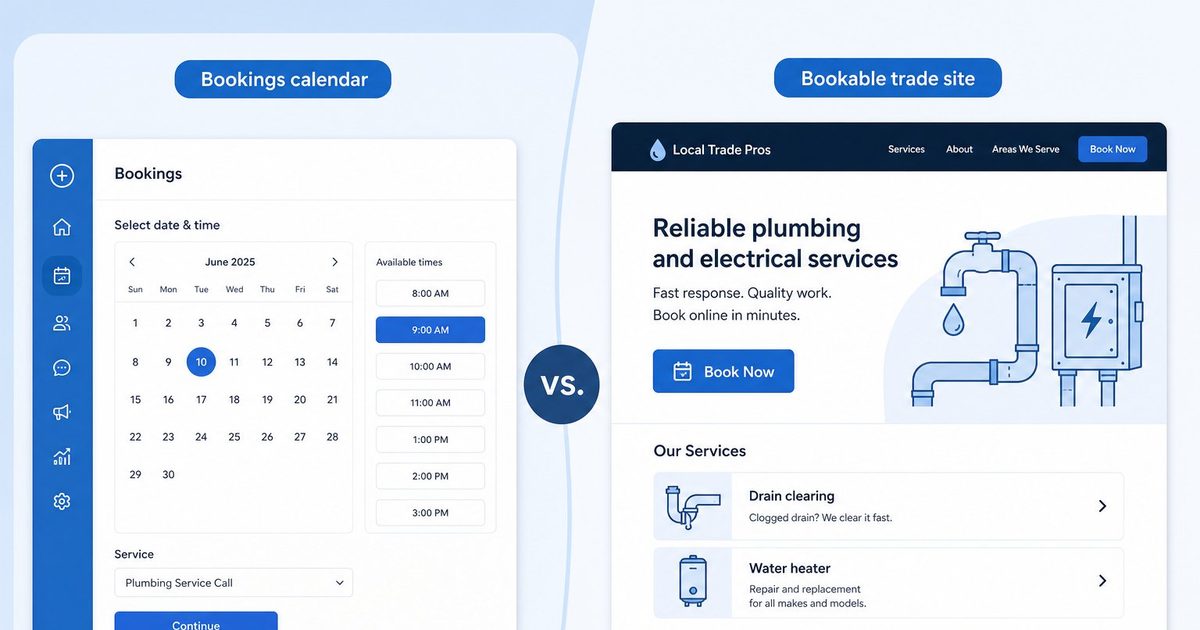
Wix Bookings is a powerful scheduling add-on inside a full Wix site. For US plumbers, electricians, and cleaners who need a simple bookable presence fast, a booking-first 4-page trade site is a different product.
Josh · Sep 2, 2026 · 7 min read
- wix bookings
- booking website
- local trades
- plumbers
- electricians
Wix Bookings vs a Booking-First Site for Trades
A Denver plumber does not need a drag-and-drop empire. He needs a phone-friendly page that lists drain clearing and water heater installs, shows when he is free, and lets a homeowner book without another round of texts. An Austin electrician and a Phoenix cleaner have the same job: get found, look credible, take the booking.
Wix Bookings can do that job. So can a booking-first trade site. They are not the same product. One is a scheduling system you add to a general Wix website. The other is a short, bookable presence built around local services from day one. This comparison is for US trades — plumbers, landscapers, electricians, cleaners — who care about house calls, clear service menus, Google Business Profile links, and how long it takes to go live.
What Wix Bookings actually is
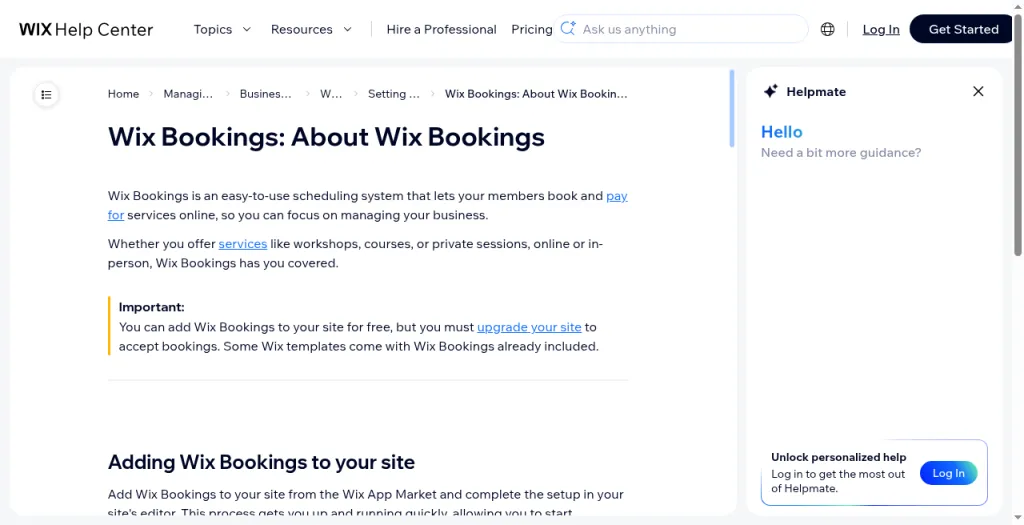
Wix's help describes Wix Bookings as "an easy-to-use scheduling system that lets your members book and pay for services online." It covers workshops, courses, and private sessions, online or in person. You add it from the Wix App Market and finish setup in the site editor. You can add Bookings for free, but you must upgrade the site to accept bookings. (Wix Bookings: About Wix Bookings, Wix Help Center)
Wix's scheduling product page frames the same tool as software to "run your entire business": take bookings, get paid, and manage staff. It supports private sessions, group classes, and multi-session courses, and it can surface availability across social, Google AI Mode, your site, and shareable links. (Online Booking System | Appointment Scheduler, Wix.com)
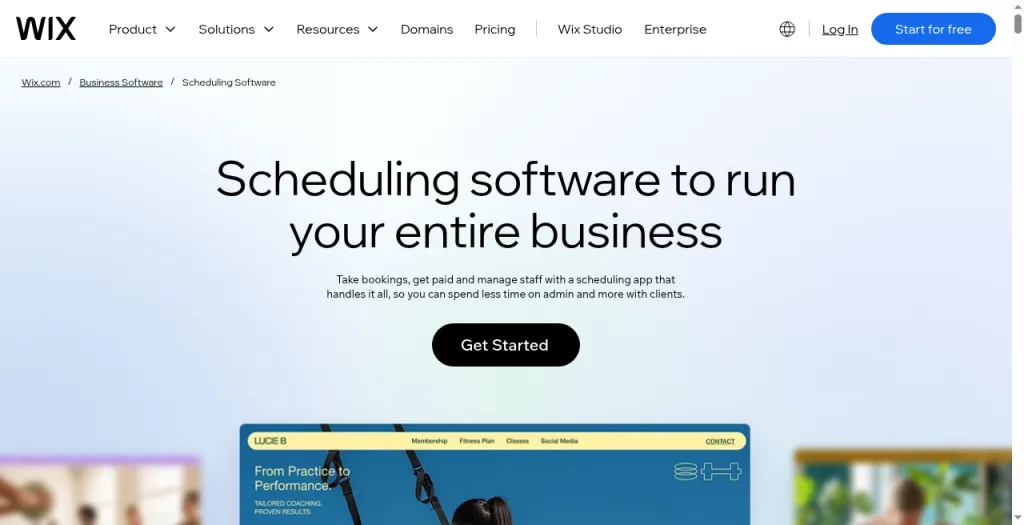
That shape fits salons, studios, trainers, and multi-location shops with staff calendars and packages. A solo plumber booking house calls is narrower. The features still work; the build path is still "design a Wix site, then wire Bookings into it."
What a booking-first trade site is
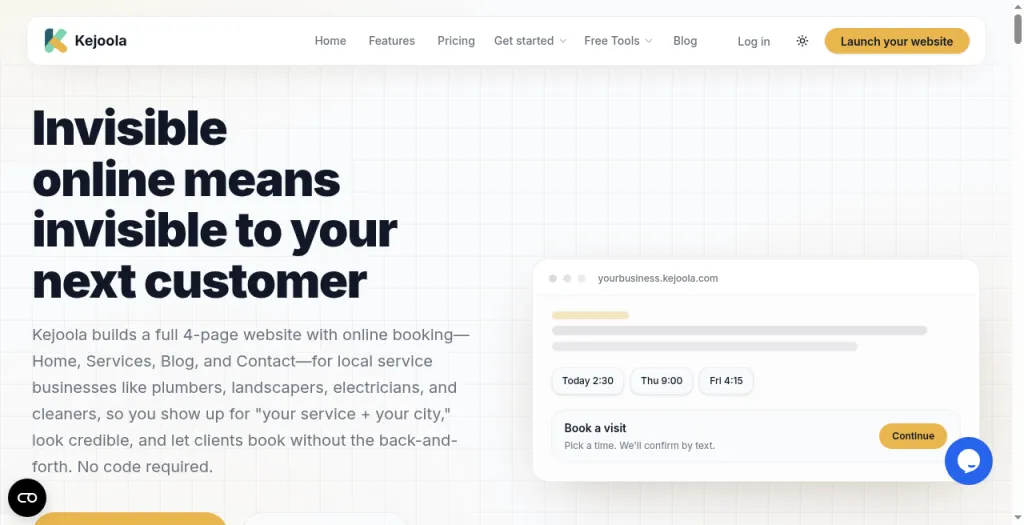
A booking-first trade site starts from the opposite direction. Kejoola, for example, publishes a fixed 4-page site — Home, Services, Blog, and Contact — with online booking for local service businesses, so owners can show up for "their service + their city," look credible, and let clients book without back-and-forth. No code is required.
The point is not that Wix cannot serve a plumber. It is that a general website builder plus a bookings app asks you to assemble the shopfront. A booking-first product assumes the shopfront is four pages and a calendar.
House calls and service locations
Mobile trades live at the client's address. When you create a Wix appointment, location options include business location, a custom location, and "Client's place," where "the client will add their location once they book their appointment." Video conferencing is optional for online sessions. (Wix Bookings: Creating an Appointment, Wix Help Center)
Wix also documents multiple business locations and staff assigned by location — strong for a salon with branches, less central for a single van covering a metro. (About Bookings Staff Members; Offering Services at Multiple Locations, Wix Help Center)
A booking-first trade site treats house-call services as the default content model: service names a homeowner understands, availability, and a booking flow meant to be shared from Maps and texts.
Service menus for plumbers and electricians
Wix appointments let you name the service, add a description, set duration and buffer time, group services into categories, and choose fixed, free, varied, or custom pricing (for example "Starting from $25"). You can assign staff, limit availability by date or by days and hours, and require approval before a booking is accepted. (Creating an Appointment)
That is enough for "panel upgrade" or "same-day drain." Varied pricing helps if rates differ by tech. Packages and memberships lean studio-style; Wix notes they are not available for courses. (About Wix Bookings; About Getting Paid Online)
On a booking-first trade site, the Services page is the product. Kejoola documents unlimited services on its paid tiers and a flow where you add services, set availability, and share a booking link.
Payments, staff, and ops
Wix Bookings accepts online and offline payments (credit card, PayPal, or in person). Online payments require a site upgrade. You can take deposits and sell memberships or packages through Pricing Plans. (About Wix Bookings; About Getting Paid Online)
Staff roles include Bookings Manager, Bookings Admin, and Bookings Staff Member. Staff can sync personal calendars. Only Admins and Managers can send payment requests and charge cards. (About Bookings Staff Members)
Wix Bookings can send reminder emails or SMS. (About Wix Bookings) Kejoola's Starter plan and above list automated email reminders.
Wix Bookings is a deep operations layer if you want one. A booking-first site is thinner by design: get the calendar live, then grow.
Google Maps and GBP link readiness
Trades win work from Search and Maps as often as from a typed domain. You need a Website URL and, when Google allows it, a Booking URL that opens a real scheduler — not a homepage with only "call us."
Wix's scheduling page says you can reflect availability across social, Google AI Mode, your site, and more, and let clients book through shareable links. (Wix scheduling software) That helps once Bookings is live on a published site.
A booking-first product is built around that shareable booking URL. Kejoola documents a Google Business import path at https://kejoola.com/start/google-business and describes publishing a bookable site you can put back on Maps and Instagram. The comparison is readiness: how many steps sit between "I have a GBP" and "the Booking field points at a real scheduler."
Price to get bookings
Wix USD figures below are reference prices for yearly subscriptions paid in full, as shown on Wix's pricing page and Wix's own pricing explainers. Prices vary by location; other billing periods are available and change the rate per month. (Wix Pricing; How much is a Wix website?; Wix Premium Plans)
| Wix plan (yearly billing, USD) | Displayed price | Scheduling / Bookings relevance |
|---|---|---|
| Light | $17/mo | Custom domain and basics. Pricing page does not list "Scheduling and services." |
| Core | $29/mo | Accept payments, basic eCommerce, Scheduling and services |
| Business | $39/mo | Standard eCommerce, Scheduling and services |
| Business Elite | $159/mo | Advanced tools, Scheduling and services |
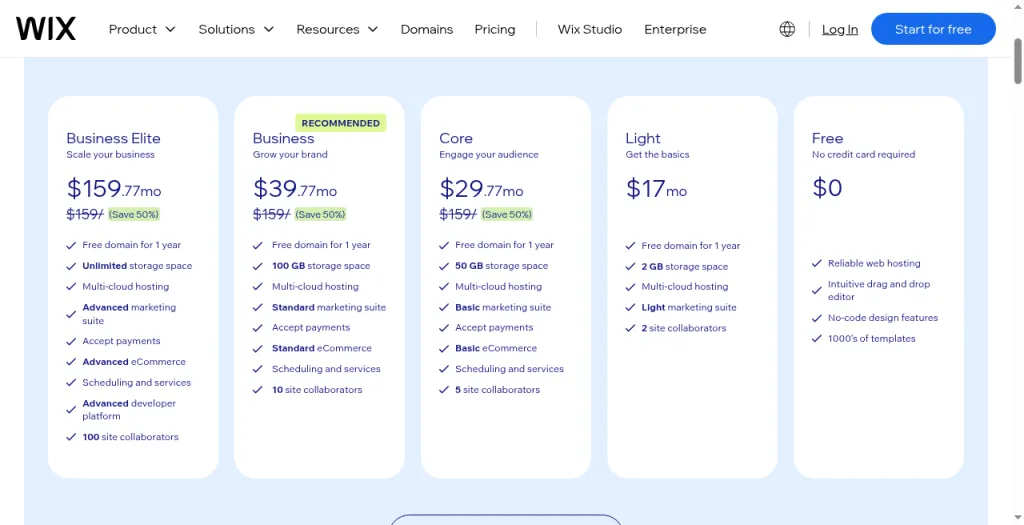
Wix Help: add Bookings for free, but upgrade to accept bookings and to take online payments. (About Wix Bookings) A trade that wants online booking and payments is looking at Core or higher on annual billing — $29/mo displayed for Core, $39/mo for Business — plus time to build the site. Wix offers a 14-day money-back guarantee on the initial Premium upgrade. (Wix Pricing)
Kejoola lists monthly USD plans (annual also available): Lite $24 (website only), Starter $39 (booking, up to 50 bookings/month), Professional $89 (up to 300 bookings/month), Business $159 (unlimited bookings). Trial is 14 days with no credit card.
| Goal | Wix path (opened pages) | Booking-first path Kejoola |
|---|---|---|
| Brochure, no booking | Light $17/mo yearly display | Lite $24/mo website-only |
| Online bookings + payments | Core $29/mo yearly display | Starter $39/mo with booking limits |
| More capacity / growth | Business $39/mo or Elite $159/mo yearly | Professional $89/mo or Business $159/mo |
| Trial | 14-day money-back on Premium | 14-day trial, no card |
These are list prices from the pages above, not a claim that one stack is always cheaper after payment fees, domains, or apps.
Complexity: full Wix build vs trade-ready publish
Wix's HowTo on the scheduling page lists six steps: sign up, set up services, connect payments, choose a domain, publish, then grow with marketing. (Wix scheduling software) Help adds App Market install, editor placement, booking forms, staff hours, resources, and policies. That flexibility is why salons love Wix. It is also why a landscaper who only wants "spring cleanup" and "weekly mow" can feel like they are assembling a platform.
Kejoola's FAQ says most owners publish their first site and booking page in under an hour, then share the link on Instagram, Google, and texts. The product shape is four pages, services, availability, and publish.
Who should pick which
Choose Wix Bookings if you want a highly custom Wix site, classes or courses, membership packages, multi-location staff calendars, and a full suite (store, blog, marketing) in one vendor. Fair reading: Wix built Bookings for appointment businesses — and it is strong there.
Choose a booking-first trade site if you are a mobile or house-call trade, you already get leads from Google and word of mouth, and you need a short bookable presence fast — Home, Services, Blog, Contact — with a URL for Google Business Profile and texts. Kejoola offers GBP import at kejoola.com/start/google-business.
Wix Bookings is not the wrong tool. It is the bigger tool. For many US trades, the gap is not "can it schedule." The gap is how much website you must build before the first job lands on the calendar.
Sources
- https://support.wix.com/en/article/wix-bookings-about-wix-bookings
- https://support.wix.com/en/article/wix-bookings-creating-an-appointment
- https://support.wix.com/en/article/wix-bookings-about-getting-paid-online
- https://support.wix.com/en/article/about-staff-members-in-wix-bookings-7354860
- https://support.wix.com/en/article/wix-bookings-offering-services-at-multiple-locations
- https://www.wix.com/scheduling-software
- https://www.wix.com/pricing
- https://www.wix.com/blog/how-much-is-a-wix-website
- https://www.wix.com/blog/wix-premium-plans
- https://kejoola.com
- https://kejoola.com/start/google-business