The 12 Best Free Online Scheduling Tools of 2024 (In-Depth Review)
An in-depth, analytical comparison of the top 12 free online scheduling tools. Find the perfect scheduler for your needs, from solo practitioners to growing teams.
Josh · Jan 11, 2026 · 19 min read

- scheduling tools
- free software
- productivity
- small business
Why Manual Scheduling Is Costing You More Than Just Time
The back-and-forth emails, the missed calls while you're with a client, the dreaded double booking—these aren't just minor annoyances. Manual scheduling is a silent business killer. It creates friction for potential clients, leading to lost leads and frustration, while consuming your most finite resource: time that could be spent on billable work or growing your business. For any service provider, from a solo consultant to a small studio, this administrative drag directly impacts your bottom line.
Adopting a free online scheduling tool is more than a simple convenience; it’s a foundational step in professionalizing your operations and reclaiming your time. This article provides a detailed, analytical breakdown of the 12 best free platforms available. We move beyond marketing copy to give you an honest assessment of each tool’s capabilities and, more importantly, its limitations.
You will find a comprehensive review for each option, complete with screenshots, direct links, and a clear analysis of its free-plan limits. We break down the ideal use-case for each, whether you're a solo freelancer, a small team managing shared calendars, or an agency with complex booking needs. This guide is designed to help you select the right tool for your specific situation now, while also highlighting the triggers that signal it's time to upgrade to a more integrated, all-in-one solution.
1. Calendly
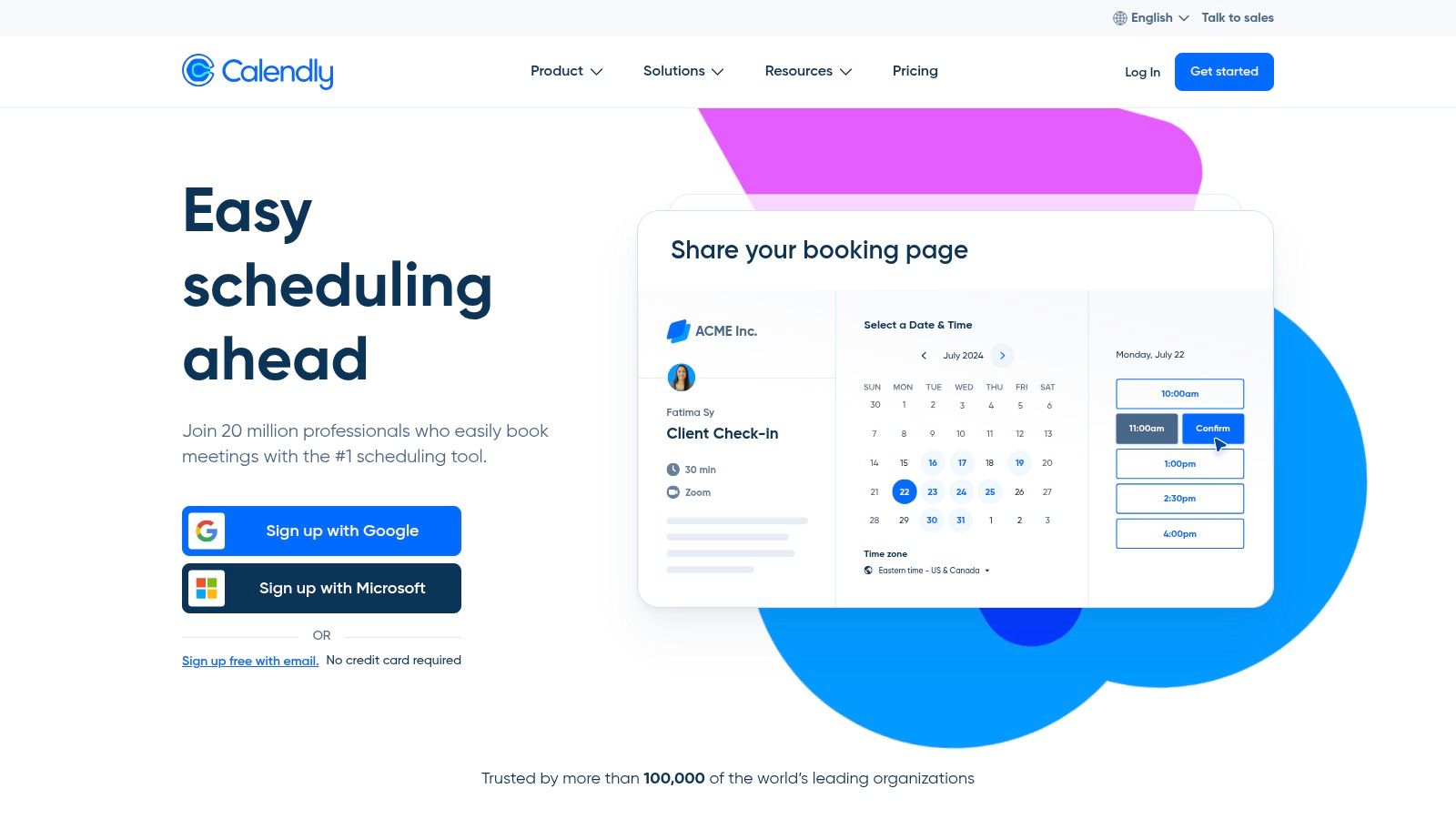
Calendly is a dominant player in the scheduling space, renowned for its polished, intuitive user experience and extensive integration capabilities. It excels at providing a frictionless booking process for invitees, which is why it has become a go-to for professionals and businesses of all sizes. The platform's free tier is an excellent entry point for individuals looking to eliminate the back-and-forth emails of manual scheduling. While its primary function is scheduling, those needing a more comprehensive solution should explore how to create a booking website for an all-in-one system.
Key Free Plan Features & Limitations
Calendly's forever-free plan is robust for solo users but has clear limitations designed to encourage upgrades.
- Calendar Connections: 1 calendar per user (Google, Office 365, Outlook, iCloud).
- Event Types: Limited to one active event type. This is the most significant restriction, making it less ideal for users offering multiple distinct services (e.g., a 15-minute intro call and a 60-minute consultation).
- Core Functionality: Includes unlimited one-on-one event scheduling, customizable booking links, and automated event notifications.
- Integrations: Connects with core video conferencing tools like Google Meet, Microsoft Teams, and Zoom.
Who is it Best For?
The free plan is perfectly suited for individual consultants, freelancers, or sales professionals who primarily need to schedule one type of meeting. Its simplicity and reliability make it one of the best free online scheduling tools for straightforward, one-on-one appointment booking. However, teams or businesses requiring multiple event types, group scheduling, or workflow automations will need to upgrade.
2. Google Calendar Appointment Schedules
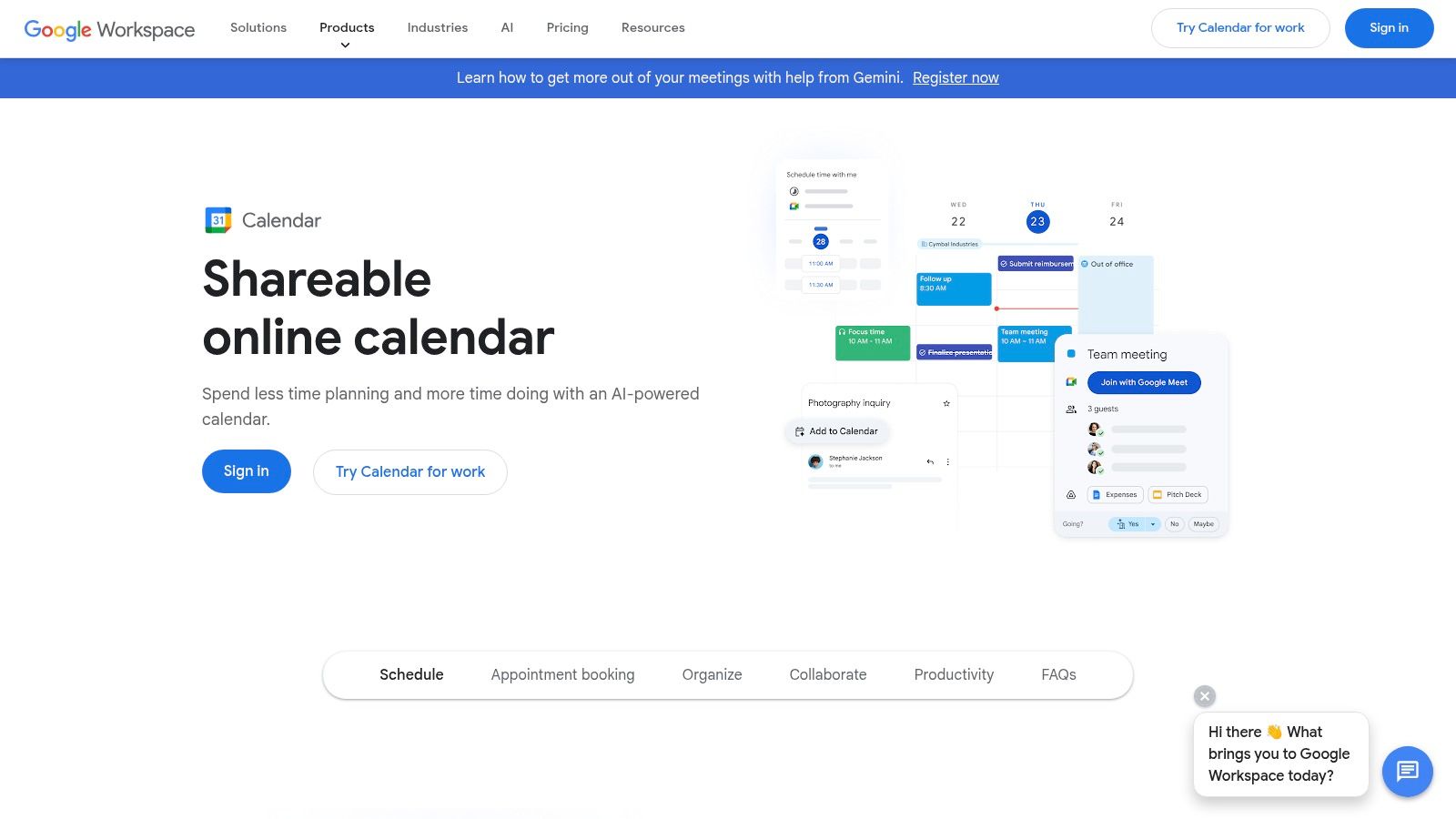
For those deeply embedded in the Google ecosystem, the native Appointment Schedules feature is a game-changer. It eliminates the need for a third-party tool by integrating a booking page directly into your Google Calendar. This offers a seamless, friction-free scheduling experience for both you and your invitees, leveraging the calendar you already use daily. The tight integration with Gmail and Google Meet makes it an incredibly efficient choice for basic scheduling needs.
Key Free Plan Features & Limitations
The feature is available to anyone with a Google account, but some advanced capabilities are restricted to paid Google Workspace plans.
- Calendar Connections: Natively connects to your Google Calendar, automatically checking for conflicts. Keeping your calendar updated across all devices is crucial, and you can explore how to sync Google Calendar with your iPhone to ensure accuracy.
- Event Types: You can create one active booking page on a personal Google account.
- Core Functionality: Includes a shareable booking page, automatic Google Meet link creation, and the ability to add booking links directly from the Gmail composer.
- Integrations: Its primary strength is its deep, native integration with Google Calendar, Gmail, and Google Meet.
Who is it Best For?
Google Calendar's scheduling is one of the best free online scheduling tools for individuals and professionals who live in the Google suite. It's ideal for those needing a simple, no-frills way to schedule one-on-one meetings without signing up for another service. However, users who require multiple event types, payment processing, or advanced customizations will find it too basic and should look at more specialized platforms.
3. Square Appointments
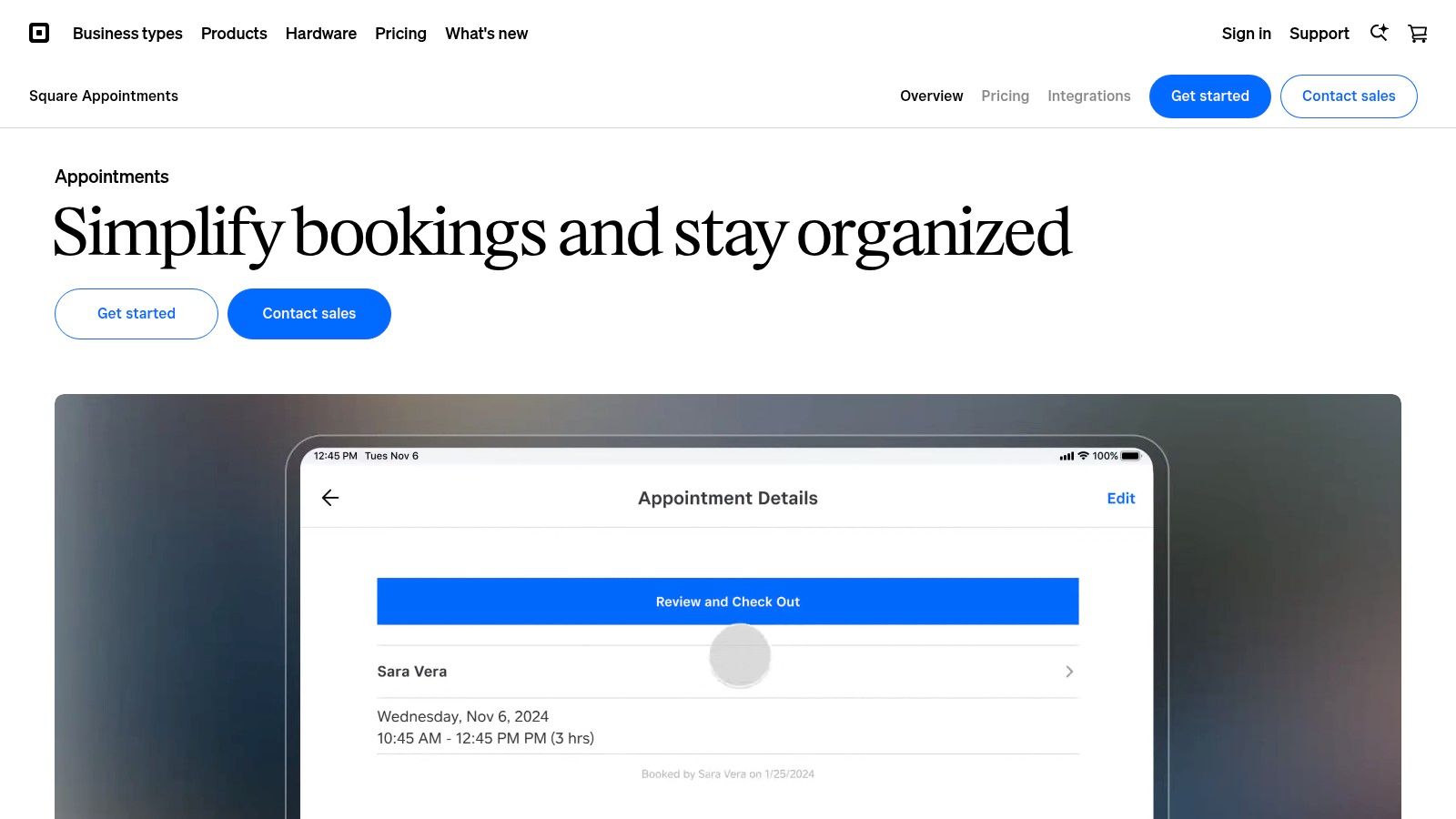
Square Appointments is an all-in-one solution that tightly integrates scheduling with a powerful payment processing and point-of-sale (POS) system. It's designed for service-based businesses like salons, spas, and repair shops that need to manage bookings and process payments in a single workflow. The platform provides a free, customizable booking site that syncs with Google and social media profiles, making it easy for clients to book directly.
Key Free Plan Features & Limitations
The free plan is built for single-location businesses and individual providers, offering a comprehensive feature set to manage the entire client lifecycle.
- User Limit: The free plan is for a single user at one location. Adding more staff members requires upgrading to a paid plan.
- Core Functionality: Includes an online booking site, automated email and text reminders, and integration with the Square POS system.
- Payment Integration: Seamlessly accept payments, but standard Square processing fees apply to all transactions.
- Client Management: Features like requiring deposits and charging no-show fees are available, which you can learn more about in this guide on how to reduce appointment no-shows.
Who is it Best For?
Square Appointments is one of the best free online scheduling tools for solo service providers like barbers, stylists, and personal trainers who need to handle both booking and payments efficiently. Its key advantage is the deep integration with Square's ecosystem, including marketplace exposure through the Square Go app. Businesses needing multi-staff management or advanced features like waitlists will need to subscribe to a paid tier.
4. Setmore
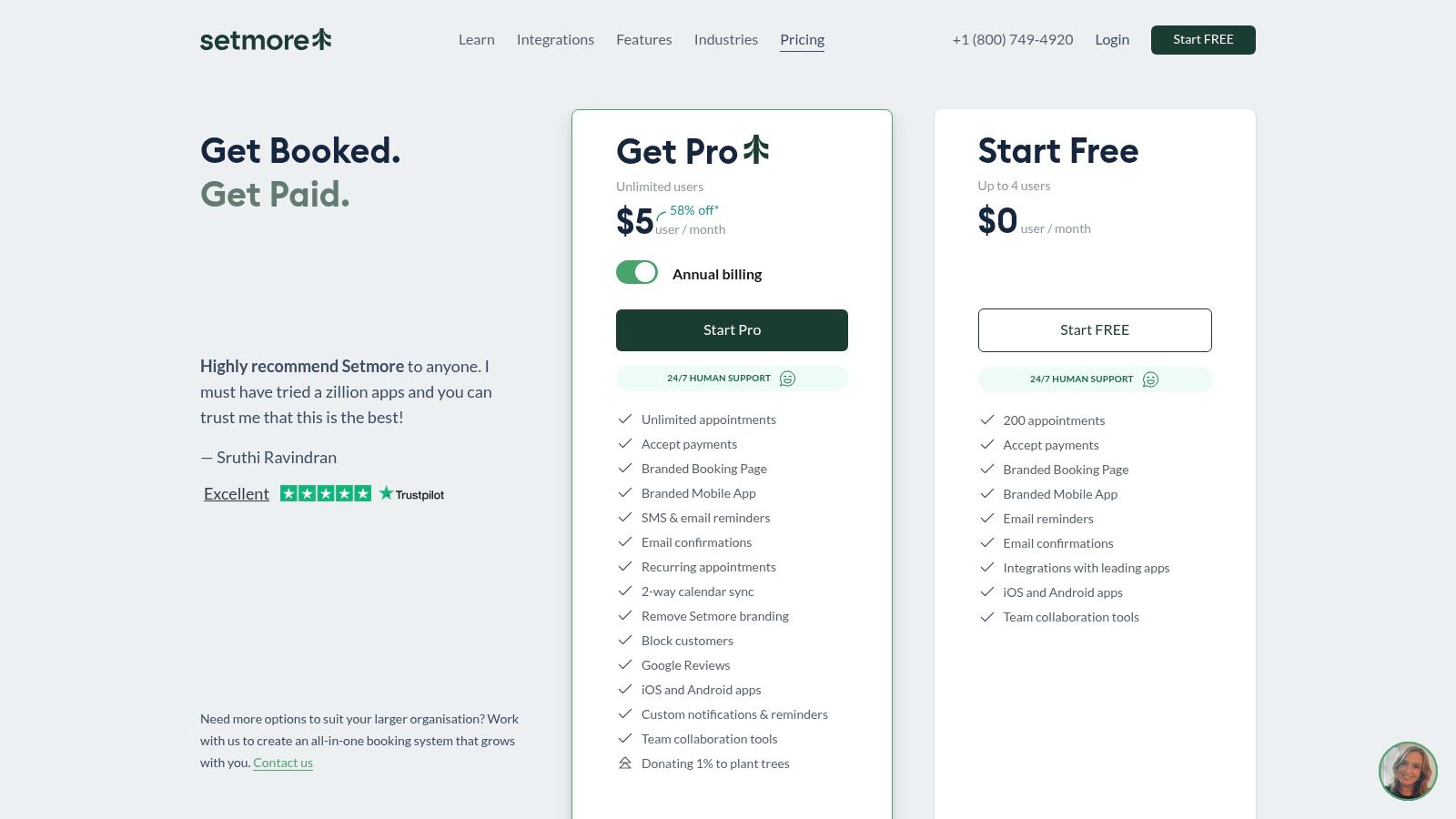
Setmore stands out with an exceptionally generous free tier designed for small service-based teams. Unlike many competitors that limit free plans to a single user, Setmore allows up to four staff members to create calendars and accept appointments, all under one account. This approach makes it a powerful starting point for businesses like salons, tutoring centers, or small consulting firms that need to manage multiple schedules from day one. It even includes 24/7 human support, a rarity for free plans.
Key Free Plan Features & Limitations
Setmore's free offering is packed with features but retains key limitations to drive upgrades.
- Users: Up to 4 staff logins and calendars, each with unique booking links.
- Core Functionality: Unlimited appointments, a customizable Booking Page, website/social media embeds, and automated email confirmations.
- Payments: Integrated payment processing through Square and Stripe.
- Limitations: The free plan retains Setmore branding. Crucial features like two-way calendar sync and SMS reminders are reserved for paid tiers.
Who is it Best For?
Setmore is one of the best free online scheduling tools for small service businesses with multiple staff members that need a unified booking system without an initial investment. Its user-friendly mobile apps (iOS and Android) make it ideal for teams that manage appointments on the go. However, businesses that rely heavily on automated calendar synchronization or SMS notifications to reduce no-shows will find the paid plans more suitable.
5. Doodle
Doodle is best known for its exceptional group polling feature, which simplifies the complex task of finding a meeting time that works for multiple people. While its core strength is coordinating group availability, it also offers a straightforward one-on-one booking page, making it a versatile tool. Its interface is designed for speed and simplicity, ensuring invitees can respond to a poll or book a time with minimal friction.
Key Free Plan Features & Limitations
The free version of Doodle focuses on its primary polling function and basic individual scheduling, with clear boundaries for more advanced needs.
- Group Polls: Create unlimited group polls to find the best time for a meeting. This is Doodle's standout free feature.
- Calendar Connections: Connect one calendar to avoid double-bookings.
- Booking Page: The free plan includes one personal booking page, but it is limited and carries Doodle branding.
- Limitations: The free tier lacks integrations with video conferencing tools like Zoom, lacks custom branding, and does not include automated reminders or follow-ups.
Who is it Best For?
Doodle's free plan is ideal for anyone who frequently needs to schedule meetings with groups, such as project managers, team leaders, or organizers of social events. The individual booking page is a nice-to-have, but its primary value lies in its powerful group polling. It is one of the best free online scheduling tools for coordinating with multiple stakeholders at once.
6. HubSpot Meeting Scheduler
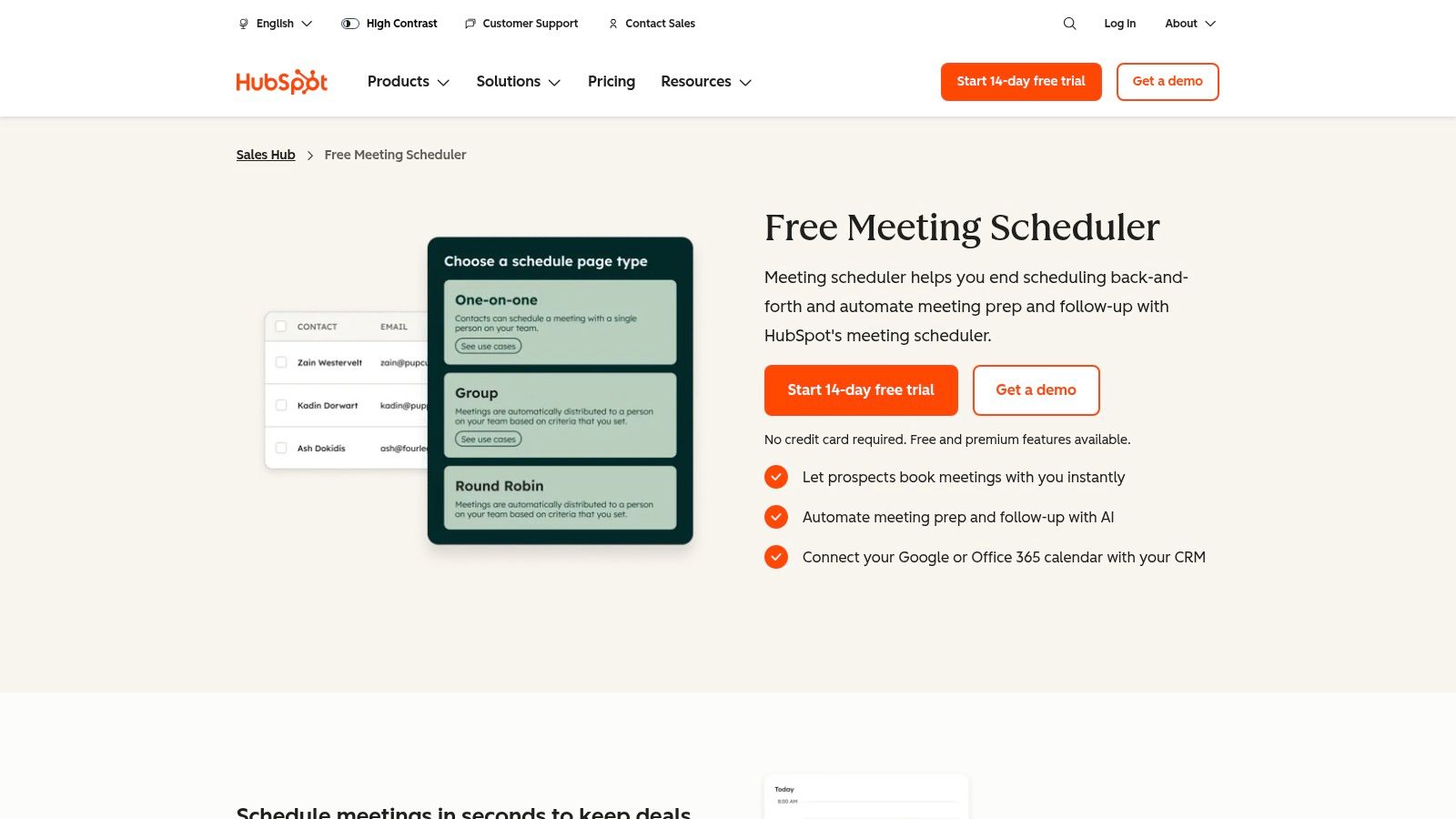
HubSpot Meeting Scheduler is an integrated part of the powerful HubSpot ecosystem, offered for free alongside its robust CRM. This makes it an exceptional choice for businesses that want to tie scheduling directly to lead management, sales pipelines, and customer relationship data. It stands out by embedding appointment booking directly within a comprehensive sales and marketing platform, turning every scheduled meeting into a trackable CRM event.
Key Free Plan Features & Limitations
The free version provides significant value by bundling scheduling with a world-class CRM, though some advanced features are reserved for paid tiers.
- Calendar Connections: 1 personal calendar (Google or Office 365).
- Booking Links: Create unlimited shareable booking links and embed them on your website.
- Core Functionality: Includes group meeting links and automatic logging of meetings to contacts within the HubSpot CRM. The system also supports custom intake form fields.
- Limitations: The free plan includes HubSpot branding on booking pages. Advanced automations and removing branding require an upgrade to a paid Sales Hub plan.
Who is it Best For?
HubSpot's free scheduler is ideal for sales teams, marketers, and service-focused businesses already using or willing to adopt the HubSpot CRM. If your goal is to not only book meetings but also track the entire customer journey from prospect to client, this tool provides an unmatched, integrated experience. It is one of the best free online scheduling tools for businesses prioritizing lead capture and data management.
7. Picktime
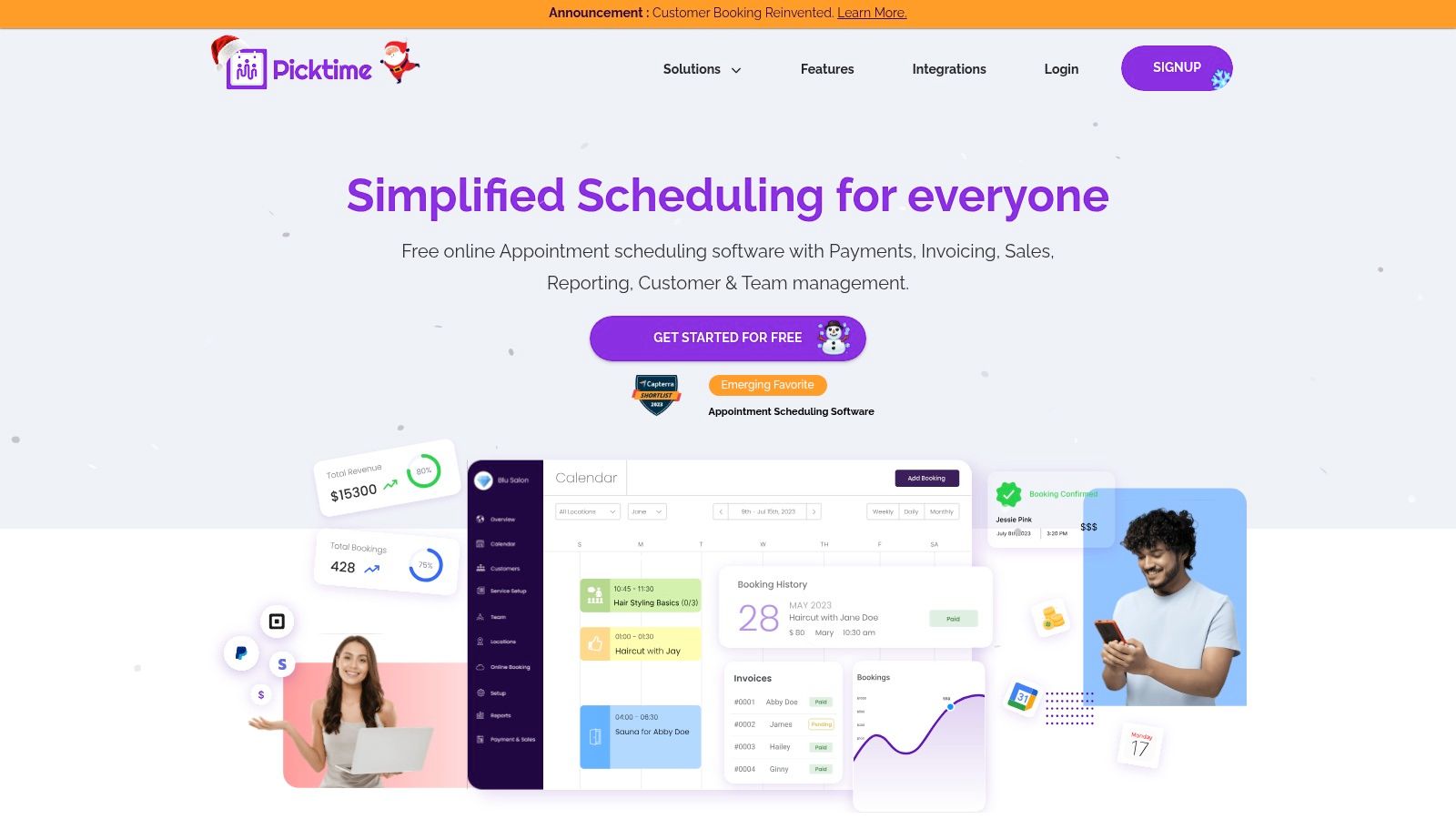
Picktime positions itself as a remarkably versatile and free online scheduling tool, particularly for businesses managing classes, resources, and multiple staff members. Its forever-free plan is one of the most generous available, offering unlimited appointments and basic payment integration, which is often a premium feature elsewhere. The platform provides a full booking page, making it a viable option for new businesses that don't yet have a dedicated website.
Key Free Plan Features & Limitations
Picktime’s free tier provides a comprehensive starting point with a few key limitations to drive upgrades.
- Appointments & Staff: Unlimited appointments and bookings with up to 3 staff members.
- Locations: Limited to 1 location.
- Integrations: Includes calendar sync with Google, Outlook, and iCloud, plus video conferencing via its native Picktime Meet, Google Meet, and Zoom.
- Payments: Supports basic payment processing through PayPal. More gateways like Stripe and Square require a paid plan.
- Bookings: Recurring bookings are not included in the free plan.
Who is it Best For?
The free plan is an excellent choice for small service-based businesses like salons, tutors, or fitness studios that need to manage multiple staff calendars and appointments without an upfront cost. Its support for class and resource booking makes it stand out. However, businesses requiring recurring appointments or a choice of payment gateways will find the need to upgrade to a paid tier.
8. Cal.com (hosted)
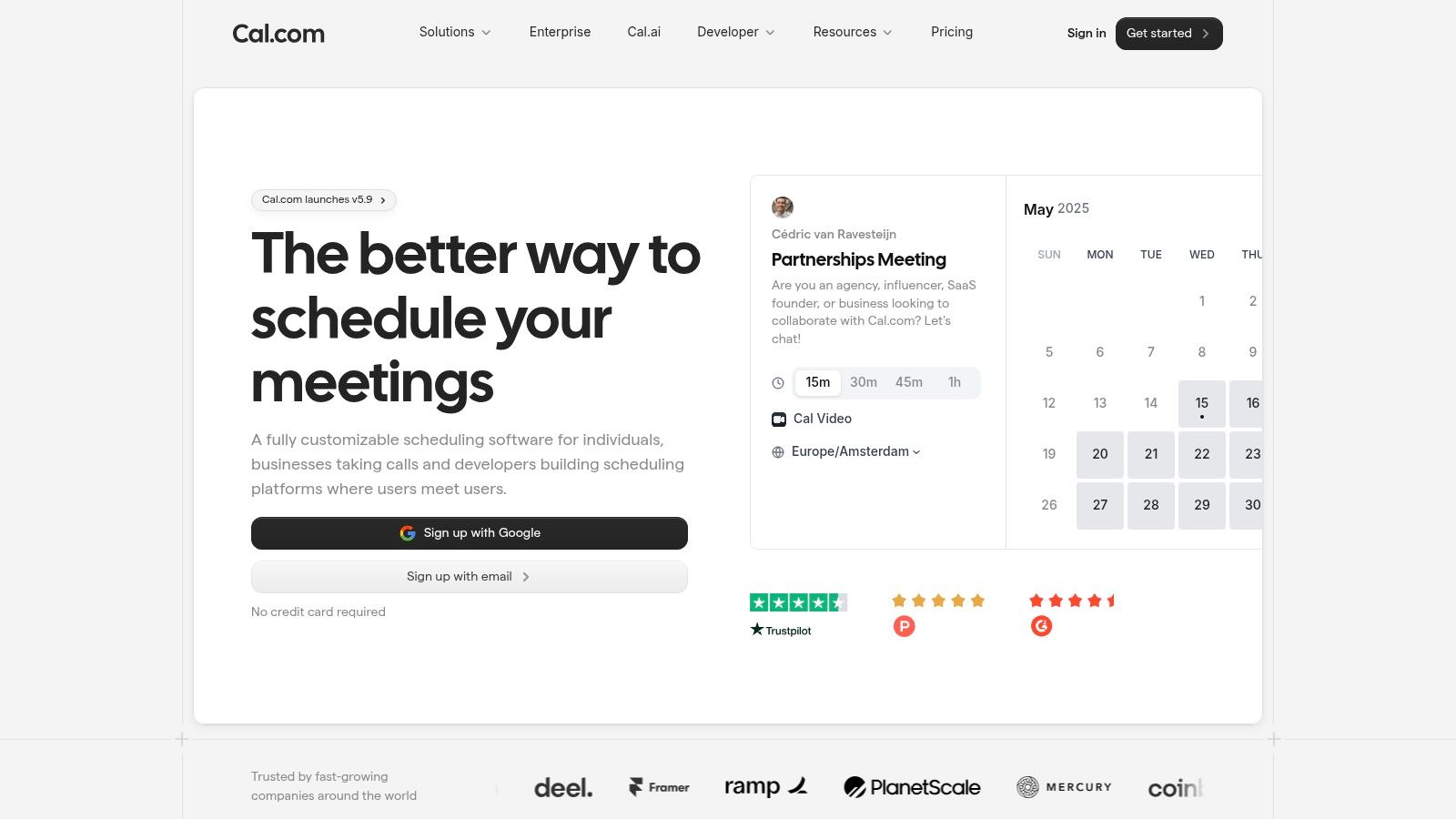
Cal.com stands out with its open-source roots, offering a developer-friendly and highly extensible scheduling platform. Its hosted version provides one of the most generous free tiers available, making powerful features accessible without any cost. The modern interface and commitment to flexibility make it a compelling choice for tech-savvy individuals and businesses wanting more control over their scheduling infrastructure.
Key Free Plan Features & Limitations
The free plan on Cal.com is exceptionally powerful for individuals, rivaling the paid plans of many competitors.
- Calendar Connections: Unlimited calendar connections per user.
- Event Types: Create unlimited individual event types, a major advantage over most free tools.
- Core Functionality: Includes customizable booking pages, Stripe payment integration for paid meetings, and workflow automations for reminders and follow-ups.
- Integrations: Offers robust API access and integrations with popular tools. For detailed instructions on leveraging its integration capabilities, a helpful tutorial explains the process of Adding Cal.com API to the calendar.
Who is it Best For?
Cal.com's free plan is ideal for consultants, developers, and entrepreneurs who need to manage multiple services or meeting types without paying for a subscription. Its open-core model and API access also appeal to users who want to build custom scheduling solutions. While team features like round-robin scheduling are reserved for paid plans, its individual offering is one of the most feature-rich free online scheduling tools on the market.
9. Koalendar
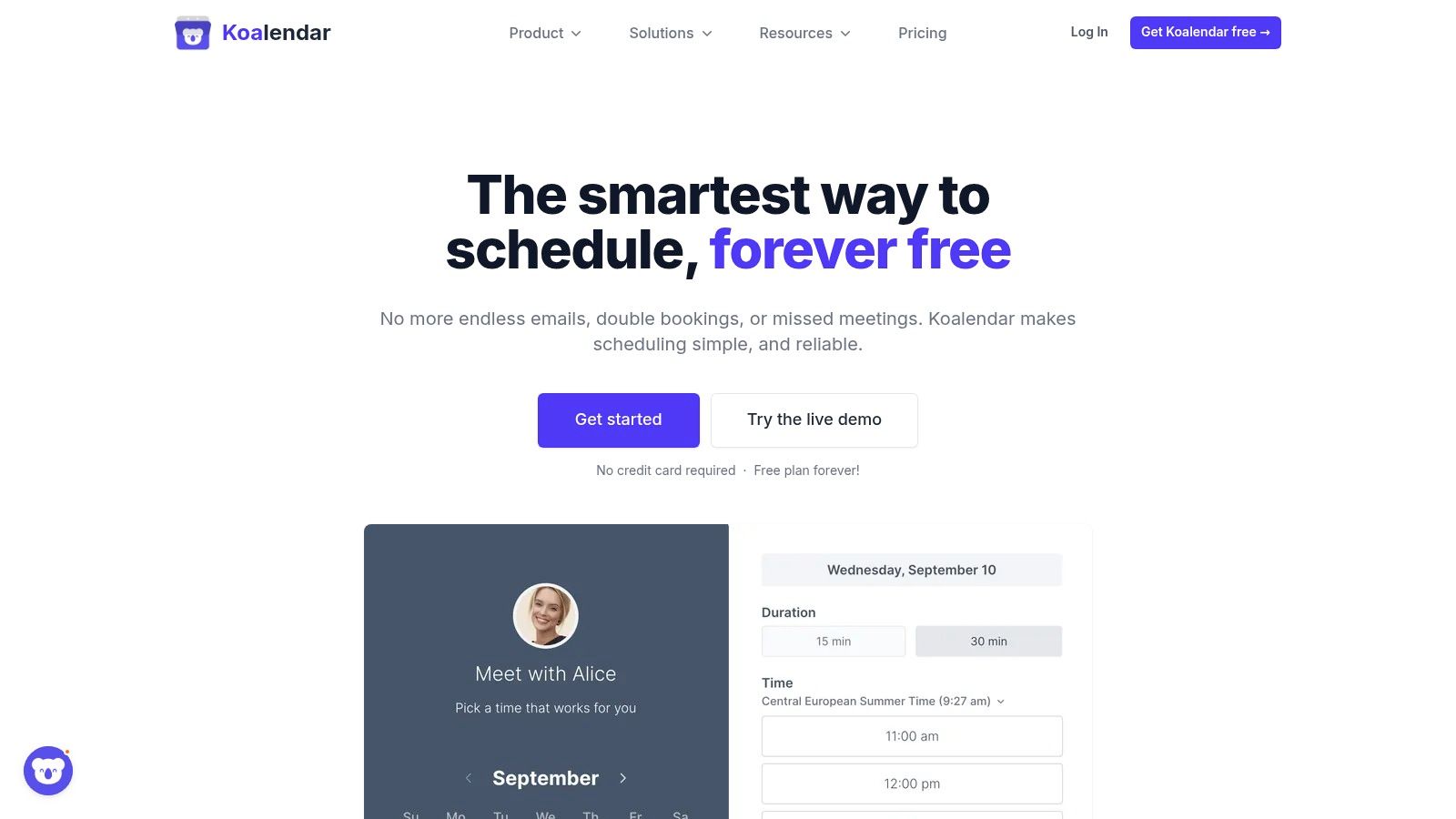
Koalendar stands out with one of the most generous free plans available, making it an exceptional choice for individuals and small businesses mindful of their budget. It breaks from the typical single-event-type restriction common in many free online scheduling tools, offering unlimited bookings and event types right out of the box. Its focus is on providing a clean, simple, and effective scheduling experience without an immediate need to upgrade.
Key Free Plan Features & Limitations
Koalendar’s forever-free plan is packed with value, offering core features that competitors often place behind a paywall.
- Calendar Connections: 1 calendar per user (Google, Outlook, iCloud).
- Event Types: Offers unlimited active event types. This is its key differentiator, allowing users to create distinct booking pages for different services.
- Core Functionality: Includes unlimited one-on-one bookings, unlimited scheduling links, website embeds, and multi-language booking pages.
- Integrations: Basic video conferencing support with Google Meet and Zoom is included.
Who is it Best For?
The free plan is ideal for solo entrepreneurs, consultants, and service providers who offer multiple types of appointments and need a straightforward way to manage them. Its simple setup and clean user interface make it perfect for those who require robust basic scheduling functionality without the complexity or cost. Businesses needing team features, payment processing, or advanced integrations will find the Pro plan necessary.
10. Appointlet
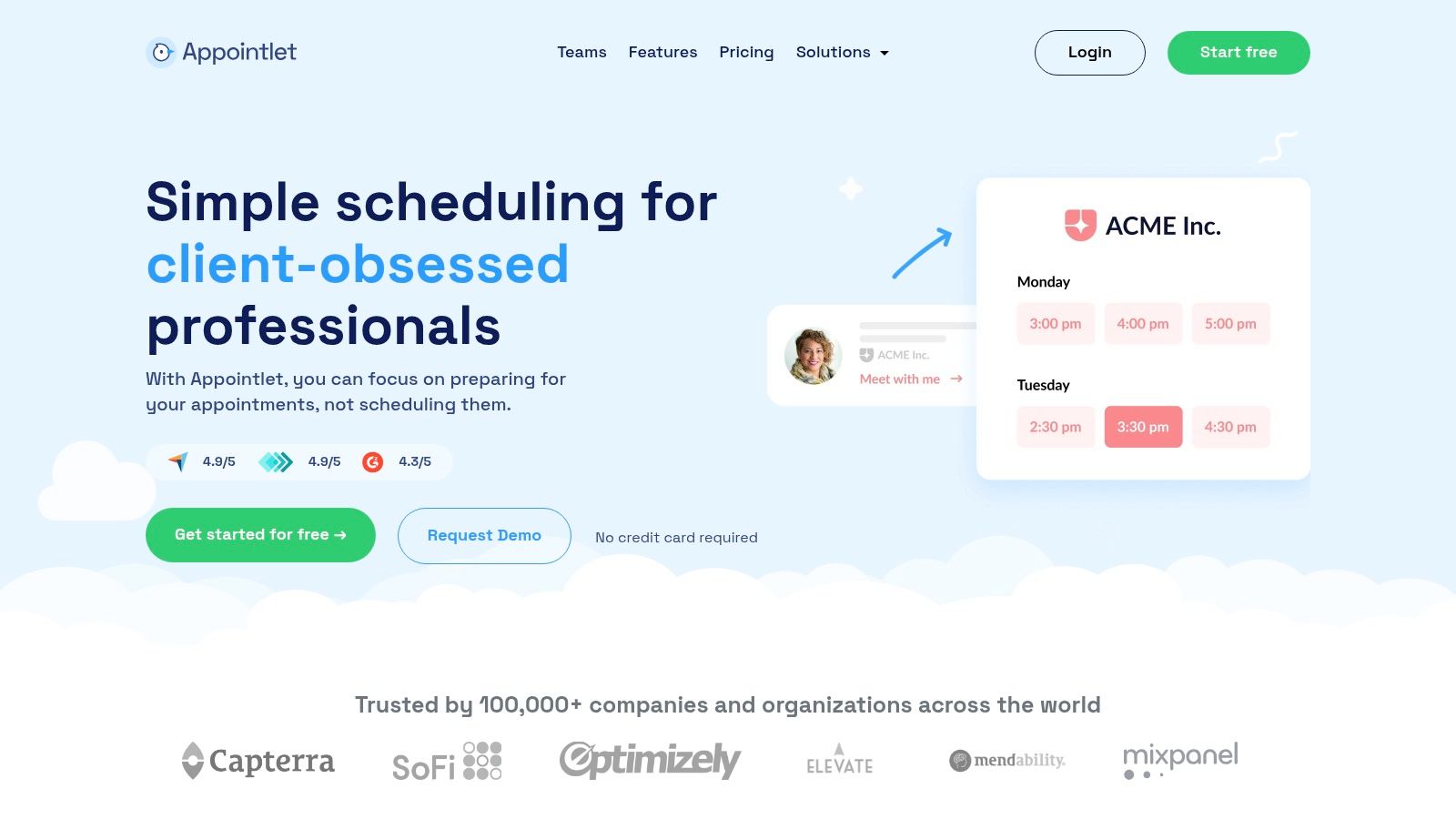
Appointlet offers a practical and straightforward scheduling solution with a strong emphasis on team collaboration and video conferencing integrations, even on its free plan. It stands out by providing features like custom intake forms and support for multiple team members without an immediate need for a paid subscription, making it a valuable tool for small but growing teams.
Key Free Plan Features & Limitations
Appointlet’s free plan is designed for small teams and offers more flexibility than many competitors, though it has usage caps.
- Team Members: Allows up to 5 team members, a generous offering for a free tool.
- Bookings: Capped at 25 bookings per month across the entire organization.
- Core Functionality: Includes one scheduling page, custom intake forms to gather client information, and unlimited meeting types.
- Integrations: Connects with Google Meet, Zoom, Microsoft Teams, and Webex, providing broad video conferencing support.
Who is it Best For?
The free plan is an excellent choice for small teams, startups, or educational groups that require scheduling for multiple people but have a relatively low volume of monthly appointments. Its support for various video platforms makes it one of the best free online scheduling tools for remote teams that need to coordinate interviews, client calls, or internal meetings efficiently without incurring costs. The 25-booking limit is the primary trigger for upgrading.
11. SimplyMeet.me
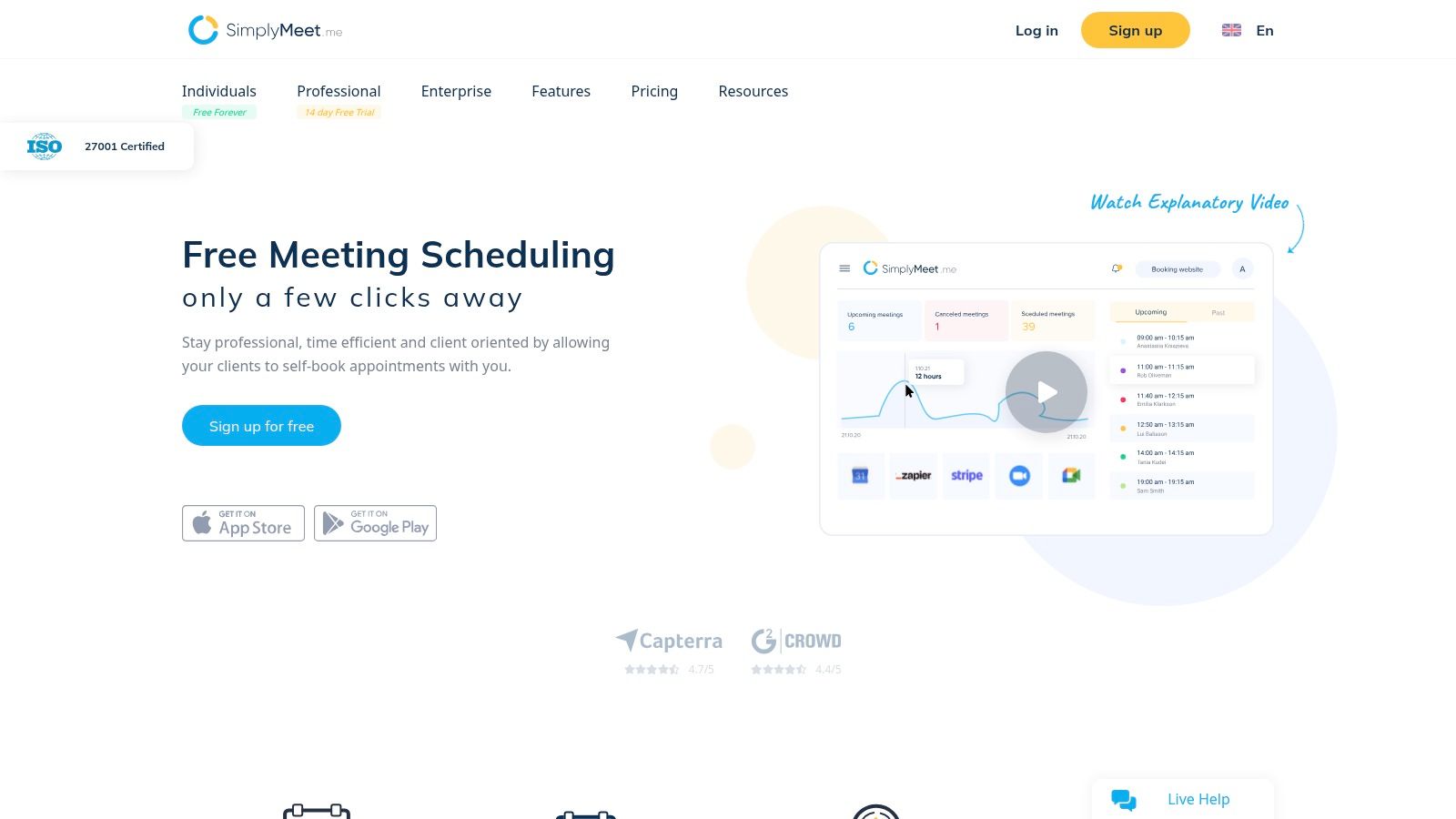
SimplyMeet.me, from the creators of the more comprehensive SimplyBook.me, offers one of the most generous free plans available for individual users. It focuses on providing core scheduling features without major restrictions on meeting types or volume, making it a powerful lightweight alternative for professionals who need more flexibility than typical entry-level plans allow.
Key Free Plan Features & Limitations
The free tier from SimplyMeet.me is designed to give solo users a feature-rich experience, a stark contrast to the often restrictive free plans of competitors.
- Calendar Connections: Sync up to 3 calendars (including Google, Outlook, iCloud, and more).
- Event Types: Create unlimited meeting types.
- Meeting Limits: Up to 500 meetings per month, which is more than sufficient for most individuals.
- Core Functionality: Supports individual and group meetings, video conferencing integrations (Zoom, Teams, Google Meet), and offers 24/5 live chat support.
- Limitations: Payment integrations, SMS notifications, and the removal of SimplyMeet.me branding are reserved for paid tiers.
Who is it Best For?
SimplyMeet.me's free plan is ideal for consultants, coaches, and therapists who offer a variety of services and need to manage multiple calendars. Its high meeting limit and unlimited event types provide a level of freedom rarely seen in free online scheduling tools, making it a top choice for busy solo professionals who want robust functionality without an immediate financial commitment.
12. Reclaim.ai
Reclaim.ai offers a unique spin on scheduling by blending appointment booking with intelligent time blocking for your tasks, habits, and focus work. It functions as an AI assistant for your calendar, automatically finding the best times for your commitments while keeping your booking availability flexible and up-to-date. This approach makes it more than just a booking tool; it's a comprehensive time management system designed for busy professionals.
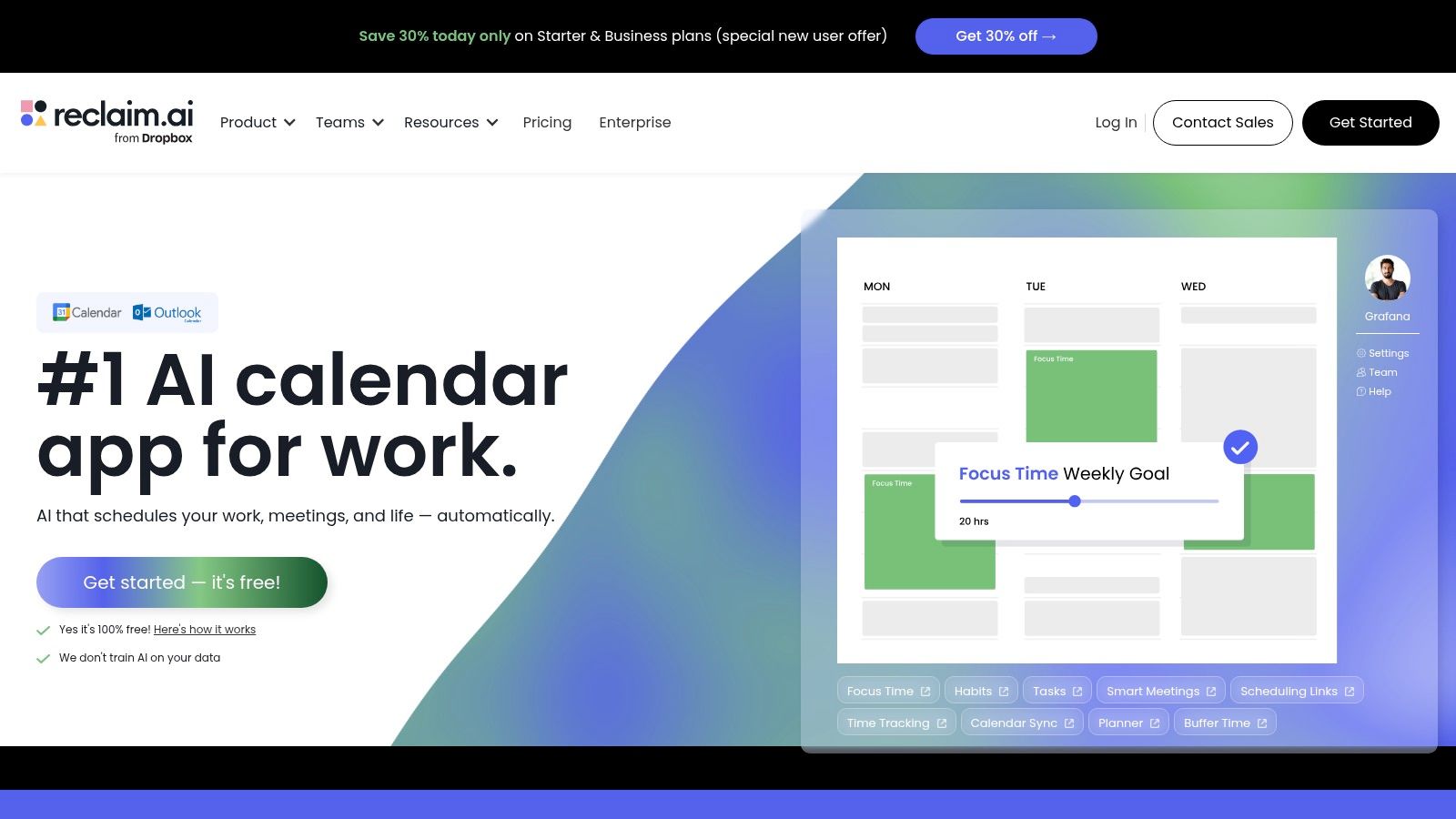
Key Free Plan Features & Limitations
The free "Lite" plan provides a powerful combination of scheduling and personal time management, with clear upsells for team-based features.
- Calendar Connections: 1 Google Calendar.
- Scheduling Links: Limited to one scheduling link, ideal for a primary meeting type like a demo or consultation.
- Core Functionality: Includes smart time blocking for tasks and habits, calendar sync, and integrations with Google Meet and Zoom.
- Limitations: The free plan lacks multiple scheduling links, team features, and advanced productivity analytics. It is heavily optimized for the Google Workspace ecosystem.
Who is it Best For?
Reclaim.ai's free plan is perfect for founders, solo entrepreneurs, and productivity-focused professionals who live in their Google Calendar. If you need a free online scheduling tool that not only books meetings but also actively defends your focus time, Reclaim.ai is an exceptional choice. Those who want to manage team schedules or require multiple meeting types will need to explore paid tiers.
Top 12 Free Scheduling Tools — Comparison
| Product | Core features | UX ★ | Value 💰 | Target 👥 | Unique/USP ✨🏆 |
|---|---|---|---|---|---|
| Calendly | Shareable booking links, video connects, apps, integrations | ★★★★ | 💰 Free → paid team plans | 👥 Individuals & teams | ✨Large integration ecosystem · 🏆Polished booking flow |
| Google Calendar (Appointment Schedules) | Booking pages in Calendar, Gmail button, auto Meet links | ★★★★ | 💰 Included with Google account | 👥 Google users, simple 1:1 scheduling | ✨Tight Gmail/Meet sync · 🏆Zero-friction for Google users |
| Square Appointments | Online booking, reminders, deposits, POS & payments | ★★★★ | 💰 Free solo; paid for multi-staff + processing fees | 👥 Salons, barbers, service shops | ✨Integrated payments & Square Go marketplace · 🏆End‑to‑end booking→payment |
| Setmore | Branded booking pages, mobile apps, confirmations, support | ★★★ | 💰 Generous free (up to 4 users); paid upgrades | 👥 Small service teams getting started | ✨24/7 human support even on Free |
| Doodle | Group availability polls, personal booking page, calendar links | ★★★★ | 💰 Free core polling; paid branding/customization | 👥 Groups & event coordinators | ✨Best for multi‑attendee time‑finding |
| HubSpot Meeting Scheduler | Shareable links, auto‑logging to CRM, calendar sync | ★★★★ | 💰 Free CRM + scheduler; paid HubSpot upgrades | 👥 Sales teams & lead capture workflows | ✨Auto‑logging to contacts/deals · 🏆CRM + scheduler bundle |
| Picktime | Online booking page, unlimited appointments (Free), PayPal | ★★★ | 💰 Very generous free plan | 👥 Solo operators & small teams on budget | ✨Unlimited appointments on Free; supports classes/resources |
| Cal.com (hosted) | Unlimited calendars/event types, APIs, Stripe, workflows | ★★★★ | 💰 Free individual; paid team plans | 👥 Developers & teams needing extensibility | ✨Open‑core, API‑first customizability · 🏆Highly extensible |
| Koalendar | Unlimited bookings/links (Free), calendar sync, multi‑lang pages | ★★★★ | 💰 Exceptionally generous free forever | 👥 Solo users needing simple public pages | ✨Unlimited free links + multi‑language support |
| Appointlet | Booking pages + intake forms, wide video conferencing support | ★★★ | 💰 Practical free tier; paid for higher limits | 👥 Teams needing conferencing + forms | ✨Broad Zoom/Teams/Webex support |
| SimplyMeet.me | Multiple meeting types, large free monthly allowance, sync | ★★★ | 💰 Generous free for solo (high meeting cap) | 👥 Solo users who run many meetings | ✨Up to 500 meetings/month on Free · live chat support |
| Reclaim.ai | Scheduling links + AI smart time blocking and habits | ★★★★ | 💰 Free basic; paid for advanced automation | 👥 Founders & productivity‑focused teams | ✨AI time‑blocking + focus automation · 🏆Productivity + scheduling combo |
Your Next Step: From Scheduling Chaos to Automated Growth
Navigating the landscape of free online scheduling tools can feel overwhelming, but the core takeaway is clear: automation is accessible. Moving away from manual, time-consuming booking processes is no longer a luxury reserved for large enterprises. As we've explored, solutions exist for every stage of business, from the solopreneur needing basic appointment slots to a growing team requiring more complex coordination.
The key is not to find a tool with the most features, but the one with the right features for your current needs. For ultimate simplicity and integration with your existing workflow, Google Calendar's native Appointment Schedules is a formidable starting point. If your focus is on converting leads, HubSpot's Meeting Scheduler offers an unbeatable connection to a powerful, free CRM. For service businesses needing payments or those seeking a robust, open-source alternative, Square Appointments and Cal.com provide impressive functionality without a price tag.
Making the Right Choice for Your Business
Your decision should be a strategic one. Before committing, consider these final points:
- Assess Your True Needs: Don't be swayed by a long feature list. Do you really need complex routing rules, or just a simple, reliable way for clients to book a call? Start with your most significant pain point.
- Evaluate the User Experience: How easy is it for your clients to book? A confusing or clunky interface can lead to lost appointments and frustration, defeating the purpose of the tool.
- Plan for Growth: The free plan that works today might not work in six months. Review the "upgrade triggers" we discussed for each tool and understand the costs and features of the paid tiers. A tool with a clear and affordable growth path is often a smarter long-term choice.
Implementing one of these free online scheduling tools is a powerful first step in reclaiming your most valuable asset: time. It's a foundational move that allows you to focus on client work and business growth rather than administrative tasks. For many, this is a gateway to broader efficiency gains. Efficient scheduling is a crucial piece of the puzzle when you decide to automate your sales process, creating a seamless journey from initial contact to a closed deal. By eliminating the friction in just this one area, you set a new standard for operational excellence. The right tool isn't just about managing your calendar; it's about building a more professional, scalable, and profitable business.
When your business outgrows the limitations of a simple scheduling link and you need a professional, all-in-one platform with a booking-optimized website, that's where Kejoola comes in. It’s the logical next step, combining powerful scheduling with a full-featured, SEO-friendly website builder designed specifically for service businesses. Move beyond basic booking and build your entire online presence with Kejoola.