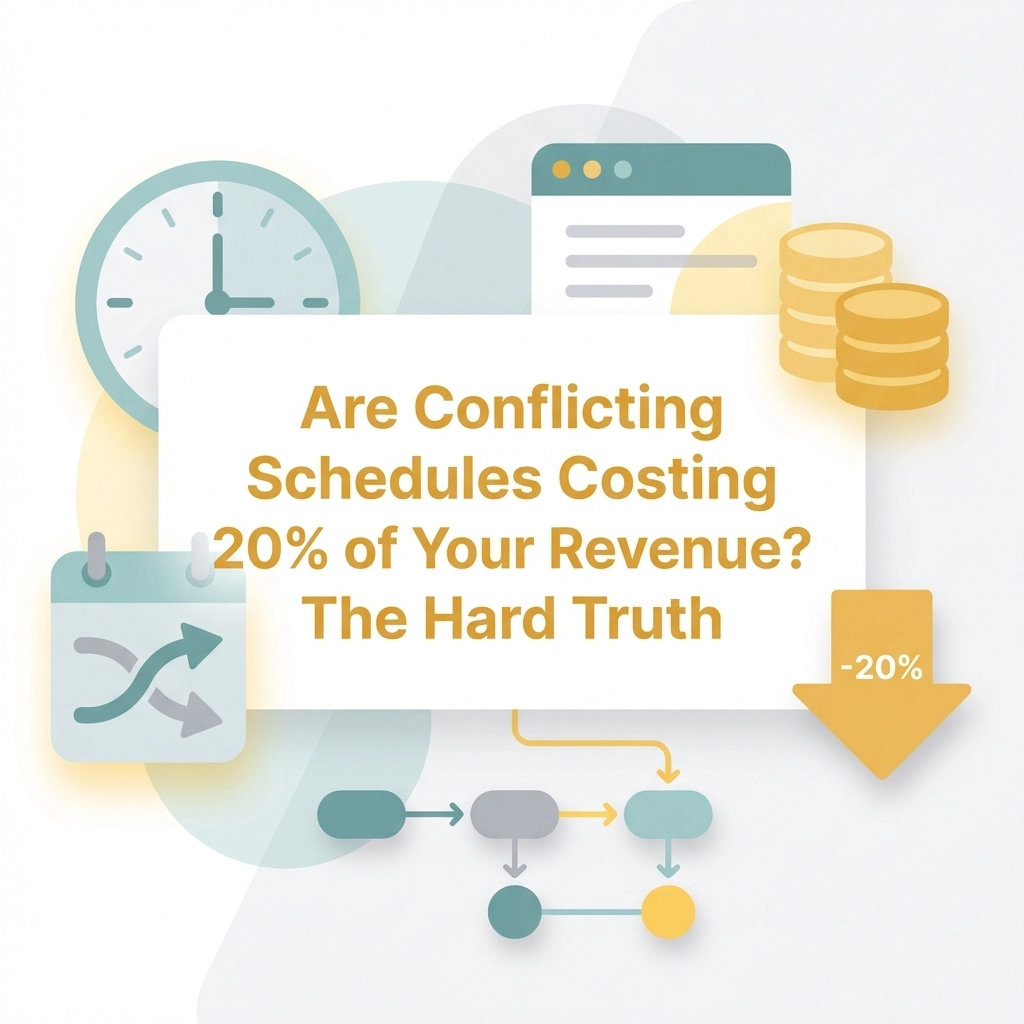
Are Conflicting Schedules Costing You 20% of Your Revenue? The Hard Truth
Scheduling conflicts silently drain your service business. Here's the hard data on what they're really costing you, and how to stop the bleeding.
Penny · Jan 16, 2026 · 6 min read
- scheduling
- small business
- revenue
- productivity
- automation
Let's be honest. You didn't start your service business to play calendar Tetris.
Yet here you are, juggling appointments, fielding "sorry, something came up" texts, and watching potential clients slip through the cracks because your schedule looks like a warzone.
The question is: how much is this chaos actually costing you?
The answer might sting. 💸
What Does "Scheduling Conflicts" Even Mean? 🤔
Before we dive into the dollars, let's get clear on what we're talking about.
The scheduling conflicts meaning is simple: it's when two or more appointments, tasks, or commitments overlap or compete for the same time slot. The conflicting schedules meaning extends to situations where your availability doesn't align with your client's, leading to missed opportunities.
Think about it:
- Double bookings that make you look unprofessional
- Clients who can't find a slot that works for them
- Staff members scheduled during their time off
- Back-to-back appointments with zero buffer time
Every time you send an email that starts with "due to schedule conflict, we need to reschedule," you're not just inconveniencing someone. You're potentially losing them forever.
The Hard Truth: What the Data Actually Says 📊
Now, here's where I need to be straight with you.
That 20% figure in the title? It's attention-grabbing—but the real-world data is just as brutal.
According to operational studies and workforce research, here's what poor scheduling really costs:
| Impact Area | Documented Loss |
|---|---|
| Revenue from understaffing | Up to 14% |
| Customer lifetime value | 18% reduction |
| Overall profitability | 7% decline |
| Cross-selling opportunities | 40% reduction |
| Customer wait times | 23% increase |
| Reclaimable labor costs | 3-7% of total |
| Daily sales hit from lateness (per +1% lateness) | 2.3% drop — Harvard Business School |
| Team efficiency lost to poor scheduling | 20–40% drain |
| Turnover risk from inaccurate schedules | 4× higher vs. accurate schedules |
So no, it might not be exactly 20%. But when you stack these numbers together? You're looking at a compounding problem that bleeds your business dry slowly.
The sneaky part? Most business owners don't even realize it's happening.

The Silent Revenue Killers You're Probably Ignoring 🔇
Let's break down how conflicting schedules actually drain your bank account.
1. The No-Show Spiral
When scheduling is confusing or manual, clients forget. They book wrong times. They double-book themselves.
The result? No-shows. And every no-show is money you'll never get back, plus the opportunity cost of someone else who could've filled that slot.
Pro Tip: Automated reminders can reduce no-shows by up to 29%. That's not nothing.
2. The "I'll Call Back Later" Client
Picture this: A potential client calls. You're with someone else. They leave a voicemail. You call back three hours later. They've already booked with your competitor.
This happens more than you think. Every scheduling conflict creates friction, and friction kills conversions.
3. The Admin Time Suck
How many hours per week do you spend:
- Sending appointment confirmations manually?
- Playing phone tag to reschedule?
- Updating your calendar across multiple platforms?
If it's more than two hours, you're essentially paying yourself (or your staff) to do work that software can handle in seconds. That's not smart business, that's busy work disguised as productivity.
4. The Reputation Hit
Here's the uncomfortable truth: when clients experience scheduling problems, 18% of them think less of your brand overall. Not just your scheduling, your entire business.
One bad experience = a customer who tells their friends. Word travels fast.

Manual vs. Automated: A Blunt Comparison ⚖️
Still think your paper calendar or spreadsheet system is "working fine"? Let's put it side by side with a proper tabs booking system.
| Factor | Manual Scheduling | Automated Booking System |
|---|---|---|
| Double-booking risk | High 🔴 | Near zero 🟢 |
| Client self-service | Not possible | 24/7 availability |
| Reminder automation | Manual effort | Fully automated |
| Time spent per week | 3-5+ hours | Under 30 minutes |
| Human error rate | Frequent | Rare |
| Professional appearance | Inconsistent | Polished and reliable |
| Revenue impact | Negative | Positive |
The takeaway is clear: manual scheduling isn't saving you money. It's costing you money you can't see.
Signs Your Scheduling System Is Broken 🚨
Not sure if this applies to you? Here are some red flags:
- ❌ You've apologized for a double-booking in the last month
- ❌ Clients have complained about booking difficulty
- ❌ You manually copy appointments between calendars
- ❌ You've lost a client "due to schedule conflict" issues
- ❌ Your staff doesn't have real-time visibility into the schedule
- ❌ You still confirm appointments via phone or text
If you checked even two of these boxes, your scheduling system is actively working against you.
The Fix: Stop Duct-Taping Your Calendar Together 🛠️
So what's the solution?
You need a booking system that:
- Lets clients book themselves (bye-bye, phone tag)
- Prevents double-bookings automatically
- Sends reminders without you lifting a finger
- Syncs with your existing calendar
- Looks professional and matches your brand
This is exactly what Kejoola was built to do.
Kejoola combines website building with built-in service management, so your booking system isn't some bolted-on afterthought. It's part of your entire online presence.

What Makes Kejoola Different?
- One platform, not five. Your website, booking, and client management live in one place.
- Built for service businesses. Whether you're a hairdresser, therapist, or gym owner, it's designed for how you actually work.
- Simple by design. No bloated features you'll never use. Just what you need to stop losing clients to conflicting schedules.
Key Insight: The goal isn't to find the tool with the most features. It's to find the one with the right features, ones that actually solve your scheduling nightmares.
What Reclaiming Your Time Actually Looks Like ⏰
Let's paint a picture.
Before: You wake up to three voicemails about rescheduling. You spend your first hour playing calendar detective. A new client can't figure out how to book, so they go elsewhere. You end the day exhausted from admin work that produced zero revenue.
After: Clients book themselves while you sleep. Reminders go out automatically. Your calendar updates in real-time across all devices. You spend your morning doing actual client work: the stuff that pays.
That's not a fantasy. That's what happens when you eliminate the schedule conflict meaning from your daily vocabulary.
The Bottom Line 💡
Is scheduling chaos costing you exactly 20% of your revenue? Maybe. Maybe not.
But here's what we know for sure:
- Up to 14% revenue loss from understaffing
- 18% hit to customer lifetime value
- 40% fewer upselling opportunities
- Countless hours wasted on preventable admin
Stack those up over a year. Over five years. The number gets ugly fast.
The businesses that thrive aren't necessarily the ones with the best services. They're the ones with the smoothest operations. The ones where booking is frictionless, clients feel taken care of, and nothing falls through the cracks.
Scheduling conflicts aren't just annoying. They're expensive.
The good news? They're also completely fixable.
Ready to stop the bleeding? Check out Kejoola and see what running a tight ship actually feels like.
Your calendar: and your bank account( will thank you.) 🙌