Google Sites vs a Real Website for Plumbers, Landscapers, and Cleaners
Google Sites is a free brochure, not a bookable trade site. How it compares for US plumbers, landscapers, and cleaners — and what to use instead.
Josh · Sep 1, 2026 · 8 min read
- google sites
- website builder
- home services
- online booking
Google Sites vs a Real Website for Plumbers, Landscapers, and Cleaners
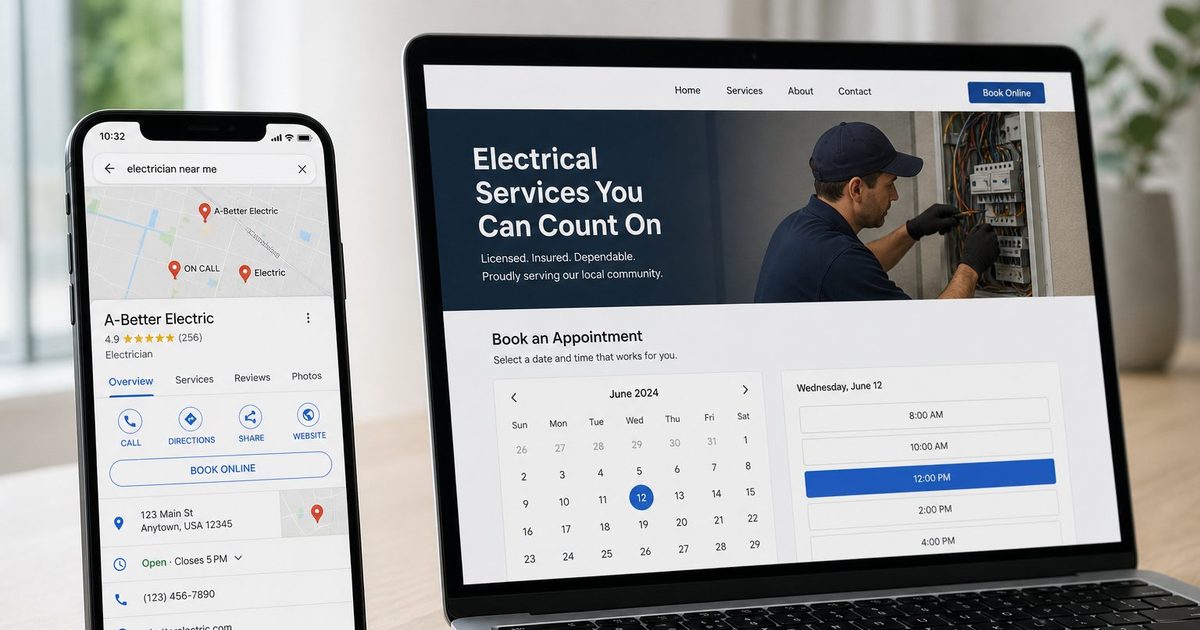
A Sacramento plumber already lives in Google. Gmail for invoices. Drive for job photos. A Google Business Profile that shows up on Maps. When a homeowner asks for a website, he opens Google Sites, picks a template, publishes, and pastes the link into the listing. The page is live. Nobody can book a leak repair on it.
A Kansas City landscaper does the same with a spring-cleanup brochure. A Raleigh cleaner publishes hours, a phone number, and a Google Form that dumps into a spreadsheet she checks after the last house. Sites did what Google says it does: it shared info. It did not become a bookable trade site.
What Google Sites is actually for
Google's own help is plain. You can "create a website for personal or business use with Google Sites," and you can "create a website to share info with others." (Create, name, delete, or copy a site; How to use Google Sites)
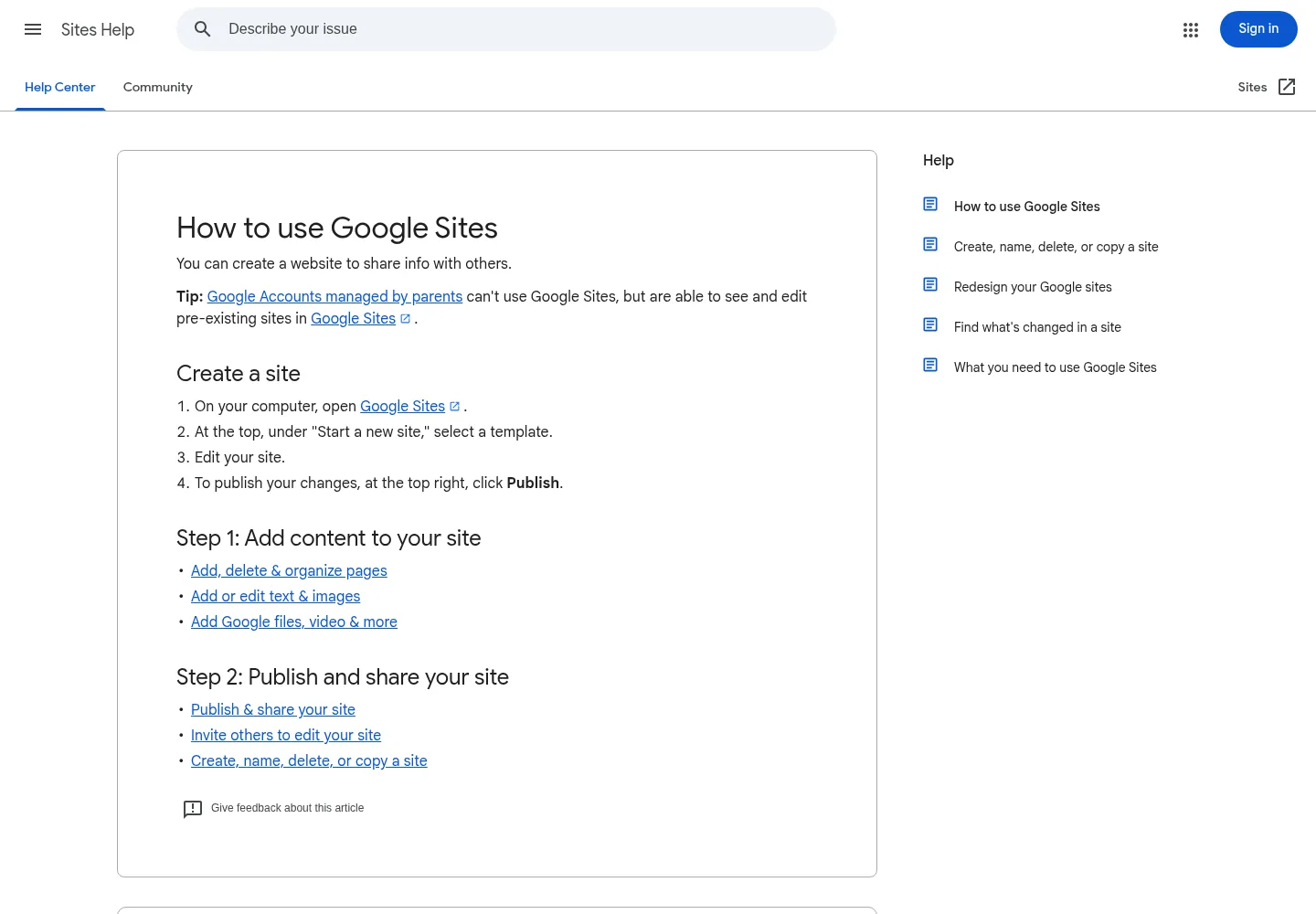
Google’s current Help copy for creating a site. Source: How to use Google Sites (1 Sep 2026).
Google Workspace sells the same product as team pages, not as a local-trade storefront: "Impactful team sites, made easy. Create sites for your team, project or event that look great on any device." (Google Sites, Google Workspace)
That is a good fit for a crew handbook, a job-site safety page, or a one-off event. It is a weak fit for a Houston plumber who needs "emergency drain" versus "water heater install," a calendar, and a confirmation the customer can keep.
Sites is free with a Google account. You publish, set it public, and can connect a custom domain so people type www.yourdomain.com instead of a Google-hosted address. Only the owner can connect a domain (up to five per site; DNS can take 48 hours). If the site is not shared with the world, the custom domain redirects to the sites.google.com URL. (Use a custom domain for your site; Publish & share your site) A custom domain does not add booking. It makes the brochure easier to type.
After the reviews, they look for a website
Most of the jobs you want do not start on your Sites page. They start on Google. They read the reviews on your Business Profile. Then they decide whether you look real enough to hire.
BrightLocal's Local Consumer Review Survey 2026 (1,002 US adults) found that after reading positive reviews, 54% of consumers then check the business's website, up from 32% in 2019. On the same survey, 66% do further research and 34% are ready to buy or book; 20% say they make an appointment. (BrightLocal, Local Consumer Review Survey 2026)
That 54% is not a ranking score. It is a drop-off. If the Website button on a Pittsburgh cleaner's Maps card opens a Sites page with a mailto link, a large share of people who already liked the reviews never get a way to book.
They are doing that check on a phone. Pew Research Center's Mobile Fact Sheet (5,022 US adults, February 5–June 18, 2025) reports that 91% of US adults own a smartphone, and 16% are smartphone-only internet users — they own a smartphone but have no home broadband. (Pew Research Center, Mobile Fact Sheet)
Sites does scale to phones. Google Workspace says sites "look great on all devices, including desktops, tablets, and mobile phones." (Google Sites, Google Workspace) Mobile layout is not the gap. The gap is what the person can do after they land.
Prominence includes sites that link to you. It is not a Sites bonus.
Google does not publish a ranking boost for using Google Sites. Local results are "mainly based on relevance, distance, and prominence." Prominence is "how well-known a business is." That factor "is also based on info like how many websites link to your business and how many reviews you have." (Tips to improve your local ranking on Google)
A Boise landscaper with any public URL is easier to cite than a blank Website field. That is not the same as "publish on sites.google.com and you win the pack." Google is counting how known you are — reviews, links from other sites, the usual local signals. A trade site that suppliers and city pages can link to is doing that job. A locked team wiki is not.
Google also lets you request that public search engines not display a Sites page. Help is explicit: "This is a request and doesn't guarantee that your site won't show up in public search engines." (Publish & share your site) Sites is built so you can hide a page as easily as you can publish one. A bookable shopfront is built to be found.
Indexable is not the same as built for search
Google Search can index Google Sites. In the English Google SEO office-hours from September 2023, a Search Relations speaker said Sites pages "can and do get indexed," but the URLs "are a bit hard to track" because the public version can differ from the logged-in URL. Then: "To be blunt, while it's technically indexable, it's not ideal for SEO purposes and can be complex for tracking in Search Console. If SEO is your primary consideration, it might be worthwhile to explore other options and check the pros and cons before committing." (Google Search Central, English Google SEO office-hours, September 2023; coverage: Search Engine Journal)
That is not "Sites cannot rank." Google said pages can be indexed. It is also not a reason for a Cleveland plumber competing for "plumber near me" to treat Sites as the shopfront. Search is the primary consideration.
Structured data is a Search feature. It is not a Sites control.
Google Search Central documents Local Business structured data so you can tell Google the name, address, phone, coordinates, and hours. Google recommends JSON-LD in the page. Required properties are name and address. Markup can make a page eligible for richer display; Google does not guarantee a rich result. (Local business structured data; Introduction to structured data)
Google Sites Help does not document a native LocalBusiness schema field. What it documents is Insert → Embed: YouTube, Calendar, Maps, Google Forms, and "HTML, CSS, or JavaScript code." (Add Google files, videos, website content, & more) An embed is a widget. It is not a trade website that ships LocalBusiness markup in the theme.
That is a product gap, not a made-up SEO score. Search Central tells you how to describe a local business on a page. Sites does not give a Minneapolis plumber a control for that.
Brochure versus bookable
| Job a US trade needs | Google Sites | A real trade website |
|---|---|---|
| Hours, photos, phone on the web | Yes. That is what Help describes. | Yes, plus services and a city page. |
| Custom domain | Owner-only, up to five, up to 48 hours. | Yes. |
| Show a calendar | Embed a Google Calendar. | Customer picks a service and a time. |
| Finish the booking | No native booking. Form or third-party widget. | Built-in booking, reminders, client history. |
| LocalBusiness structured data | No native schema control in Sites Help. | Kejoola themes include schema aimed at local search. |
| Maps Website + Booking URLs | A homepage you can paste. | Homepage in Website. Booking page in Booking. |
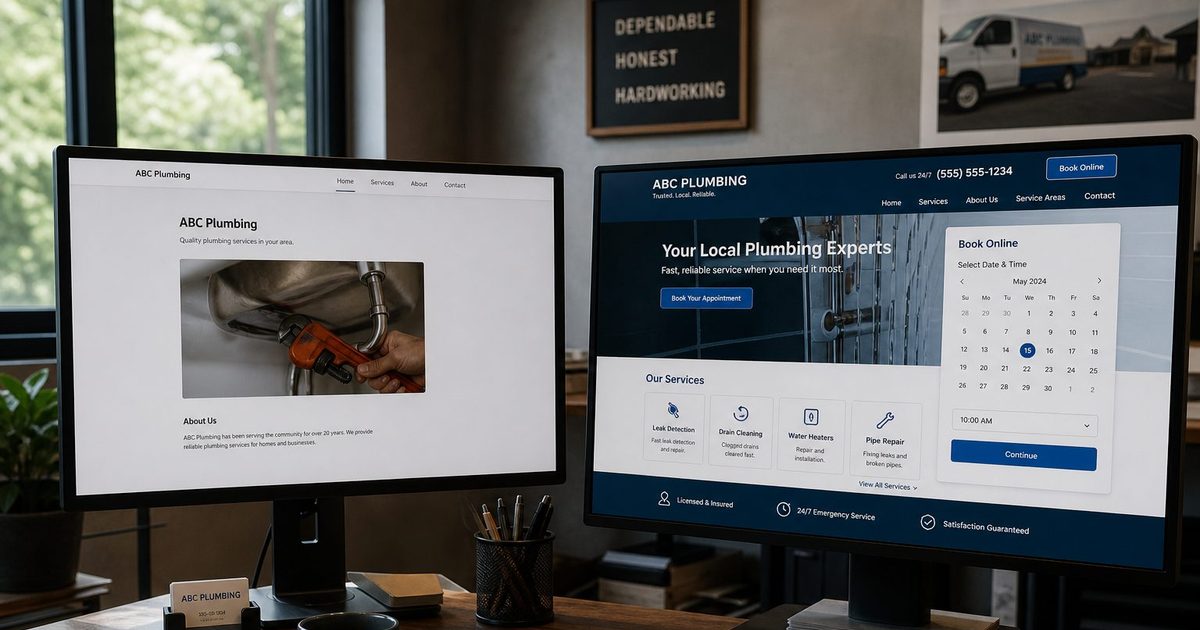
Sites will let you embed a Google Calendar or a Form. That is still a brochure with a widget taped on. The customer is not finishing a drain-snake job. You are still confirming by phone.
A Minneapolis cleaner who needs recurring weekly slots and reminders is not looking for Insert → Embed. She is looking for a desk that runs while she is on a job. Do not "upgrade" to WordPress to fix this. A booking plugin plus a theme plus hosting is a different Sunday maintenance load. A one-truck plumber needs Home, Services, Blog, Contact, and a booking URL. Keep the phone number for people who still want to talk through a slab leak.
What to run instead of a Sites brochure
Kejoola is built for that shape: a 4-page site with online booking for plumbers, landscapers, electricians, and cleaners. No code. It is not a Google booking partner and it is not a ranking guarantee. You publish the site, then you put the homepage in Website and the booking page in Booking yourself. How to add that Book URL is in How to add a booking link to your Google Business Profile. If jobs still close in Facebook chat, that is a separate problem: Why US plumbers should stop booking jobs only in Facebook Messenger.
If the listing already exists and Sites is the stand-in, start from the listing at kejoola.com/start/google-business. The longer walkthrough is Turn your Google Business listing into a booking website.
Live monthly pricing on kejoola.com as of 1 September 2026 (annual billing is also listed):
- Lite — $24/month — website only, if you already have another calendar
- Starter — $39/month — up to 50 bookings/month
- Professional — $89/month — up to 300 bookings/month
- Business — $159/month — unlimited bookings
Starter is the floor if the point of leaving Sites is to take jobs online. Lite does not include Kejoola booking. A 14-day trial is available with no credit card (sign-up). Kejoola's FAQ says most owners publish the first site and booking page in under an hour. Add real services and availability before you send anyone to Book.
Keep the Google account and the Business Profile. Keep Sites for the crew handbook if you want it. Put the public shop on a site that can take the job. Use Sites when the page is for people who already know you. Use a real website when a stranger in Sacramento, Kansas City, or Raleigh has just read your reviews and needs a time they can take without waiting for you to climb out of a crawl space.
Sites is the free brochure. It is not the bookable trade site.