Roofing Website: What a Bookable Site Needs
A roofing website that wins repair, replacement, and storm inspection jobs proves you are a licensed local roofer, lists roof work in plain words, and lets homeowners book an inspection time from Google.
Josh · Sep 28, 2026 · 8 min read
- roofing website
- roofer website
- roof inspection booking
- storm damage roofing
- google business profile
- home services
Roofing Website: What a Bookable Site Needs
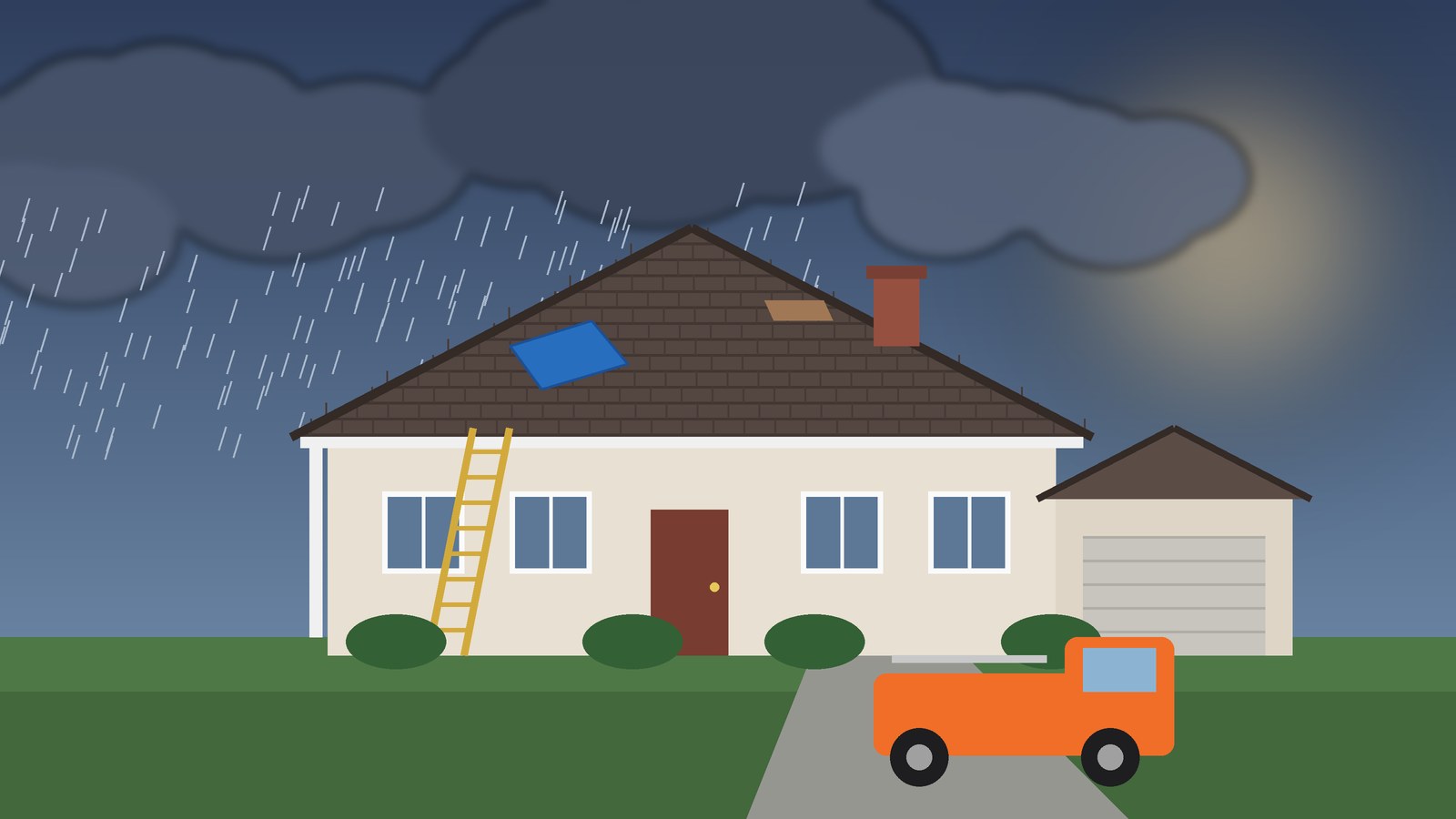
A hailstorm rolls through on Tuesday night. By Wednesday morning, half the street is outside looking up. One house has a water stain spreading across the kitchen ceiling. Another has shingles in the flower bed. A third just wants someone to check before the insurance adjuster comes.
All of them search "roofer near me." Most have also heard about storm chasers. They want a real local roofer, and they want that roofer on the roof this week.
A roofing website that books those jobs does both. It proves you are licensed, insured, and local. Then it lets the homeowner pick an inspection time without a round of voicemails. Related patterns for other trades: home service website and booking website for home services.
What a roofing website has to do
A booking-ready roofing website should:
- Look like a real local roofing company. Business name, phone, license number where your state requires one, and the towns you work in.
- List roof work the way homeowners search: roof inspection, storm or hail damage inspection, leak repair, shingle repair, roof replacement, flat roof repair, gutters if you do them.
- Let the homeowner book an inspection or estimate visit with a Book button and open times.
- Keep the booking form short. Name, email, and phone, with a notes box for the address and roof details.
- Give Google Business Profile a Website link and a Booking link that finish the job.
Nobody books a full tear-off from a web form. They book the visit where you walk the roof and write the estimate.
Trust comes first on a roofing site
The Federal Trade Commission tells homeowners what to check before they hire someone after a storm. Its consumer advice says to confirm a contractor's license with the state or county, ask for proof of insurance, and get written estimates from more than one contractor. It also tells people to search a contractor's name with words like "scam," "review," or "complaint," and to be skeptical of anyone promising immediate repairs. (How To Avoid Scams After Weather Emergencies and Natural Disasters)
Your website is where a careful homeowner runs that checklist. Make it easy for them:
- License. Show your license number on Home or Contact if your state or county issues one for roofing.
- Insurance. Say you carry insurance and that you will show proof when asked. Only say it if it is true.
- Local presence. Name the towns you serve and use the same business name that is on your truck and your Google listing.
- What the estimate covers. The FTC says a written estimate should describe the work, materials, completion date, price, and your contact details. Tell homeowners your estimate includes those things.
- Reviews. Link to your Google reviews so people can read them without hunting.
The same FTC page tells homeowners not to rely on a contractor to tell them what their insurance covers, and never to sign an insurance check over to a contractor. Keep your copy on the roof work. Leave coverage promises off the site.
The short site shape that works for roofers
A roofing company does not need a thirty-page site to book inspections. Four pages cover it. Kejoola builds that shape for home service businesses: Home, Services, Blog, and Contact, with online booking. You pick a theme, fill in your services, add pictures of your own roof jobs, set your colours, and hide the sections you do not need.
| Page | Job for the homeowner | Job for you |
|---|---|---|
| Home | Confirm you are a real, licensed local roofer | Match name, phone, and towns to your Google listing |
| Services | Pick inspection, repair, replacement, or gutters | Set what each first visit covers and how long it takes |
| Blog | Read storm season tips and local job write-ups | Optional support for "roofer + city" searches |
| Contact | Phone, license, office hours | Backup when online slots are full |
| Booking | Pick a time, then leave address and roof details in notes | Fill the inspection calendar with drive time built in |
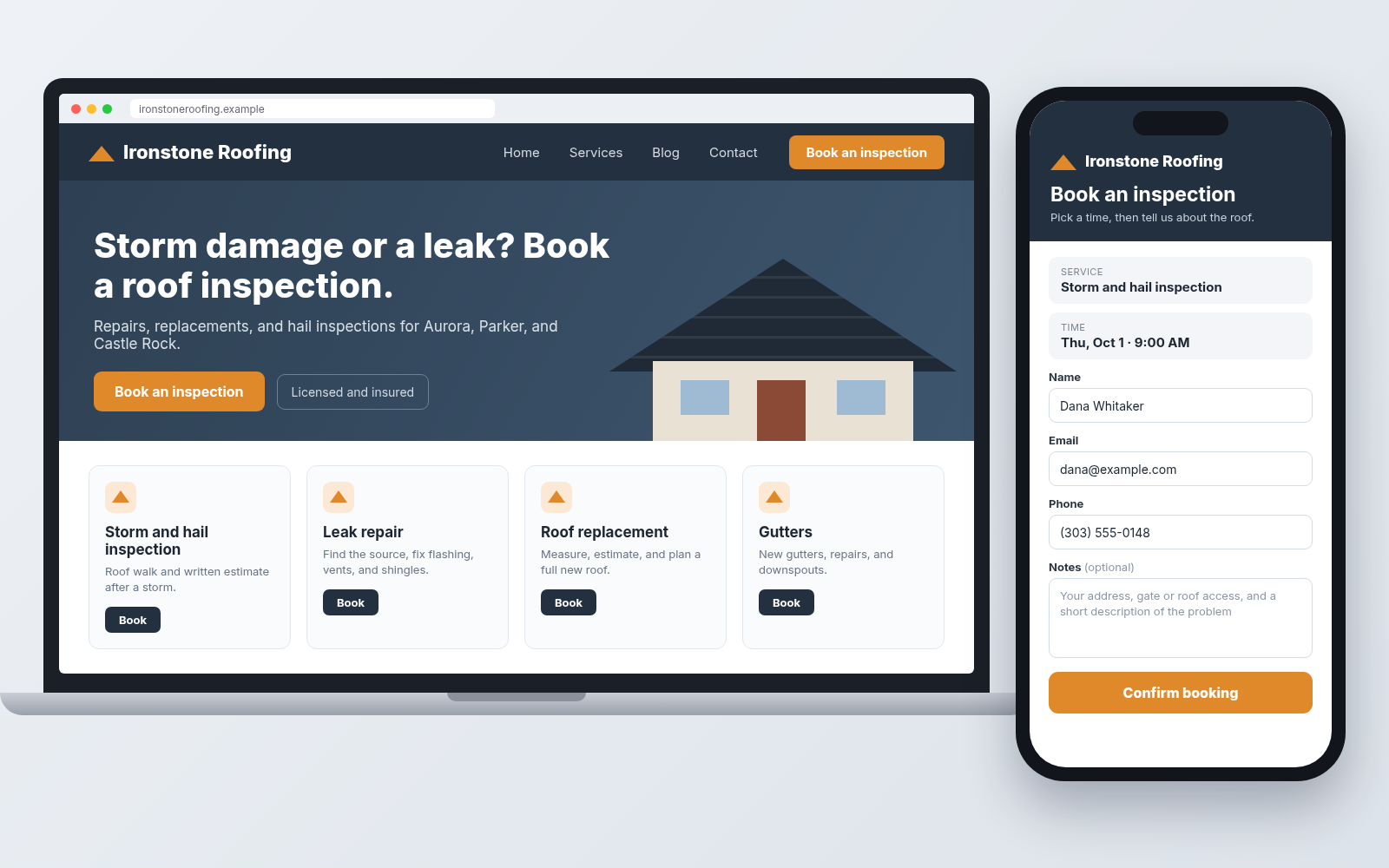
Sample bookable roofing site for the fictional Ironstone Roofing. Illustrative mock only.
Services page: the roofing words homeowners search
Write services the way homeowners search. "Roof leak repair." "Hail damage roof inspection." "Missing shingles." "Roof replacement." "Flat roof repair." "Gutter installation." Skip vague labels like "exterior solutions" or "roofing services" as your only option.
Split repairs from replacements. A leak around a vent boot and a full shingle replacement are different visits, and people search for them differently.
For each service, answer four questions:
- What is it? Leak repair, storm inspection, full replacement, gutters.
- What happens on the first visit? Inspection and written estimate, or a repair on the spot for small jobs.
- How long is the visit? A single-leak check is shorter than measuring a two-story roof for replacement.
- What should the homeowner tell you? Point them to the notes box on the booking form.
Booking: inspection times, with the details in notes
The Book button should sit on Home and on every service. It should lead to open inspection times that already include drive time between houses.
Keep the form short. The booking form asks for name, email, and phone, plus a notes box. Tell homeowners what to type in the notes:
- The street address of the house.
- Roof access details, like a locked side gate, a dog in the yard, or where a ladder can go.
- A short description of the problem. Where the leak shows up, when they noticed it, and the date of the storm.
- Whether an insurance adjuster visit is already scheduled.
That note is enough for you to plan the route and show up ready. Put a plain line on your Services and Contact pages too: "When you book, please include your address, gate or roof access notes, and a short description of the problem."
Storm week honesty. After a big hail or wind event, your calendar fills fast. Close the times you cannot staff. Do not promise same-day inspections you cannot keep. The FTC tells homeowners to be wary of anyone promising immediate repairs, so a realistic "next open inspection is Friday" builds more trust than "ASAP."
Confirmations and reminders help the homeowner keep the slot.
Google Website + Booking links
Google Business Profile lets you add links that help customers learn about your business, plus action links like Booking for Search and Maps.
- Website: your roofing homepage.
- Booking: the page where a homeowner picks an inspection time.
To add a Booking link on Search, open your Business Profile, select Booking, then Add link, paste the URL, and Save. On Maps, open your profile, select Edit profile, choose the Booking transaction type, then Add link, paste, and Save. (Manage your local business links)
Google's link rules matter here. The link has to go to a dedicated landing page for your business and let the customer complete the action. Local business links cannot be social media sites, messaging links, app store links, or link shorteners. Your profile has to be verified before you can add a link, and Google may remove links that break the rules. (Business links policies & guidelines)
That rules out a Facebook Page or Messenger link as your Booking destination. If you need a clean booking URL to paste, the free Booking Link Generator can help. For the full walkthrough, see how to add a booking link to Google Business Profile.
Name, categories, and service areas
Google asks you to use your real-world business name, the one on your signage and trucks, and to choose the fewest categories that describe your core business. (Guidelines for representing your business on Google) "Ironstone Roofing" is a name. "Ironstone Roofing Best Hail Repair Denver" is keyword stuffing.
Most roofers visit the customer and do not serve walk-ins. Google calls that a service-area business, one that visits or delivers to customers but does not serve them at the business address. You can list up to 20 service areas by city, postal code, or other area. You cannot set a radius. Google also says the overall service area should not extend more than about two hours of driving from where your business is based. (Manage your service areas)
List the towns you really work in, even after a big storm two states over. If you do not serve customers at your office, hide the address and keep the service areas. See hide your address on Google Business Profile.
Get a roofing site homeowners can book from
If you want a roofing site that shows your license, lists your roof work, and lets homeowners book an inspection time, you can get a roofing site customers can book from with Kejoola. Already have a Google Business listing? Paste your listing link to get a starting site, then make it yours with your services, your towns, and pictures of your own roofs.
14-day free trial, no card needed. Online booking starts on the Starter plan.
Owner checklist
- Home shows your real business name, phone, license number where required, and the towns you serve.
- Services lists inspection, storm or hail inspection, leak repair, shingle repair, replacement, and gutters, each with what the first visit covers.
- A Book button leads to open inspection times with drive time built in.
- Services and Contact ask homeowners to put the address, roof access notes, and a short description of the problem in the notes box.
- Storm weeks show honest availability.
- Google Business Profile uses your real name, few categories, and service areas within about two hours of your base.
- Website and Booking links point at your homepage and your booking page, not Facebook or a shortener.
Prove you are the real local roofer, then make the inspection easy to book. When the next storm hits, the homeowner with the stained ceiling picks a time on your calendar.
Sources
- How To Avoid Scams After Weather Emergencies and Natural Disasters (FTC Consumer Advice)
- Manage your local business links (Google Business Profile Help)
- Business links policies & guidelines (Google Business Profile Help)
- Guidelines for representing your business on Google (Google Business Profile Help)
- Manage your service areas (Google Business Profile Help)
- Kejoola
- Kejoola Booking Link Generator
- Start from your Google Business listing